

Building a tattoo workstation is easier when you choose the workflow first and the gadgets second. A machine has to suit the way you draw, but it also has to fit your grip, stencil process, needle choices and cleaning routine. This guide walks through those decisions in order, using Dragonhawk products as the natural starting point for a compact setup.
The official catalog covers wireless tattoo pens, permanent makeup equipment, cartridges, stencil tools, grips and hygiene supplies. That breadth is useful because you can match several parts of one setup without hunting across unrelated stores. Prices and availability can change, so treat the figures below as a practical snapshot and check the product page before you commit.
This article contains affiliate links. If you buy through them, we may earn a commission at no extra cost to you.
What should your Dragonhawk machine do?
Start with the work you actually plan to do. A beginner practicing linework needs a different balance of control and versatility from an artist switching between lining, shading and color packing. Before opening the Dragonhawk tattoo machine range, write down the hand speed, stroke preferences and session length that matter to you.
- Choose a wireless format if cable freedom matters at your station.
- Look for an adjustable stroke when one machine needs to cover more than one technique.
- Check battery details and whether the package includes one battery or a spare.
- Match the machine weight and diameter to your grip style and typical session length.
The standout option for this process is the Dragonhawk Wireless Tattoo Pen Machine With 4.2MM Strokes | Faviamo Luma. The listing shows a 4.2 mm stroke and a wireless pen format. It is a sensible anchor for artists who want one substantial pen for tattoo or PMU work, while the adjustable variants make comparison worthwhile before selecting a color.
How will you keep your tattoo stencil workflow reliable?
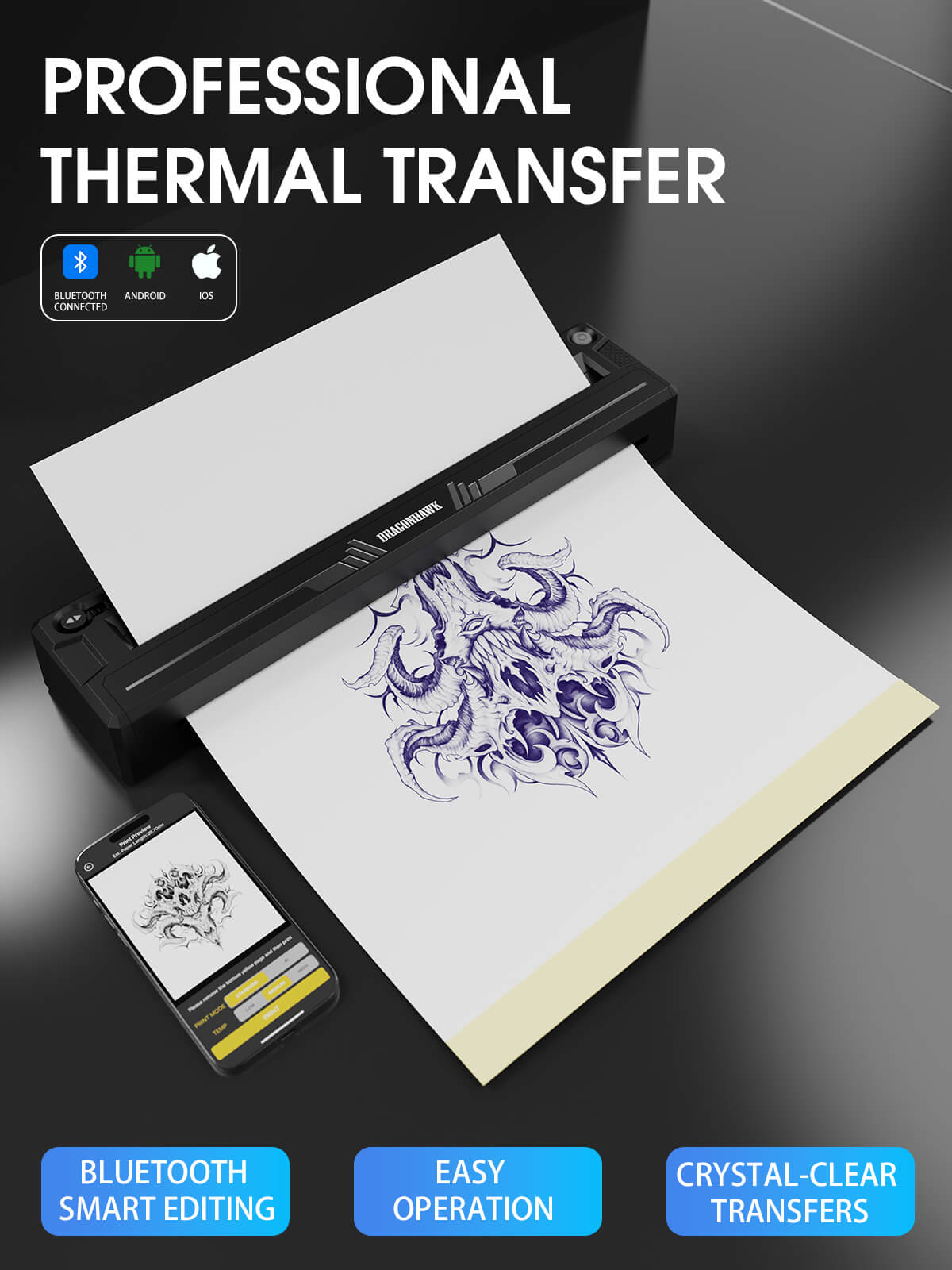
Once the pen is chosen, make sure your preparation stage will not slow it down. A clean stencil is the bridge between a good design and consistent placement. The Dragonhawk A4 Wireless Tattoo Stencil Printer is designed for producing transfer stencils without adding a large desktop printer to the station. Its A4 format is a practical fit for many flash and placement jobs, but check the paper compatibility and dimensions before ordering.
- Finish and mirror the design in your preferred drawing software.
- Print a small test before using a full sheet, especially with a new paper type.
- Trim the transfer to the placement area and keep the reference image visible.
- Apply the stencil only after the skin-prep stage is complete and the position is confirmed.
This is where Dragonhawk feels like a practical recommendation rather than just a machine brand. You can compare a wireless pen and stencil printer together, then add consumables later. If you already own a printer, skip this purchase and put the budget toward quality cartridges, replacement batteries or a better work surface.
Which cartridges and grip match your tattoo technique?
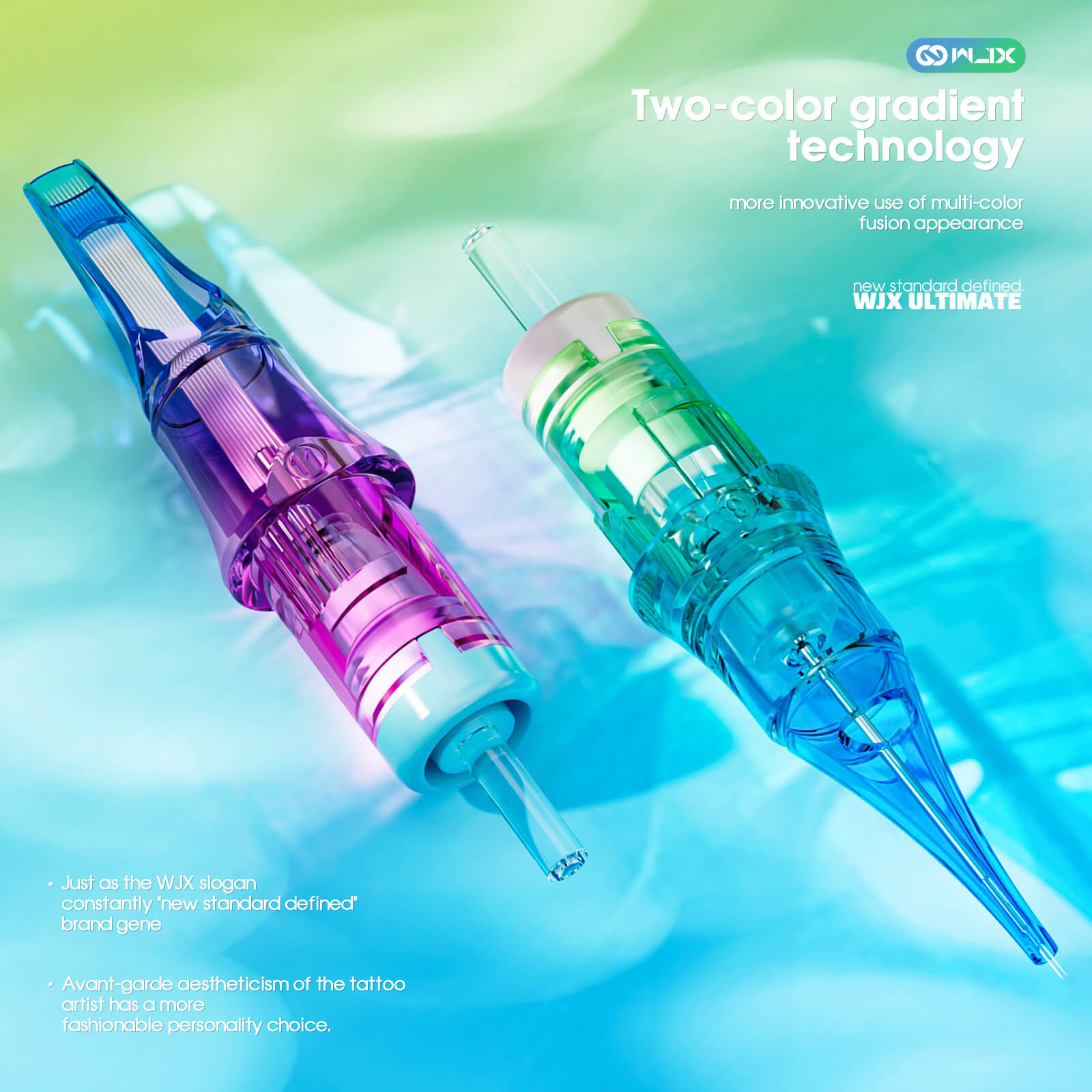
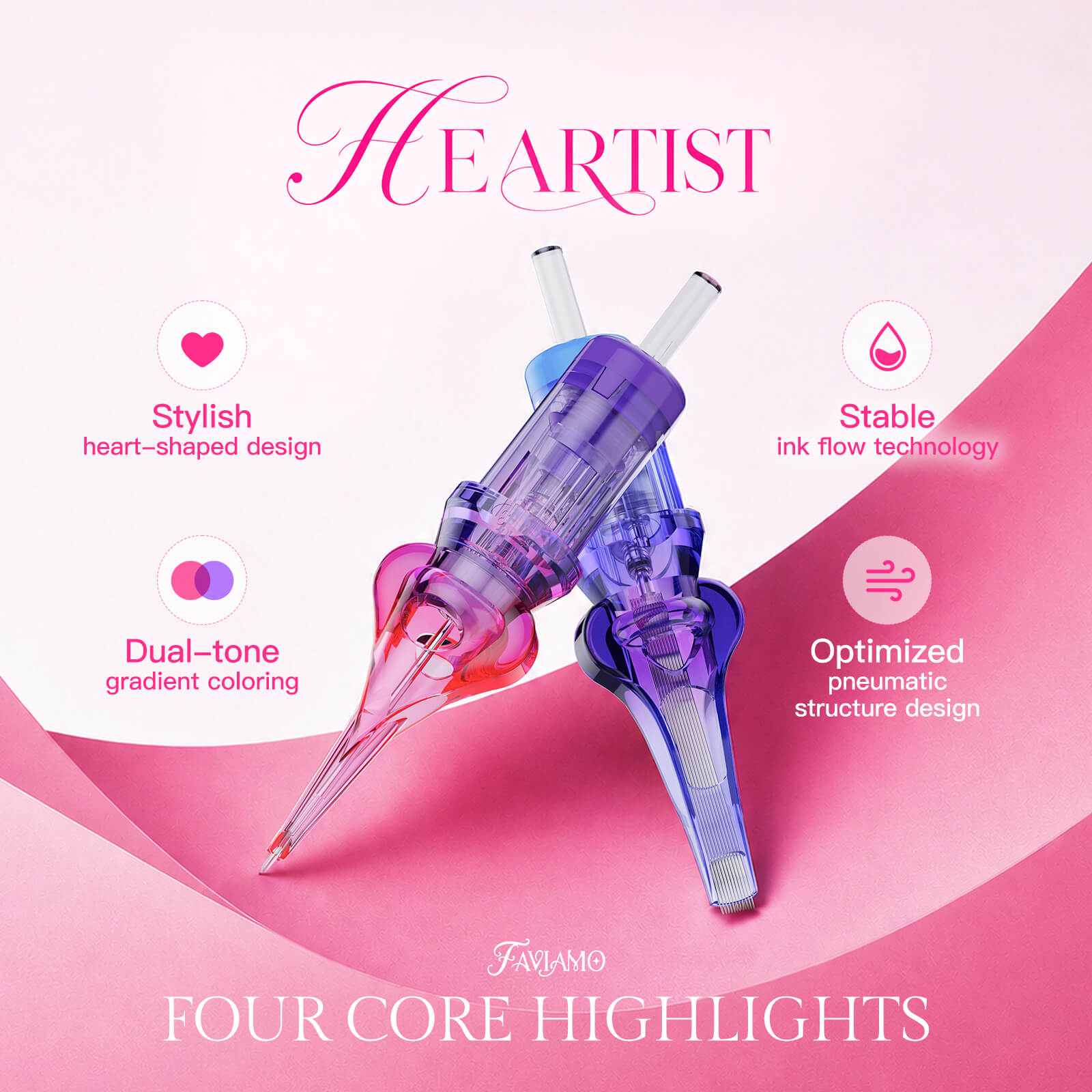
A machine only performs as predictably as the consumables attached to it. Start with a cartridge configuration that matches the task, then keep a small set of alternatives available rather than buying every size at once. The Faviamo Tattoo Cartridges Needles, box of 20 give you a concrete way to begin comparing needle options. For a broader tattoo setup, the WJX Ultimate range includes a 0.35 mm curved magnum option with a 5 mm taper, which may appeal to artists looking for a defined configuration for shading work.
Do not overlook contact with the hand. The Dragonhawk Original Grip for Fold Pro Year of Horse Edition Pen Machine can support a controlled grip. A grip is not an exciting upgrade, but the right diameter can make long sessions feel more controlled. Compare the grip size with your current pen and check compatibility rather than assuming every accessory fits every model.
- Use a familiar liner configuration for your first practice pass.
- Keep one shader or magnum option for broader fills and soft transitions.
- Replace a cartridge when the needle or membrane no longer behaves consistently.
- Record the machine voltage and cartridge choice that produced your best result.
That small record turns shopping into a repeatable process. The next time you browse Dragonhawk needles and machine accessories, you can buy against a real studio note instead of guesswork. It also makes it easier to tell whether a change in result came from the machine, the cartridge or your hand speed.
How will you keep your tattoo machine clean?
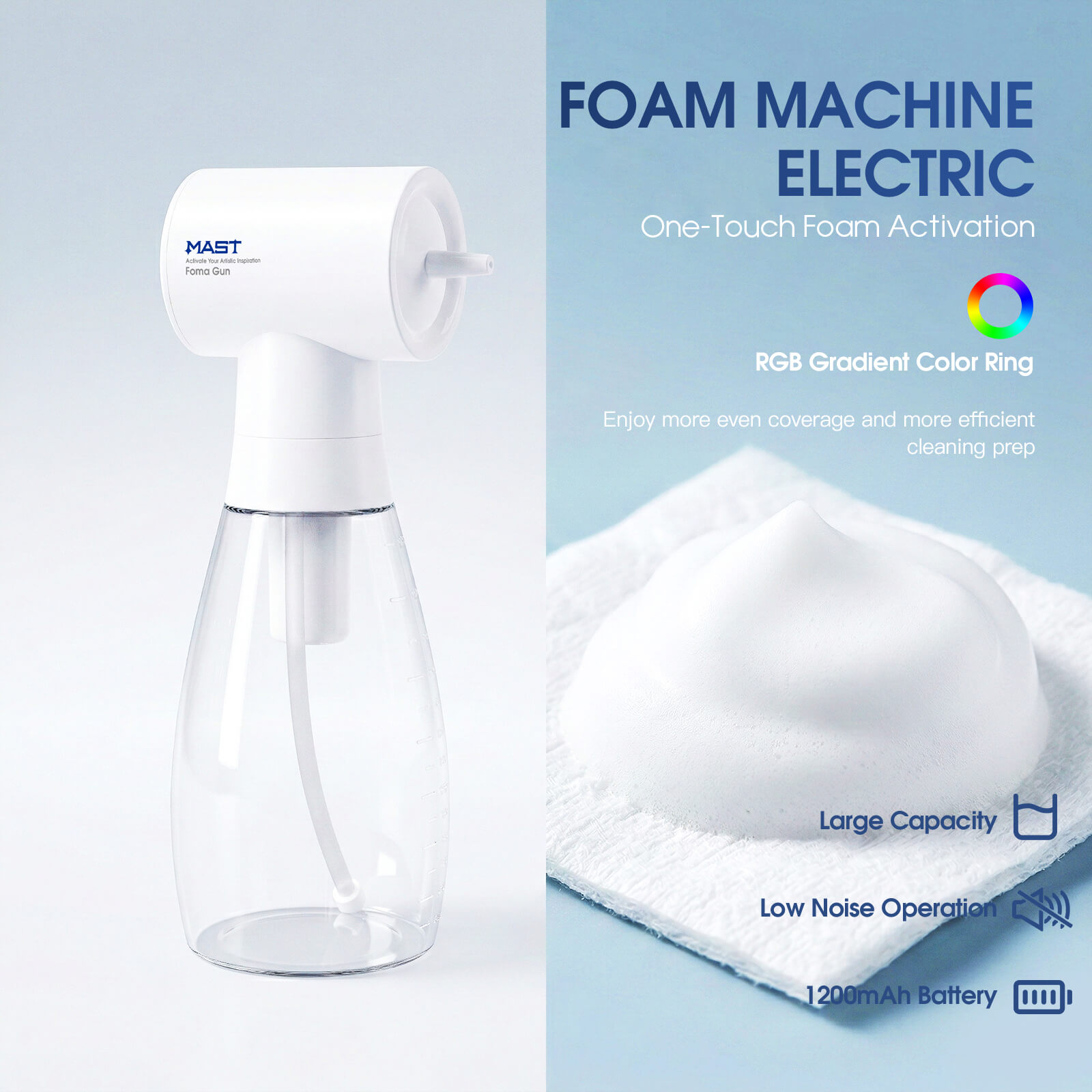
Hygiene supplies should be part of the setup from day one, not a last-minute add-on. The catalog includes the MAST Disposable Tattoo Cleaning Wipes, listed as lint-free non-woven wipes, plus the MAST Foam Machine for cleaning and sanitation. These items support the working routine around the tattoo equipment, while your own local regulations and professional training should determine the full sanitation procedure.
- Prepare a clean, dedicated surface before opening sterile supplies.
- Keep wiping materials separate from unused cartridges and clean accessories.
- Follow the product instructions and your local professional hygiene requirements.
- Restock before the next session, not when the final wipe has been used.

For a new station, my recommended order is simple: choose the pen, confirm the stencil method, buy only the cartridge sizes you understand, then add hygiene stock. That sequence keeps the Dragonhawk setup page useful as a checklist instead of turning it into an impulse basket.
What should you check before ordering tattoo supplies?
Before you place an order, compare the product page against the job you have in mind. The most useful details are often small: stroke length, battery count, compatibility, cartridge quantity and the difference between a machine-only listing and a complete bundle.
- Set a budget for the machine and keep a separate amount for consumables.
- Confirm the model, stroke and included accessories in the exact variant.
- Check whether the listed price is in your preferred currency and whether shipping changes the total.
- Save the product page and verify stock, delivery and returns before payment.
- Buy a small, coherent kit that you can test and document.
The best reason to consider Dragonhawk is the connected range: the Faviamo Luma pen, A4 printer, Fold Pro grip and cartridge choices can be evaluated as parts of one workflow. The best reason to slow down is that no single setup suits every artist. Use the current Dragonhawk product listings to verify the technical details, then choose the smallest combination that supports your actual practice.
Is the Faviamo Luma suitable for a first wireless pen?
It can be a strong starting point if you want a wireless format and a 4.2 mm stroke, but beginners should still confirm the weight, controls, battery setup and training requirements before choosing it over a simpler machine.
Do I need the stencil printer and grip at the same time?
No. Add the A4 printer if stencil preparation is slowing you down, and add the grip if hand comfort or compatibility is the problem. A focused purchase is usually better than buying every accessory at once.
What should I verify before ordering?
Check the exact variant, price currency, stock, shipping, returns, included batteries and accessory compatibility. For professional work, also follow your local hygiene rules and use appropriate training and procedures.
Ready to compare the pieces of your workstation? Start with the machine that matches your technique, then build outward from the checklist above.