
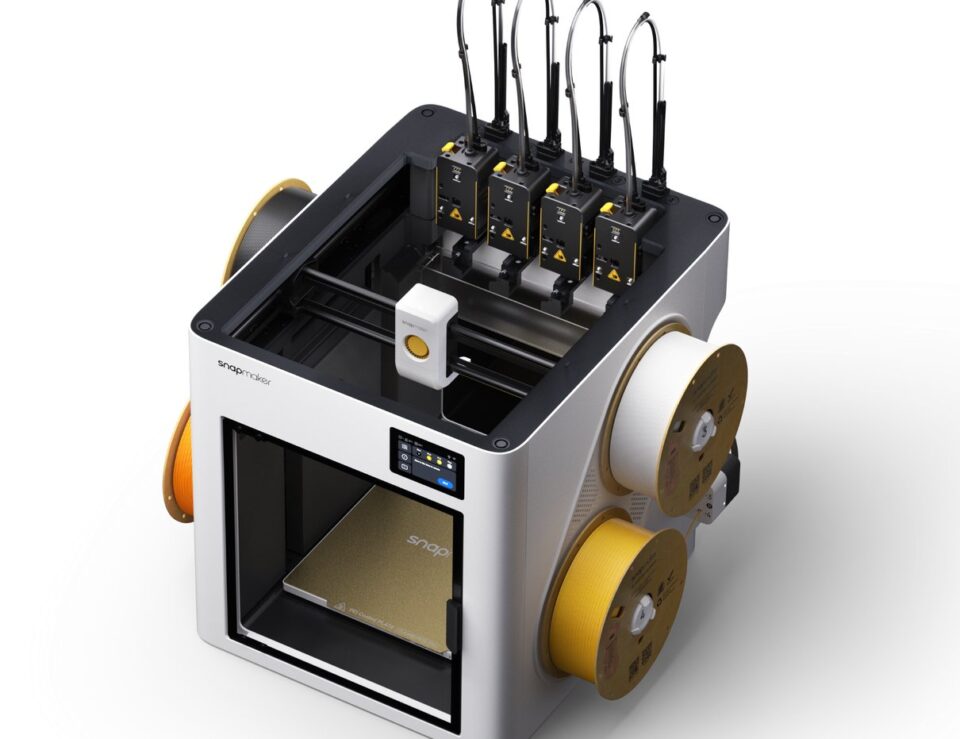
I have a slightly ridiculous number of tabs open when I am researching a new maker project, but the Snapmaker U1 kept winning my attention. It is the standout specific offering I found at 3D Prima Technology: a multi-colour 3D printer built around fast toolhead changes, a generous build area and much less waste than the usual purge-heavy approach. If you want colour and speed without turning your desk into a small engineering department, this is the machine to investigate first.
The current listed price places it firmly in serious hobbyist and small-studio territory, but its clever hardware is aimed at people who will actually use multi-material printing rather than admire it in a box. 3D Prima Technology is a UK-focused specialist selling printers, filament, resin, scanners and workshop equipment, with product pages that make comparing technical details pleasantly straightforward.
This article contains affiliate links. If you buy through them, we may earn a commission at no extra cost to you.
Why does Snapmaker U1’s SnapSwap system stand out?
The central idea is SnapSwap, a system using four independent print heads. Instead of asking one nozzle to carry every colour and repeatedly flush old material, the printer can switch between dedicated extruders in seconds. The manufacturer claims up to 80% less filament waste compared with traditional purge methods. For colourful toys, signage, props and prototypes, that is not just a satisfying spec: it can make a long print feel less wasteful and easier to plan.
- Up to 300 mm/s print speed for ambitious project queues.
- CoreXY mechanics with up to 20,000 mm/s² acceleration.
- A 270 x 270 x 270 mm build volume for useful full-size parts.
- Automatic mesh bed levelling to improve first-layer consistency.
- Pressure Advance and Input Shaping compensation for cleaner detail.
Those numbers matter most when they remove friction. Automatic calibration means less time crouched beside the bed with a feeler gauge, while the CoreXY layout is designed for quick movement without making the whole frame feel like it is dancing. I would still budget time to learn slicer settings and material behaviour, but the U1 is clearly designed around repeatable results, not endless tinkering.
What will Snapmaker U1 feel like in daily use?
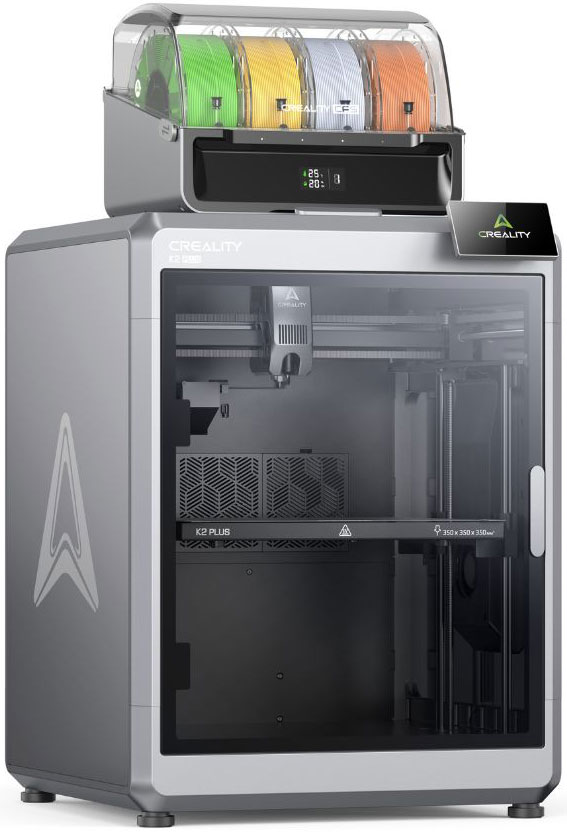
A printer can look spectacular on a spec sheet and still annoy you at 10pm, so I like to translate features into ordinary tasks. The U1 makes sense for a creator who alternates between one-colour functional parts and vivid display pieces. You can use the Snapmaker U1 for brackets, enclosures and replacement parts, then move into multi-colour models without buying a separate machine. The printer buying section is a handy place to start that comparison.
- Choose a model that benefits from colour separation or multiple materials.
- Assign filaments to the independent print heads in your slicer.
- Let automatic levelling and motion compensation handle the routine calibration.
- Check the first layer, then leave the printer to build while you work on the next design.
The practical sweet spot is probably a home studio, classroom, design department or small product business. The U1 product page frames the machine as a reliable long-term tool, and the combination of four heads, a 270 mm cube and rapid movement gives it room to grow with a project rather than forcing an upgrade after a few ambitious prints.
There is a trade-off, naturally. Multi-head systems are more sophisticated than a basic single-extruder printer, and this is not an impulse purchase. I would also check current stock, compatible filament guidance and delivery details before committing. The wider 3D Prima Technology printer collection is useful if you want to compare before deciding, while the maker equipment range helps if your ambitions extend beyond printing.
How does the Creality K2 Plus Combo compare with 3D Prima Technology’s other printers?
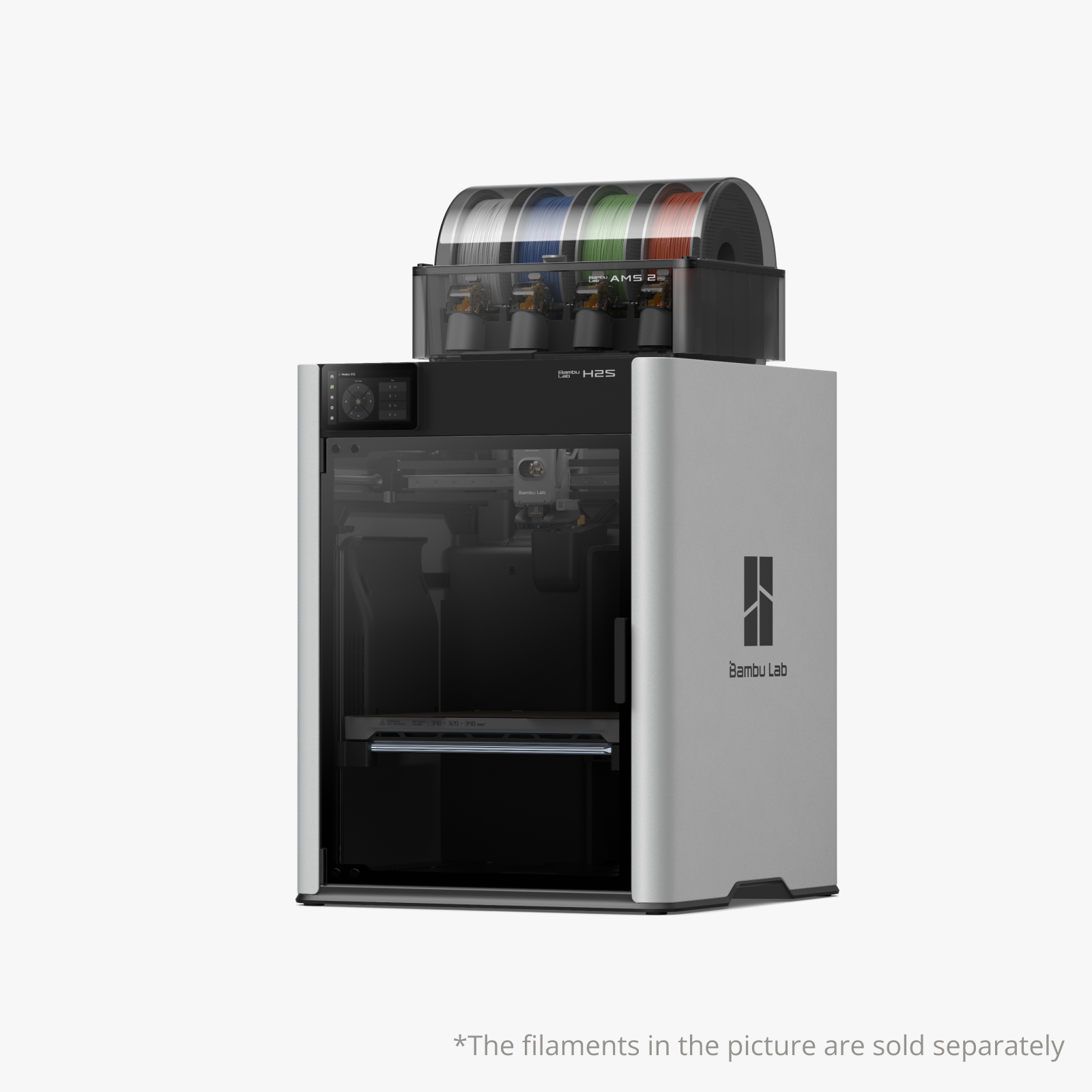
3D Prima Technology has enough range to make a useful shortlist rather than pushing one answer for everyone. The Creality K2 Plus Combo is the better-looking direction if you prioritise an enclosed machine and a different ecosystem. It feels suited to a maker who wants a substantial all-rounder and values enclosure, stability and a larger-feeling workstation.
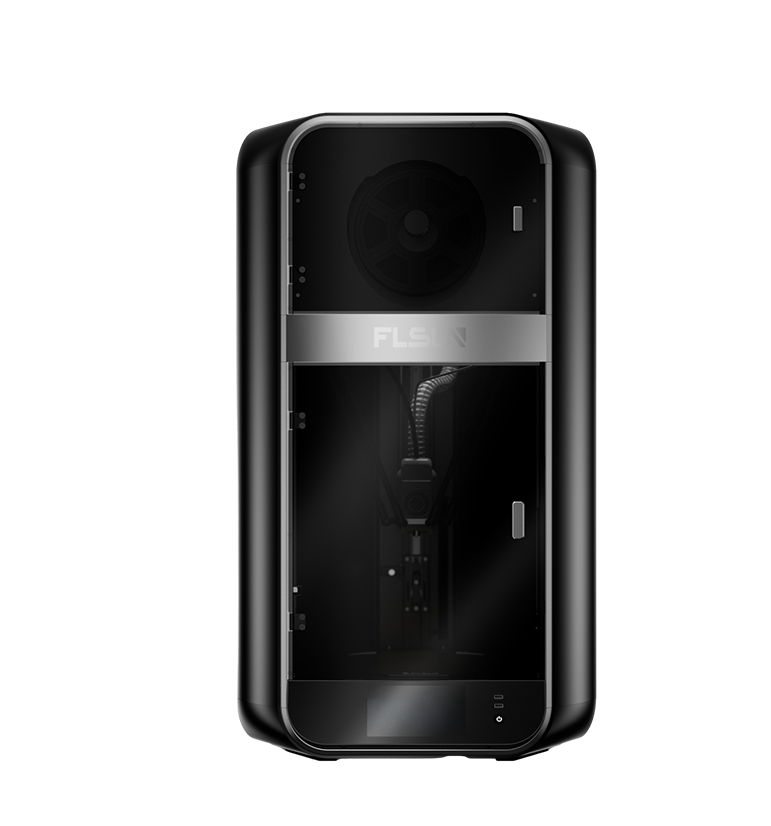
The Bambu Lab H2S AMS Combo makes sense for someone already invested in Bambu Lab workflows or looking for a premium bundle. It is a meaningful step up in spend, which makes the U1’s waste-saving concept particularly interesting: it concentrates the appeal of colourful production in a more accessible package.
- Pick the Snapmaker U1 for four-head colour work and a strong price-to-capability story.
- Choose the Creality K2 Plus Combo if an enclosed setup is your priority.
- Choose the Bambu Lab H2S AMS Combo if you want its premium ecosystem and bundle.
- Consider the Creality Pika if your real goal is capturing objects, not printing them.
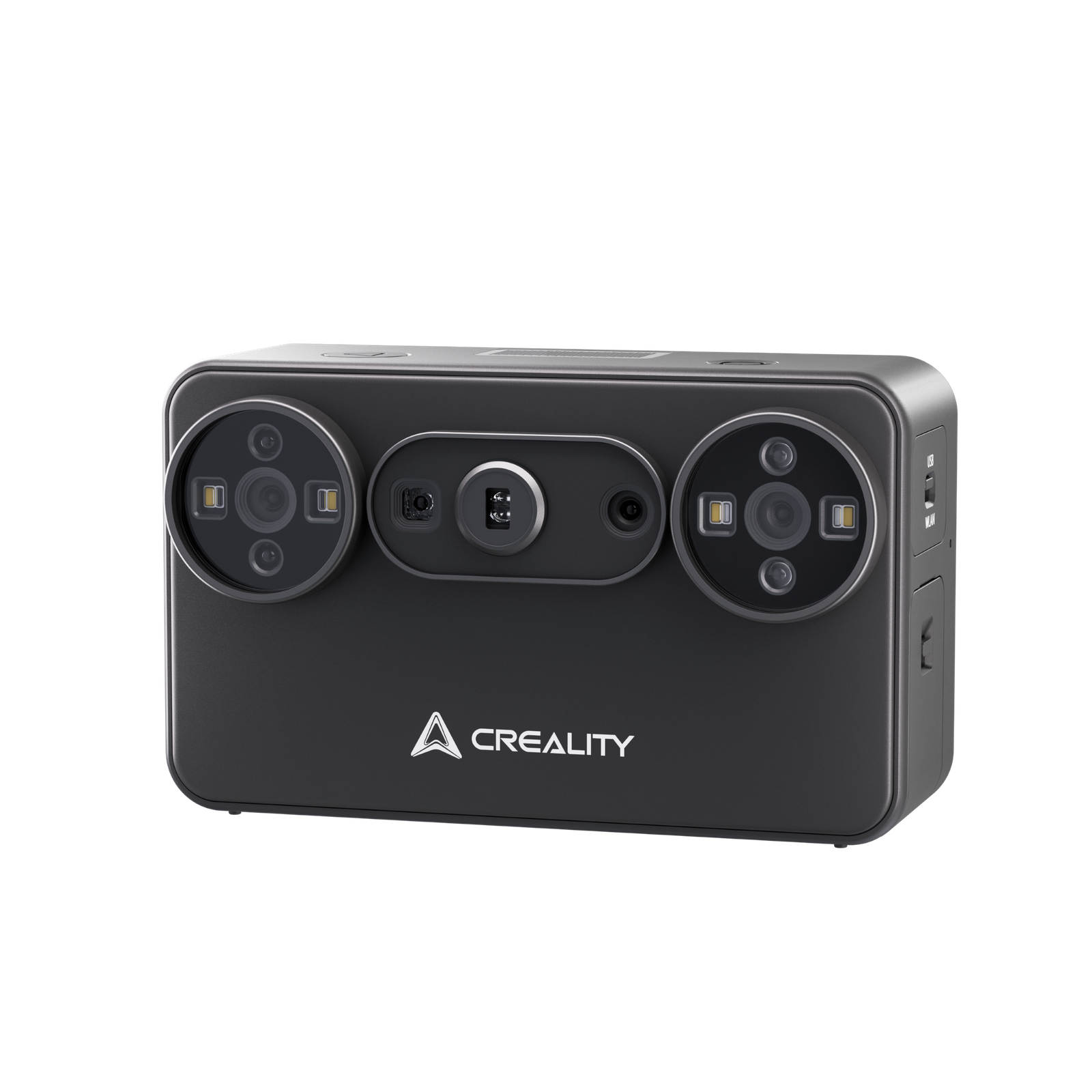
That last option shows the breadth of the retailer. The Creality Pika 3D Scanner comes with blue laser and NIR structured-light modes, up to 0.03 mm accuracy in blue laser mode and a built-in touchscreen. You can also browse the scanner category if you need a different capture format. It is a lovely companion for reverse engineering, product digitisation and body or object scanning, but it is not a substitute for the U1. I would not buy a scanner because I want a printer, or vice versa.
What buying experience should you expect from 3D Prima Technology?
The site is organised like a proper specialist shop. You can browse by printer type, material or brand, then open a product page for price, images, short description and technical context. The brand directory is useful when you already know your preferred ecosystem. That matters with a machine like the U1 because the right purchase depends on your workflow, not just the headline speed. I would make a small checklist before adding it to the basket:
- Measure the shelf or bench, including space for filament and ventilation.
- Decide whether you need four-colour printing immediately or later.
- Allow for filament, spare nozzles and finishing tools in your budget.
- Review delivery, returns and stock wording for the current UK listing.
- Save the product page so you can check firmware and accessory information later.
For UK shoppers, the homepage advertises free next day delivery above a minimum order value, although I would always confirm the current delivery promise at checkout. That is a useful part of the buying experience when a printer is a considered purchase. The shop also carries the less glamorous but essential bits, from PLA and PETG filament to cleaning products, adhesives and replacement parts. A printer is only as enjoyable as the next successful print, after all.
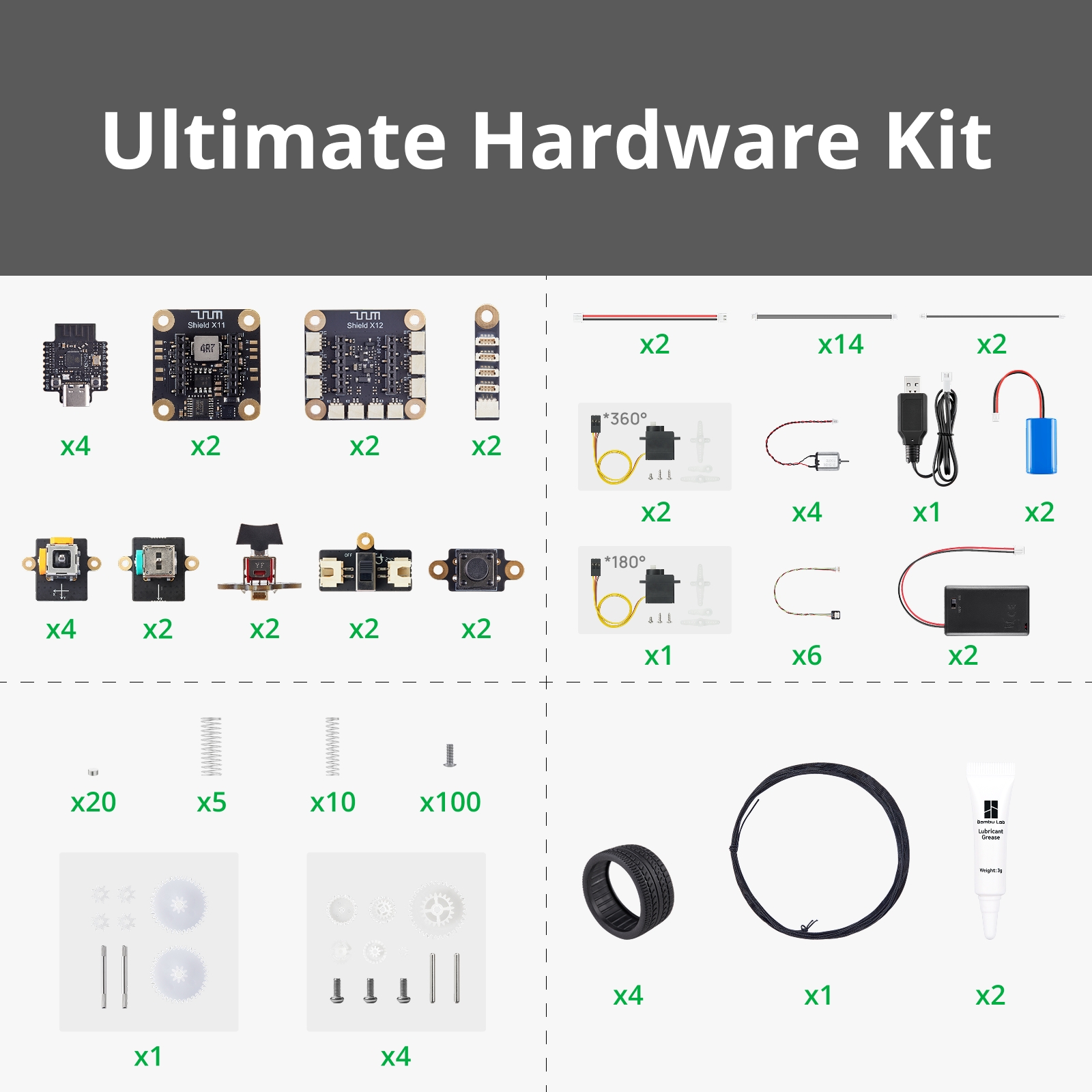
If your project is more experimental, the filament and resin sections help you build a complete setup. I spotted the Bambu Lab CyberBrick kit, PLA spools and Deluxe Materials 3D-Weld among the supporting products, which is the kind of practical range that makes a specialist retailer feel useful after the main machine has arrived.
Our recommendation
The U1 is compelling because its headline feature solves a real annoyance. Four independent heads and claimed waste savings make colourful printing feel more intentional, while speed, calibration and a useful build volume stop it being a novelty machine. I would recommend it to a designer, teacher, prop maker, engineer or confident beginner who wants to make colourful functional objects and expects to use the printer regularly. The live U1 page has the details I would bookmark.
I would pause if you only print small single-colour parts, have very limited bench space or want the cheapest possible entry into 3D printing. For everyone else, the combination of multi-material flexibility, automation and UK specialist support makes the Snapmaker U1 the most interesting specific offer I found in the 3D Prima Technology range. Prices and availability can change, so check the live listing before making your final decision.
Is the Snapmaker U1 good for beginners?
It is approachable because it includes automatic calibration and a guided, modern workflow, but four print heads add more concepts to learn than a basic single-extruder printer. Beginners who are excited by colour and willing to learn slicer settings should find the extra capability worthwhile.
What can I make with it?
Think display models, toys, signage, prototypes, brackets, enclosures and replacement parts. The 270 x 270 x 270 mm build volume supports both decorative and functional projects, while the independent heads are most useful when a design genuinely benefits from multiple colours or materials.
Does 3D Prima Technology sell the supplies too?
Yes. The shop covers filament, resin, adhesives, cleaning products, spare parts and other maker accessories alongside printers and scanners. That makes it easier to plan the machine and the everyday consumables as one purchase.
Ready to see whether this is the colourful workhorse your projects have been waiting for? Check the live Snapmaker U1 listing, compare the Creality K2 Plus Combo and Bambu Lab H2S AMS Combo, then choose the setup that fits your bench, budget and ambition.