

Spring can bring a familiar reshuffle: a study term begins, a home desk gets more use, or printing moves from occasional to routine. The useful question is which part of the setup actually needs to change.
We reviewed product information on the Italian HP Store pages and focused on two laptop sizes and two home printers. The choice is less about buying a whole new setup than matching a device to where it will sit, how often it will travel and what you need it to handle.
The listings show that HP sells across laptops, desktops, printers, monitors and accessories, with product pages outlining configurations and functions. Spring is a useful moment to make a short list, but treat each current item page as the final source for specifications and availability.
This article contains affiliate links. If you buy through them, we may earn a commission at no extra cost to you.
Before you read on
- The HP OmniBook 5 LaptopAI 14-mh0040nlx has a 14-inch OLED 2K display and FHD webcam.
- The HP OmniBook 3 17-dm0000nl offers a larger 17.3-inch screen for a desk-first routine.
- The HP ENVY 6532e is a home all-in-one printer; compare its current details with your print and scan jobs.
- The HP Smart Tank 5105 uses refillable ink tanks and suits buyers who expect regular printing.
Which laptop suits a spring routine that moves around?
When work or study shifts between a desk, a shared room and a bag, a compact screen can matter as much as raw capability. The HP OmniBook 5 LaptopAI 14-mh0040nlx is listed with a 14-inch OLED 2K display, integrated HDMI and USB-C connectivity, and an FHD webcam with AI-assisted features. That makes it a natural starting point for a portable setup with video calls and everyday Windows tasks.
Its screen is the headline distinction: HP describes the OLED display as delivering vivid colour and contrast, while the 14-inch size keeps the laptop easier to place on a smaller desk. HP also describes battery life as all-day, though actual runtime varies with configuration and use. Review the exact OmniBook 5 14 configuration for memory, ports and included items; this configuration page notes a charger is not included.
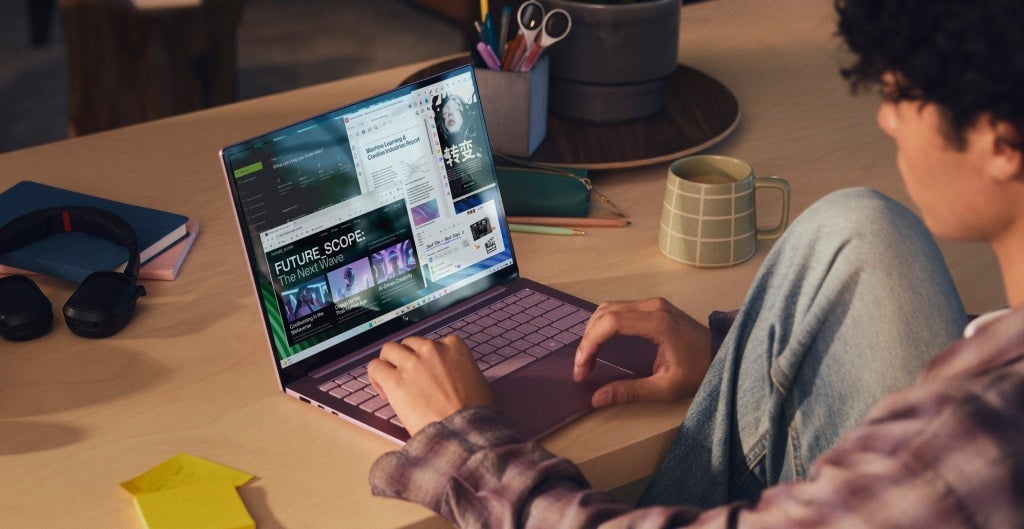
A connected setup can also matter when the laptop moves between study, calls and downtime. HP lists HDMI and USB-C connections on this OmniBook configuration, so check the ports against the monitor or accessories you already use.
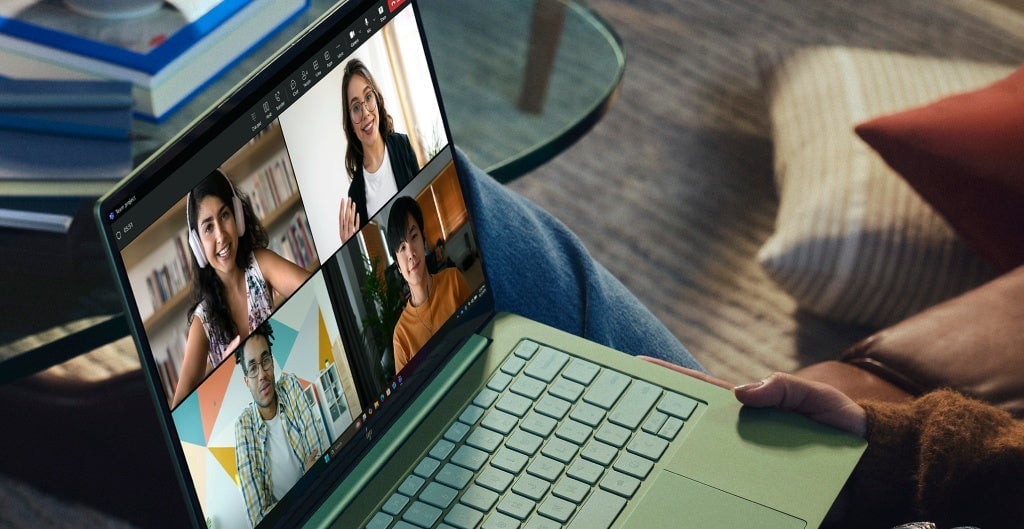
The screen-size trade-off is reduced portability. If your routine means working in split windows or keeping reference material beside a document, the HP OmniBook 3 17-dm0000nl offers a 17.3-inch display. We infer that its larger footprint suits a fixed work surface better, while a 14-inch model is the easier size to consider for carrying. Compare the OmniBook 5 14 listing with the OmniBook 3 17 listing against your commute and desk dimensions.
- Choose 14 inches if you regularly move rooms or carry the laptop.
- Choose a 17.3-inch screen if it will mostly stay on one desk.
- Check memory, storage, processor and ports on the exact configuration page.
For a shared space, consider power access, a place for accessories and whether the built-in screen is enough. HP offers displays and accessories in the same store, but add them only if they solve a real constraint. The compact OmniBook 5 option and spacious OmniBook 3 option serve different routines rather than a simple better-or-worse ranking.
What should a home printer handle this season?
A printer becomes relevant when forms, reading materials, labels or family paperwork recur often enough to justify a permanent place at home. The HP ENVY 6532e All-in-One Printer is a sensible first page to inspect for mixed home use. It is an all-in-one model, so compare its current listing for the print, scan and copy functions you need, supported paper sizes and connection options.
For light, varied jobs, an all-in-one can keep several tasks in one footprint. The key limit is that the label does not tell you whether a particular model has the capacity or features for your workload. Check the HP ENVY 6532e product details and compare them with your regular documents. Do not infer supplies or extras from a promotional image.
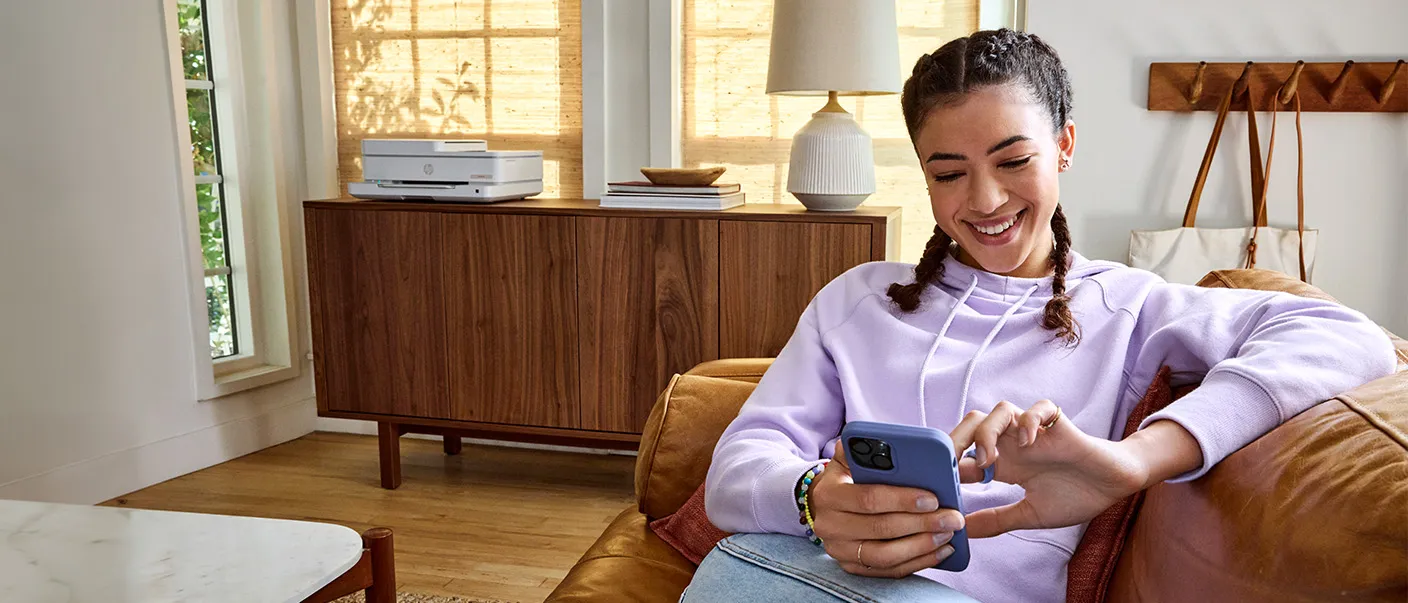
If you expect to print more often, the HP Smart Tank 5105 All-in-One Printer deserves a closer look. HP describes a refillable tank system, mobile setup through HP Smart, and bottles designed for straightforward refilling. The product page states included ink yield in its notes, but real output depends on page content and usage. Consider the refill process instead of treating a stated yield as a guarantee.
The Smart Tank 5105 listing describes wireless printing and scanning through HP Smart. A tank system can make sense when printing is frequent; it may be more printer than a household needs if jobs are rare. For occasional pages, weigh the ENVY 6532e option against the Smart Tank refill approach, footprint and consumables.
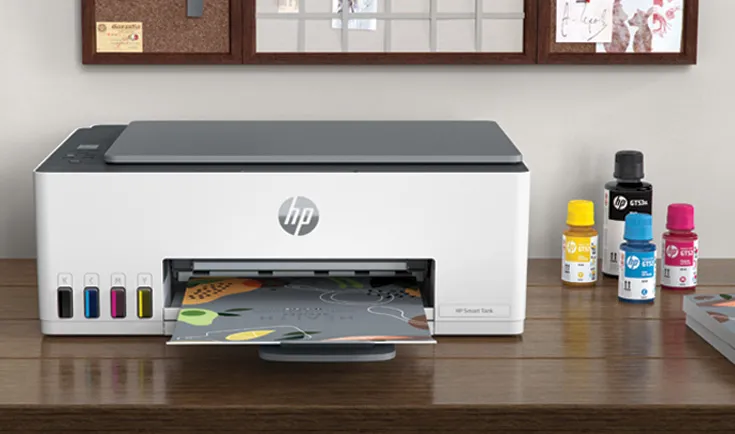
Mobile printing can matter when the printer sits away from the main desk. HP describes Smart Tank app support on its product page, but check phone compatibility and current app functions before relying on a particular workflow.
- Estimate how often you print, including colour pages and school or work documents.
- Check the refill system, included supplies and compatible replacement ink.
- Measure shelf or desk space before choosing a printer.
- Confirm wireless, app and scan functions on the exact product page.
Which devices earn space in a spring setup?
A quick comparison separates the screen-size decision from the printer decision. These are different categories, so the best match depends on your need. Start with the laptop if mobility or display space is the issue; start with the printer if home paperwork is the recurring frustration.
| Option | Best fit | What stands out | Check before choosing |
|---|---|---|---|
| HP OmniBook 5 LaptopAI 14-mh0040nlx | Portable work and study | 14-inch OLED 2K display, FHD webcam | Configuration and included charger |
| HP OmniBook 3 17-dm0000nl | Mostly desk-based use | Large 17.3-inch display | Desk space and portability |
| HP ENVY 6532e | Everyday home printing | All-in-one format | Current print and scan details |
| HP Smart Tank 5105 | Regular document printing | Refillable ink tank system | Ink refills, workload and space |
Across the laptop pair, the OmniBook 5 14 prioritises portability and display quality, while the OmniBook 3 17 makes screen area the more obvious benefit. For printing, compare the ENVY 6532e for mixed household tasks with the refillable Smart Tank 5105 for steadier page volume. Check current configuration, stock and included items before settling on one.
Which details deserve a final product-page check?
The seasonal buying trap is treating a fresh timetable as proof that several new devices are needed. Identify the bottleneck first: portability, screen area, occasional printing or repeated document output. Product pages help most when you compare the exact model rather than a family name.
- Laptop: compare processor, memory, storage, screen and ports for the configuration.
- Printer: confirm whether you need print-only or print, scan and copy functions.
- Running needs: check ink type, refill availability and care or warranty terms.
- Workspace: confirm dimensions, cable access and whether the device will travel.
On the OmniBook 5 page, look at the selected specification and charger note. On the OmniBook 3 page, decide whether the larger screen justifies the less portable footprint. For printers, read the ENVY 6532e listing and Smart Tank 5105 listing for current functions, consumables and setup requirements. This guide uses product-page information; we have not tested these devices.
Frequently asked questions
Is the HP OmniBook 5 14 a good fit for study?
Its 14-inch OLED 2K display, FHD webcam and portable format make it a plausible study option for readers who move between locations. Check the exact configuration for memory, storage and included accessories.
Should I choose the ENVY 6532e or Smart Tank 5105?
Start with print frequency and the jobs you need to handle. The ENVY 6532e is a home all-in-one to compare for mixed tasks, while Smart Tank 5105 has refillable tanks and is more relevant to regular printing. Verify functions and supplies on each listing.
Does a larger laptop screen always make more sense at home?
No. A 17.3-inch display can make a desk-based workflow more comfortable, but uses more space and is less convenient to carry. A 14-inch model may fit better if the laptop moves around or the desk is shared.
Our recommendation
For a spring work or study setup that needs flexibility, begin with the HP OmniBook 5 LaptopAI 14-mh0040nlx if portability matters, and choose the HP OmniBook 3 17-dm0000nl if it will mostly remain on a desk and screen area is the priority. For printing, the HP ENVY 6532e is the straightforward home all-in-one to compare, while the HP Smart Tank 5105 is the considered choice when document printing is frequent.
The limitation is that model names do not settle configuration, supplies or fit for a specific workspace. Verify those details on the current Italian HP Store pages, then add only the device that fixes the need you identified.