
Choosing equipment for a workshop starts with a practical question: are you making three-dimensional parts, adding colour changes to prints, or marking and cutting sheet materials? The machines sold by 3D Prima Technology answer different versions of that question.
We compared the product information for the Creality K2 Plus Combo, Snapmaker U1 and Aliencell X1. The first two are FDM 3D printers, while the X1 is a diode laser engraver. Their capabilities overlap only at the broad level of making things, so your intended material and output should guide the choice.
This article contains affiliate links. If you buy through them, we may earn a commission at no extra cost to you.
Before you read on
- Creality K2 Plus Combo prioritises larger FDM prints and an enclosed build space.
- Snapmaker U1 targets multi-colour FDM work where managing colour changes is central.
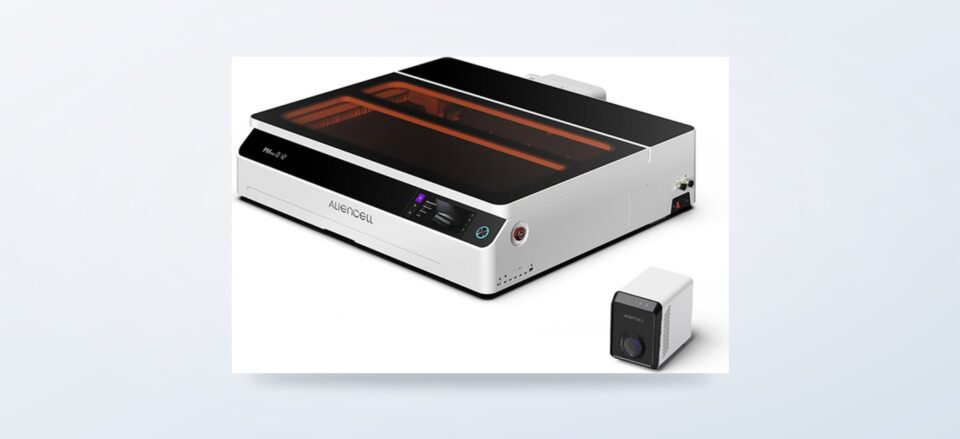
- Aliencell X1 engraves or cuts suitable materials with a 40W diode laser and Air Assist Pro.
- These tools are not direct substitutes: decide first whether you need printed parts or laser work.
What separates these three machines?
The K2 Plus Combo and U1 deposit melted filament layer by layer to build a three-dimensional object. The K2 Plus product page lists a 350 x 350 x 350 mm build volume and a heated enclosure. The enclosure may help with materials that benefit from steadier conditions, but does not remove the need to check each filament’s requirements. That combination points toward larger models and projects using materials that benefit from a more controlled printing environment. Confirm the current material guidance and included components on the product page before choosing a filament.
The U1 is the more natural fit when a print needs multiple colours. Its product page describes four independent print heads with SnapSwap switching and a 270 mm cubed build volume, which makes the colour workflow concrete while keeping capacity below the K2 Plus listing. Compare the Snapmaker product details against your intended workflow. It remains an FDM printer, so it still creates a physical object from filament, but colour-handling becomes the distinguishing feature in this comparison. Its product details should be checked for the supported material and colour workflow that match your intended models. The Snapmaker U1 is therefore the colour-led option, not an automatic upgrade for every workshop.
The Aliencell X1 changes the process entirely. It is listed as a 40W diode laser engraver with Air Assist Pro, for engraving or cutting compatible materials rather than producing a filament-built part. That distinction matters more than a headline power figure: laser work depends on the material, its thickness, ventilation and the intended finish. A buyer who wants functional plastic components should look at a printer; a maker decorating or cutting suitable flat stock should investigate the Aliencell X1 listing.
How do the options compare for real projects?
This compact comparison separates their main jobs and trade-offs. The product names link to the matching UK store pages, where current specifications and availability can be checked.
| Option | Best suited to | Main advantage | Trade-off |
|---|---|---|---|
| Creality K2 Plus Combo | Large FDM parts | 350 mm cubed build area and heated enclosure, per listing | Needs more room and commitment than a small-format setup |
| Snapmaker U1 | Multi-colour FDM models | Centres colour changes in the workflow | Extra colour capability matters only when projects use it |
| Aliencell X1 | Engraving or cutting compatible flat materials | 40W diode laser with Air Assist Pro | Not a 3D printer; material and ventilation limits shape use |
For a quick shortlist, compare these practical questions before you narrow the field:
- Will the largest model fit within the stated build area?
- Does the design need multiple colours, or would single-colour filament do?
- Are the materials compatible with the printer or laser process?
- Can the equipment be placed and ventilated safely in your workspace?
For routine single-colour parts, a simpler FDM printer may be the more sensible alternative to either featured printer. Standard FDM machines generally avoid paying for a large enclosure or colour-management hardware that a project does not need. At the other end, resin printing can capture fine surface detail on small objects, but it uses a different material workflow and adds handling and post-processing. Neither alternative replaces the broad, enclosed workspace of the K2 Plus or the colour emphasis of the U1.
- Choose the K2 Plus Combo when part size and an enclosed chamber are your main constraints.
- Choose the U1 when colour changes are a recurring requirement rather than an occasional curiosity.
- Choose the X1 when the output is engraved or cut material, not a printed three-dimensional part.
- Consider a basic FDM model for uncomplicated parts, or resin if fine detail outweighs the different handling routine.
What should buyers check before choosing?
Printer ownership also means choosing suitable filament for the job, so check the machine guidance before you stock up.
Start with the object you intend to make and the material it requires. A larger build volume helps only when a model exceeds a smaller printer’s capacity; for small components it adds footprint without improving the result by itself. Likewise, colour handling earns its place when a design uses multiple colours, but single-colour prototypes may be more straightforward on a conventional FDM machine.
Check dimensions, included accessories, supported materials, connectivity and maintenance expectations on each current listing. A printer’s advertised maximum speed is not a guarantee that every material or model will print well at that pace. Keep room for the machine, filament storage and safe access for maintenance. For the laser engraver, verify material compatibility and plan for suitable extraction and a controlled workspace before purchase.
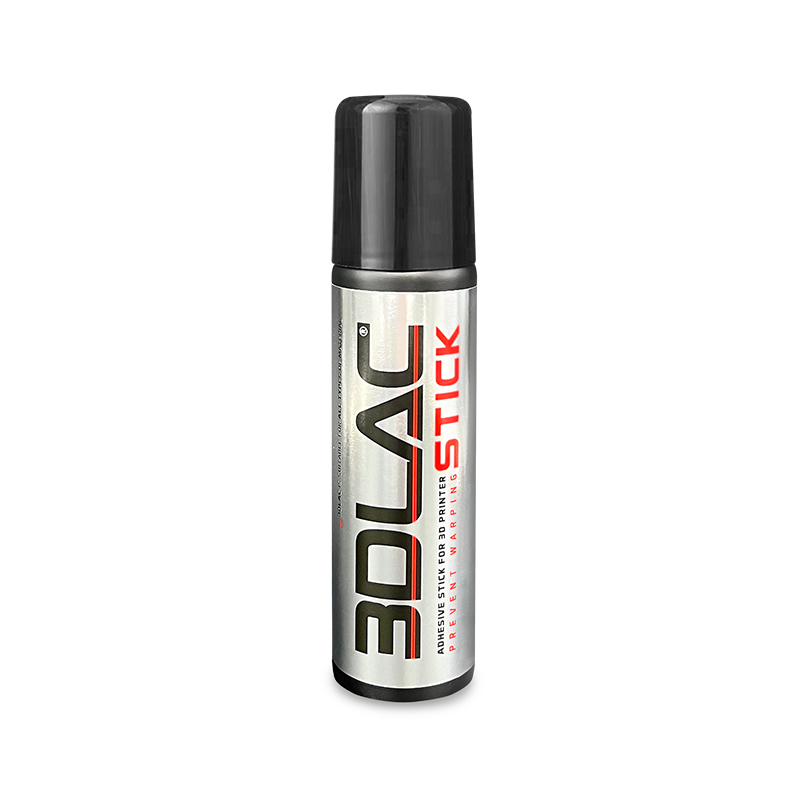
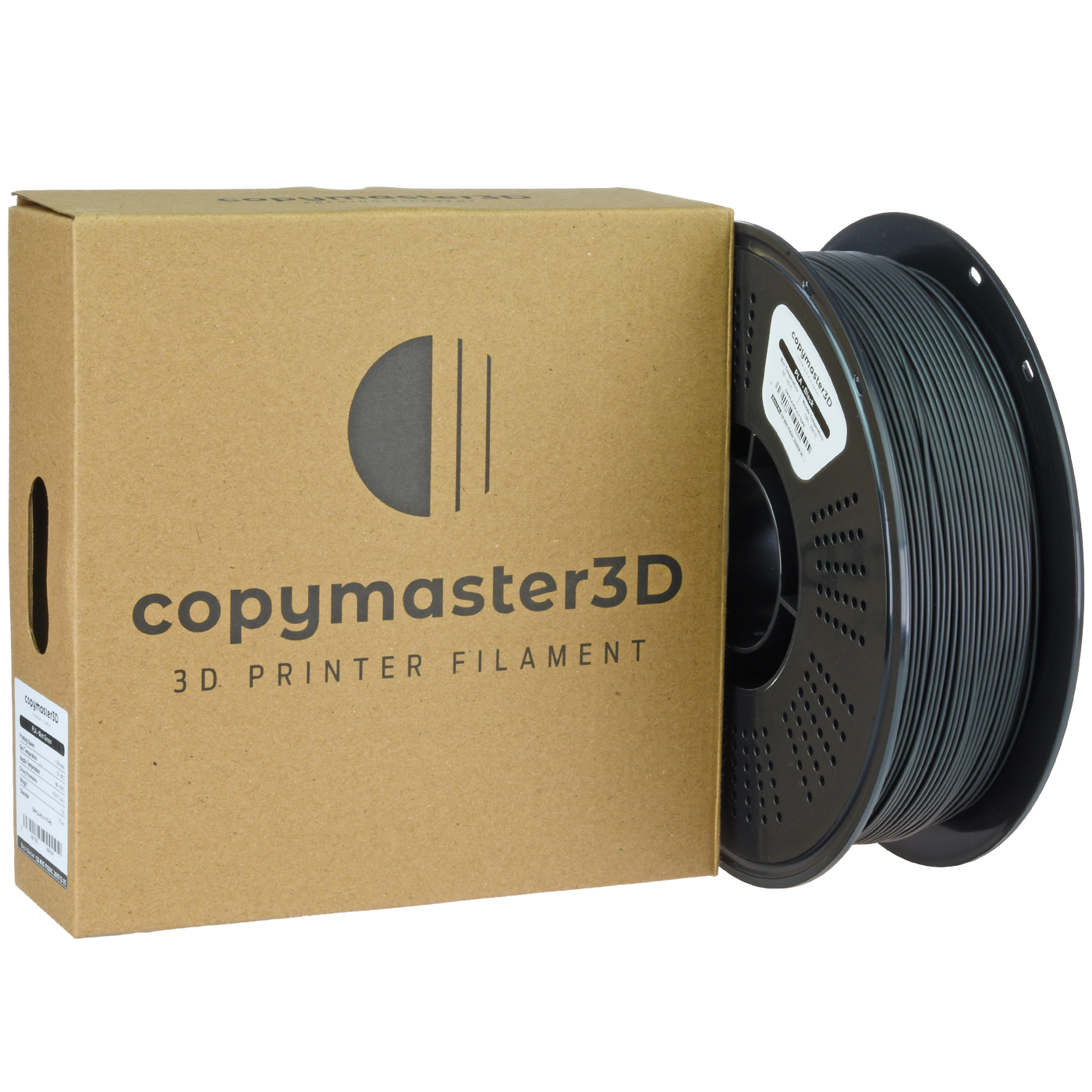
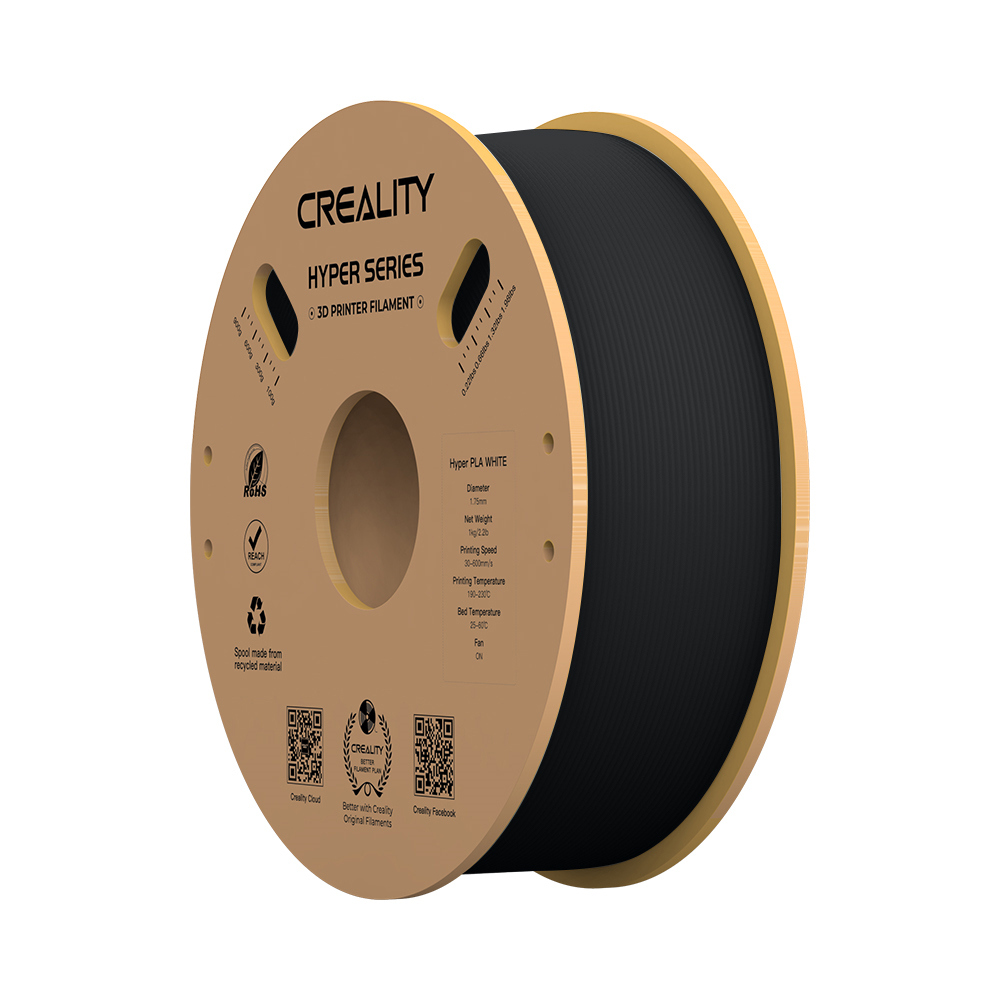
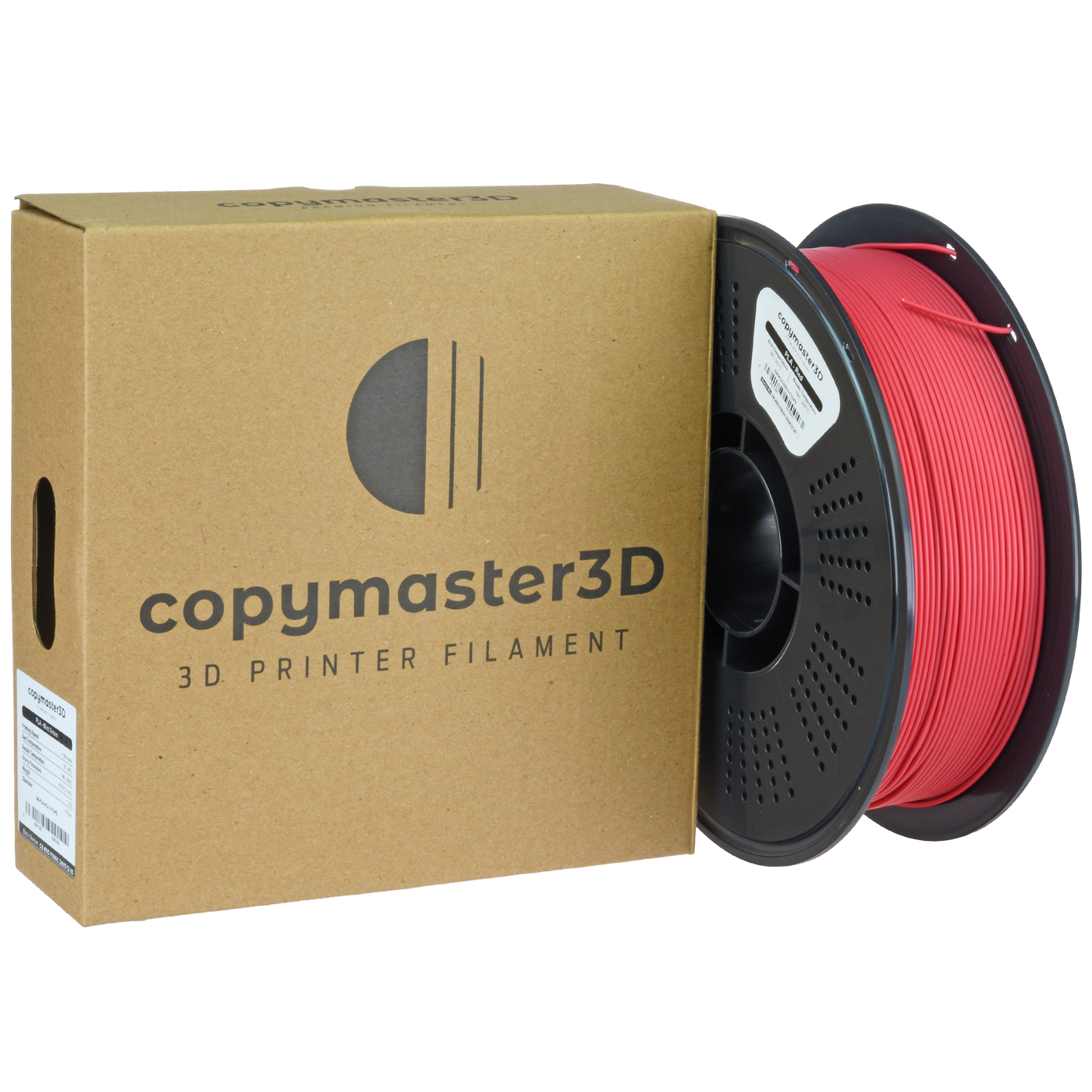
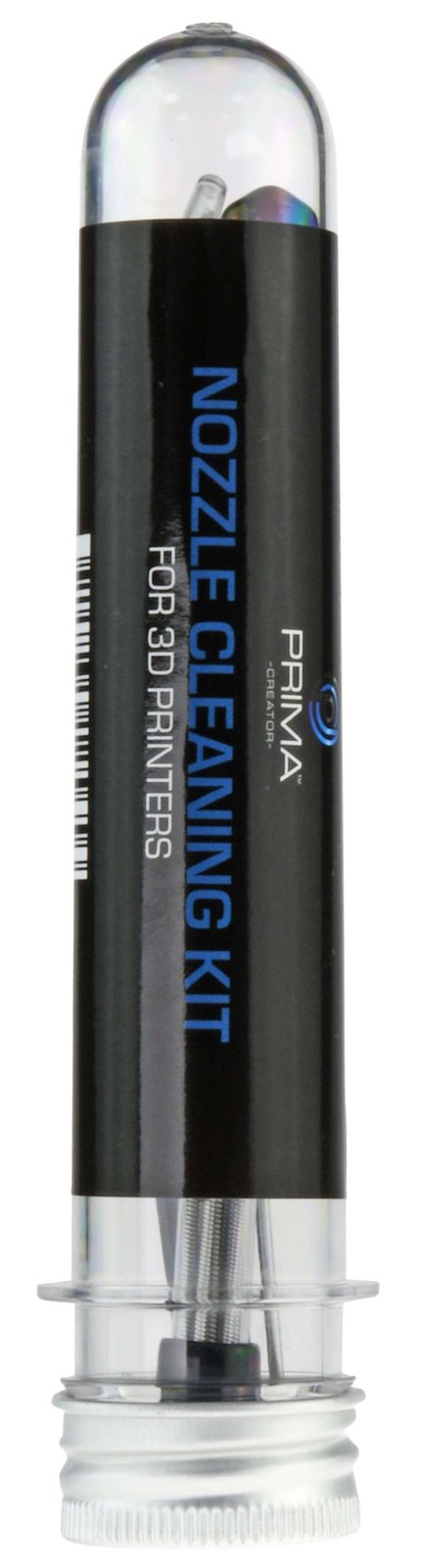
Consumables and upkeep belong in the decision too. Copymaster3D PLA and Creality Hyper PLA are examples of filament options shown in the store, while an adhesive such as 3DLAC may be relevant to print-bed preparation. These are not interchangeable requirements for every printer or material, so consult the printer guidance before adding supplies. The Creality K2 Plus Combo listing is the place to verify what is included, while current filament pages help establish which spool fits your setup.
The UK store places model-specific specifications and related supplies in one place. 3D Prima Technology presents printers, filament, scanners and accessories on its UK store, with product pages listing individual details. That helps with narrowing a shortlist, although the store page cannot decide whether a laser process or a printed part suits your design. Consider the available support and delivery information alongside the machine itself, and check those terms on the site before committing.
Frequently asked questions
Is the Aliencell X1 an alternative to a 3D printer?
Only if your project needs laser engraving or cutting on compatible materials. The X1 is a diode laser engraver, while the K2 Plus Combo and Snapmaker U1 create objects by depositing filament in layers.
Which printer is better for larger models?
The K2 Plus Combo has the clearer case on the listed specifications because its product page states a 350 x 350 x 350 mm build volume. Compare the exact dimensions of your model and the machine’s placement requirements before deciding.
Should a first-time buyer choose multi-colour printing?
It depends on whether colour is central to the projects you plan to make. If most work is functional prototyping in one material, a conventional FDM printer may be easier to justify; if colour-separated models are a regular goal, compare the U1’s current workflow and supported materials.
Our recommendation
For large FDM parts and a enclosed print space, our pick is the Creality K2 Plus Combo. Choose the Snapmaker U1 when multi-colour work is your priority, and the Aliencell X1 when your projects call for laser engraving or cutting instead of printing. For straightforward small parts, a simpler FDM alternative may make more sense.
The main limitation is that these recommendations depend on the listing details and your material needs; confirm compatibility, included equipment and workspace requirements on the current UK pages before choosing.