
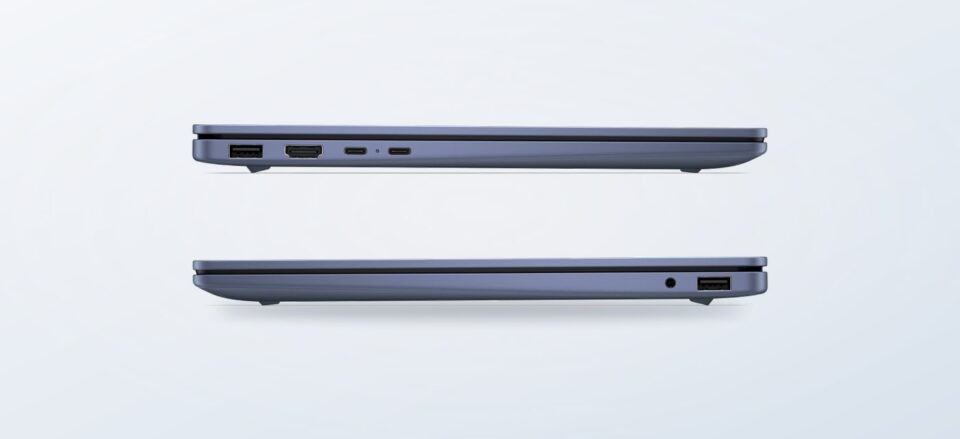
Choosing a computer or printer from a large brand store can feel straightforward until several similar models start to blur together. Our review of the Italian HP Store looks at what the catalog helps you decide, where its product pages leave questions open, and which readers may be better served by a focused shortlist.
We based this assessment on the store’s product information and current category structure, not hands-on use. The scope here is deliberately practical: a portable laptop, a convertible with a larger screen, and an all-in-one printer give a sense of how the direct store handles different everyday needs.
The strongest case for buying direct is the ability to compare model-specific configurations on the manufacturer’s own listings. The trade-off is that choosing well still depends on reading the exact specification and checking the details that vary by model.
This article contains affiliate links. If you buy through them, we may earn a commission at no extra cost to you.
Before you read on
- HP OmniBook 5 14-hh0003nl is the portable everyday option, with an OLED display in the listed configuration.
- HP OmniBook X Flip 16-cb0000nl adds a larger touchscreen and convertible modes for people who switch between typing and viewing.
- HP OfficeJet Pro 9132e combines printing, scanning and copying for a home office.
- The direct store gives model-level information, but buyers still need to verify exact inclusions, service terms and configuration before checkout.
What does the Italian HP Store make easier?
The range has a useful breadth: consumer and business computers sit alongside printers, monitors and accessories. That can help when a household is building a small setup and wants to review compatible categories in one place. Product pages also identify specific configurations, which is more useful than choosing from a broad family name alone.
There is an editorial limit to that convenience. A manufacturer listing is strongest at explaining its own specifications; it is less useful for deciding how a device compares with options outside the brand or whether a particular feature matters to your workload. We would treat the page as a reliable starting point for the stated configuration, then make a checklist from your own needs.
- Write down the screen size and display type you actually want.
- Check memory and storage against the apps and files you use.
- Confirm what comes in the box, including the power adapter.
- For printers, check consumables, connectivity and any optional service plan separately.
Is the HP OmniBook 5 a sensible everyday laptop?
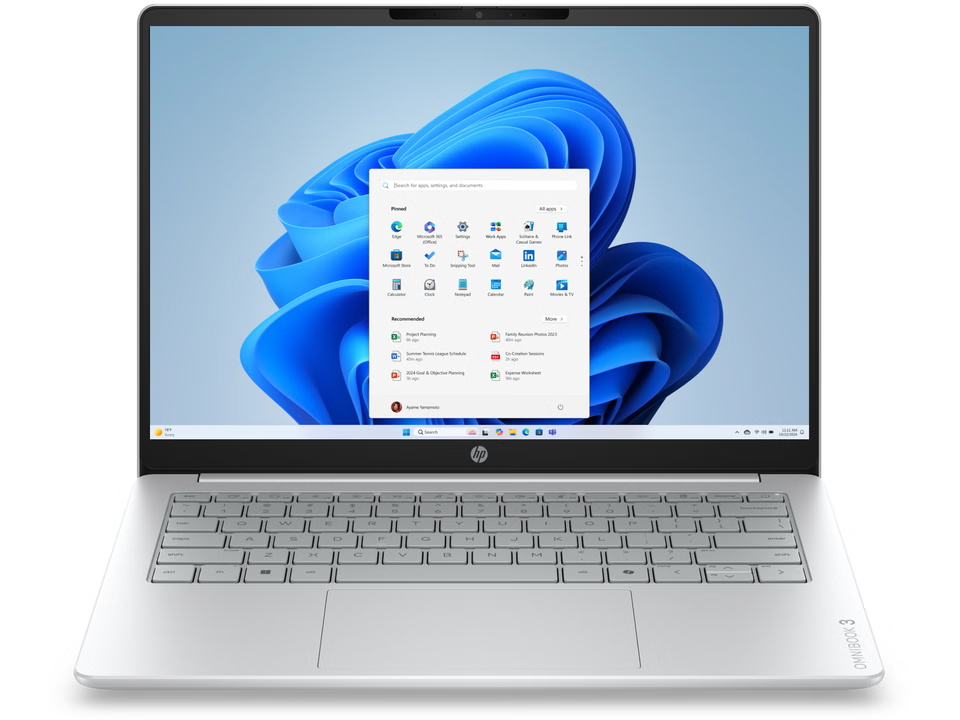
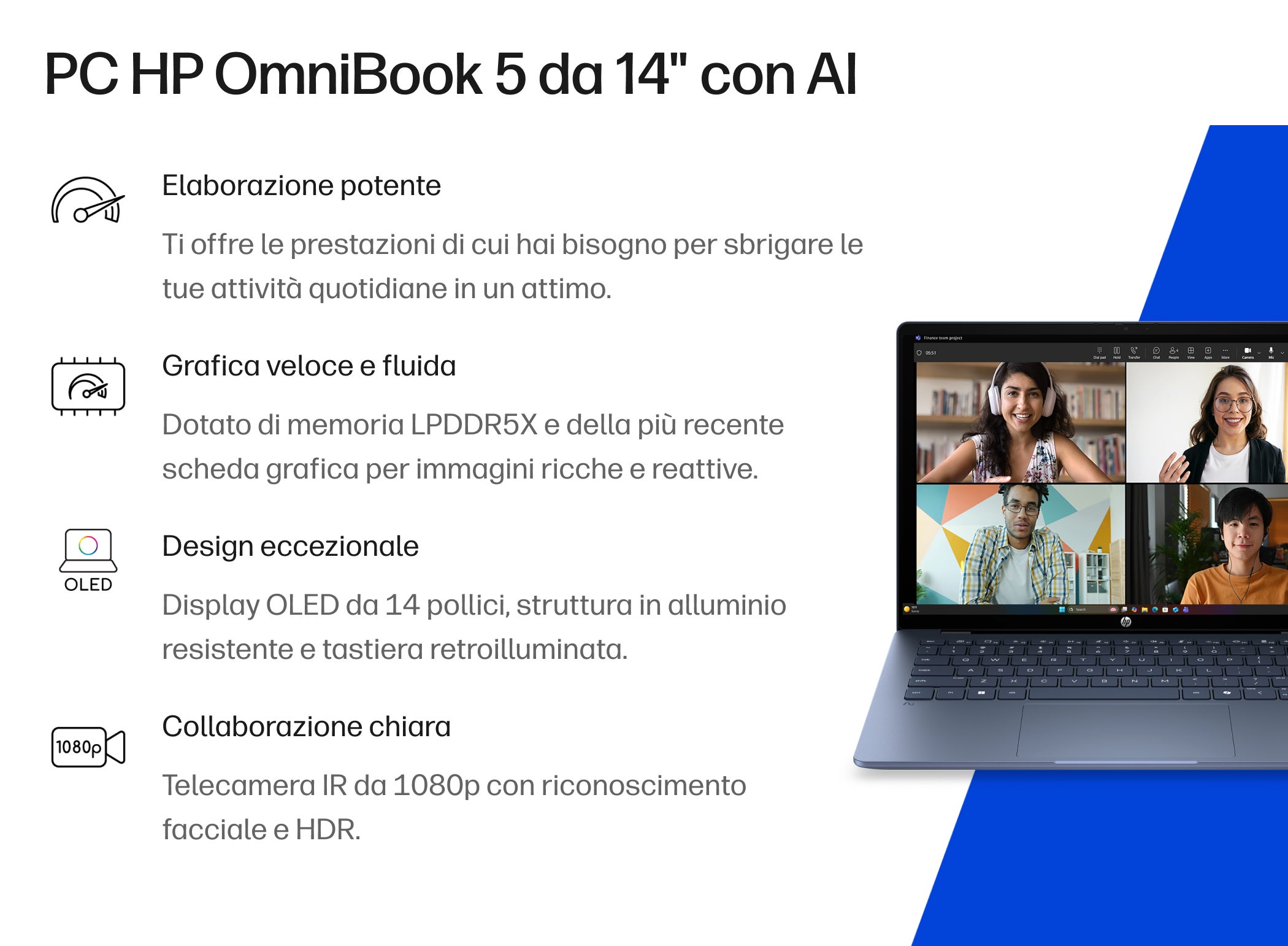
The HP OmniBook 5 14-hh0003nl is the most conventional fit in this small sample: a 14-inch laptop aimed at mobile everyday work. The listing describes an OLED display, a slim aluminium design and multitasking capability. The cached configuration details identify 16 GB of memory and a 512 GB solid-state drive, a combination that gives readers concrete points to compare rather than relying on the family name.
For someone who wants a standard clamshell laptop, that balance looks easier to assess than the more specialized convertible. A compact screen is also a practical compromise for carrying between home, study and work. Read the HP OmniBook 5 specification carefully, however: the product family can contain different configurations, and the amount of memory or storage shown for one listing should not be assumed to apply to every OmniBook 5.
The product page is the place to confirm the exact panel, processor and included accessories before deciding. A reader who needs a larger workspace for spreadsheets or several windows may prefer an external monitor or a bigger laptop; a 14-inch format is portable, but it does not remove that screen-size trade-off. See the HP OmniBook 5 product details and compare the exact configuration against your actual workload.
When does the OmniBook X Flip 16 make more sense?
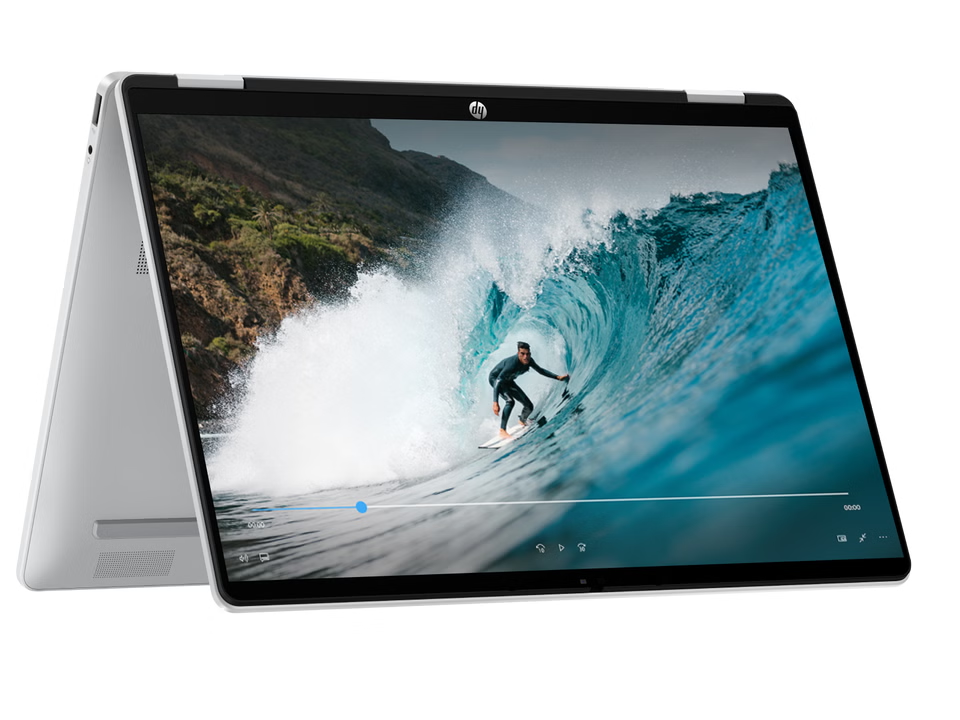
The HP OmniBook X Flip 16-cb0000nl makes a clearer case for readers who value flexibility. HP describes a 16-inch touchscreen and four use modes, so the design can move between a conventional laptop posture and viewing-oriented positions. That larger display can suit shared viewing, handwriting or a desk where the device stays put more often than it travels.
The flip design is also a real compromise to weigh, rather than a free bonus. A larger convertible may take up more room in a bag than the 14-inch option, and touch or tablet-style use is only valuable if it fits the way you work. HP’s Italian listing notes that a charger is not included for this model, a detail worth checking against the full box contents and your existing equipment before you settle on it.
For readers who mainly type, browse and carry a laptop daily, the standard-format HP OmniBook 5 may be the tidier match. If you expect to switch modes and want a larger touch display, review the HP OmniBook X Flip 16 listing in detail. The manufacturer page clarifies the concept and its configuration; it cannot tell you whether the extra size or convertible form is worthwhile for your habits.
Does the OfficeJet Pro 9132e suit a home office?
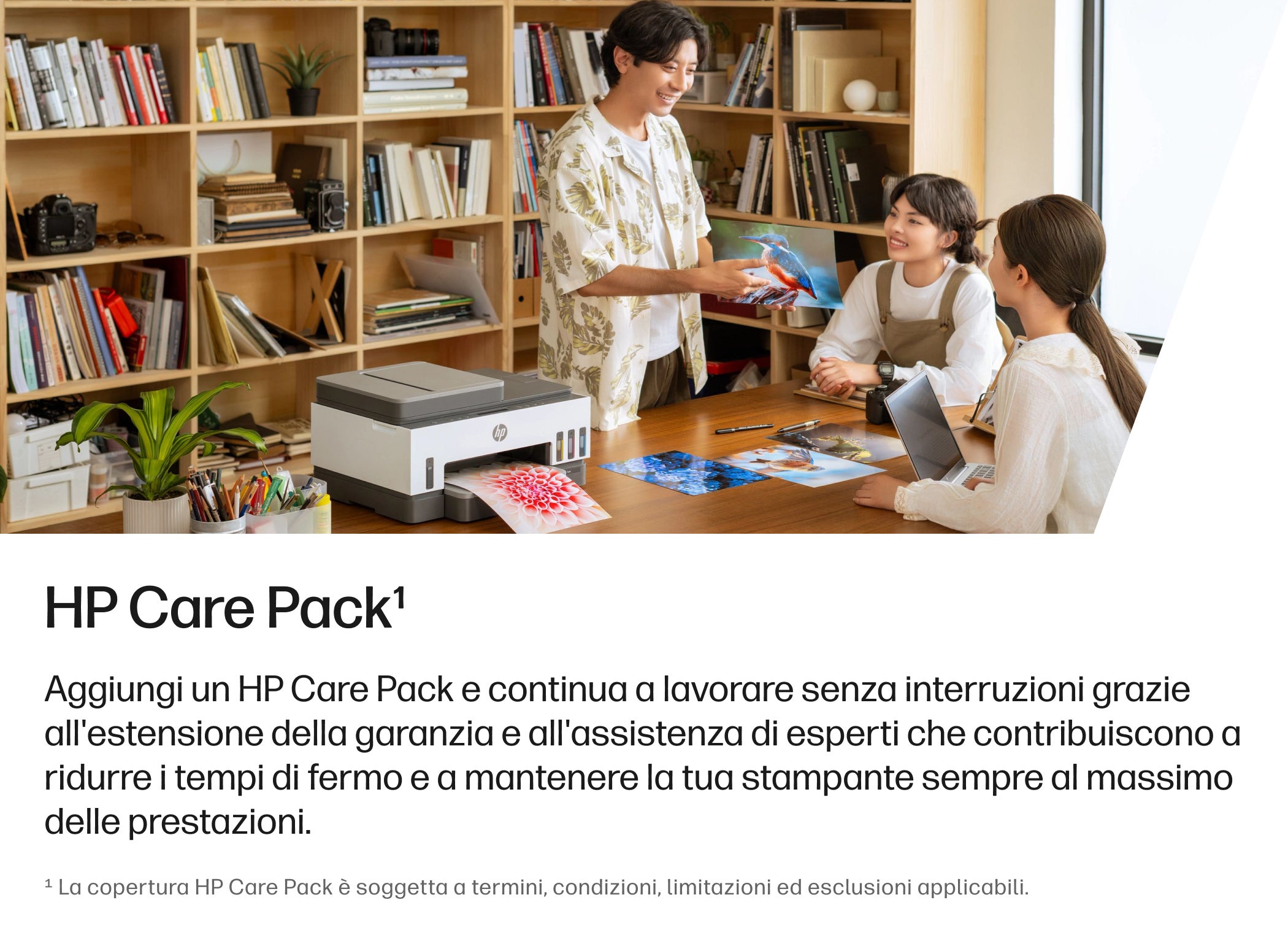
The HP OfficeJet Pro 9132e is a different sort of purchase: an all-in-one machine for printing, scanning and copying. That is a sensible category to consider when a home office needs several document tasks in one place. It is more useful to evaluate it by routine than by feature count: how often you print, whether colour output matters, and whether scanning or copying is a weekly need.
HP’s listing also presents connected services and consumables alongside the printer. These can affect the ownership picture, so treat an ink-related plan as a separate choice and read its terms rather than assuming it is required. Ongoing ink needs, printer placement and the volume of documents you handle matter as much as the initial device specification.
In the range reviewed here, the OfficeJet Pro 9132e is the most straightforward recommendation for a reader who wants print, scan and copy functions together. It is less compelling if printing is rare or if your main need is a simple occasional document. Check the HP OfficeJet Pro 9132e product page for the current configuration, included items, compatible supplies and service options before you choose.
What are the store’s main strengths and limits?
The main strength is model-level clarity: the Italian storefront presents distinct laptop and printer pages, with descriptions that help separate a standard portable model from a convertible or an all-in-one. Direct access to the brand’s range can be convenient when you already know the category you need, and it puts configuration and support information close to the product.
The limit is that a catalog is not a substitute for independent comparative evidence. The pages describe HP products in HP’s own terms; they do not establish that a model is the best value across the wider market, nor do they answer every question about long-term reliability or performance in your particular apps. Our review is therefore a guide to the store’s decision support, not a performance ranking.
- Useful for: shoppers who have narrowed their needs to a laptop, convertible or printer and want to verify the manufacturer’s exact configuration.
- Less useful for: anyone who needs a neutral shortlist across brands or independent performance comparisons before deciding.
- Worth checking: adapter and accessory inclusions, configuration variants, software, support coverage and consumable costs.
That distinction matters most when a page highlights features that sound similar across a family. Follow the named SKU through the listing, and use the model number when comparing. The OmniBook 5 listing, OmniBook X Flip listing and OfficeJet Pro listing each answer different questions, so a quick scan of only the headline can conceal the practical difference.
Frequently asked questions
Can I compare configurations on the Italian HP Store?
Yes. Open the exact model listing and check its stated configuration rather than relying on a series name. Pay particular attention to the processor, memory, storage, display and included accessories, which may differ between variants.
Is the HP OmniBook X Flip 16 the better choice?
It is the more flexible choice on paper if a large touchscreen and convertible modes are useful to you. The OmniBook 5 is the more conventional portable format. The better fit depends on whether you will actually use the larger convertible design and whether the listed contents meet your needs.
Should I choose the OfficeJet Pro for occasional printing?
Only if the scan and copy functions or regular document work justify keeping an all-in-one at home. For infrequent printing, compare the printer’s ongoing ink requirements and optional services with your real usage before deciding.
Our recommendation
The Italian HP Store is a useful direct destination when you already have a clear category in mind and want to inspect the manufacturer’s exact configuration. In this sample, the OmniBook 5 is the more straightforward everyday laptop, while the OmniBook X Flip 16 is aimed at readers who will use its larger touch convertible design. The OfficeJet Pro 9132e makes sense for a home office that needs more than printing alone.
Our recommendation is to use the store as a specification and availability check, then compare the exact model against your own requirements before committing. The limitation is clear: brand product pages are not independent testing or a cross-brand value comparison, and configuration details can change. Start with the listing that matches your primary need and verify the full set of inclusions and support terms.