

Choosing tattoo equipment can feel like trying to decode a whole new language. Stroke length, battery capacity, needle groupings, cartridges and power options all matter, but they do not matter equally for every artist. This practical guide turns the decision into a short sequence you can follow, with Dragonhawktattoos as a useful place to compare machines, kits and the supplies that keep a setup moving.
The store covers tattoo and permanent makeup equipment, including wireless pen machines, cartridges, ink, thermal printers, power and hygiene products. Prices and promotions can change, so use the Dragonhawktattoos equipment range as your live reference before you commit.
This article contains affiliate links. If you buy through them, we may earn a commission at no extra cost to you.
What will you actually tattoo with this machine?
Start with the work, not the color or shape of the pen. A machine for lining large pieces has a different brief from one for cosmetic brows, and a beginner who is practicing needs a different buying plan from an established artist replacing a daily driver. Write down your main use case before opening product tabs.
- Traditional tattooing: prioritize a dependable motor, comfortable grip and a stroke suited to lining and shading.
- Permanent makeup: look for controlled movement and a configuration designed for delicate, precise work.
- Practice and learning: keep the first spend manageable and include practice supplies rather than only buying a premium machine.
- Mobile appointments: put wireless runtime, charging and a compact kit near the top of the list.
This is where the tattoo machine collections and PMU machine selection are helpful. They separate broad categories so you can compare like with like. If your work crosses categories, choose the job you do most often and treat versatility as a bonus, not the only criterion.
Which machine format and stroke suit your work?
For many modern setups, a pen-style rotary machine is the easiest format to understand. It resembles a familiar writing tool and can feel natural during longer sessions. Wireless models reduce cable clutter, while a wired or power-supply setup can make sense if you work in one station and want a predictable power source.
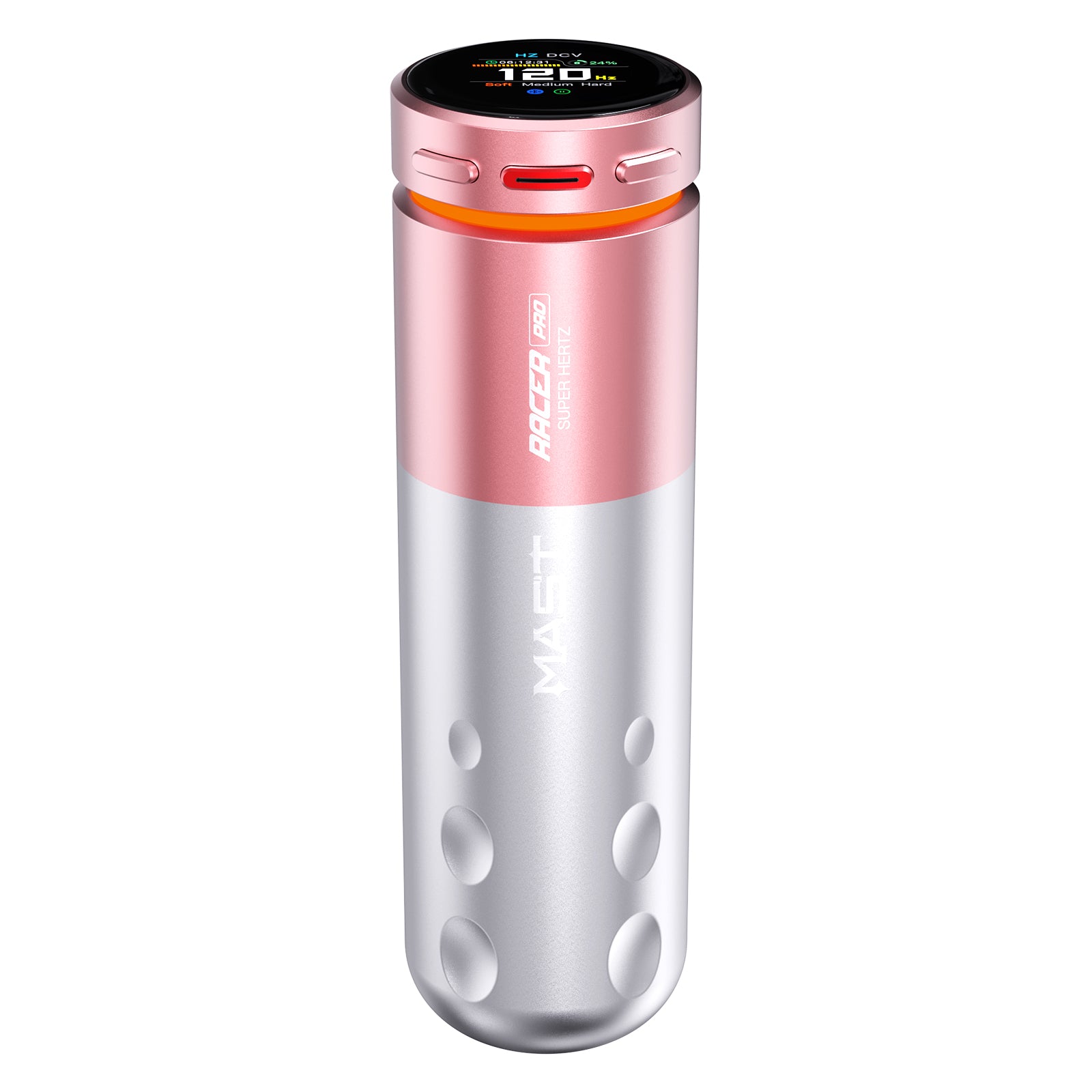
Stroke length describes how far the needle travels. A shorter stroke can suit controlled, delicate work; a longer stroke can provide more reach for certain lining or packing techniques. Do not treat a bigger number as automatically better. The Mast Racer Pro Wireless PMU Machine 4.2mm Stroke MCORE-Pro Motor puts its 4.2mm stroke and MCORE-Pro motor directly in the product name, making the specification easy to assess for PMU buyers.
- Match the stroke to your principal technique.
- Check the grip diameter and total weight, especially if you work long sessions.
- Confirm whether the machine accepts the cartridge sizes you already use.
- Read the listed voltage, charging and battery details before comparing prices.
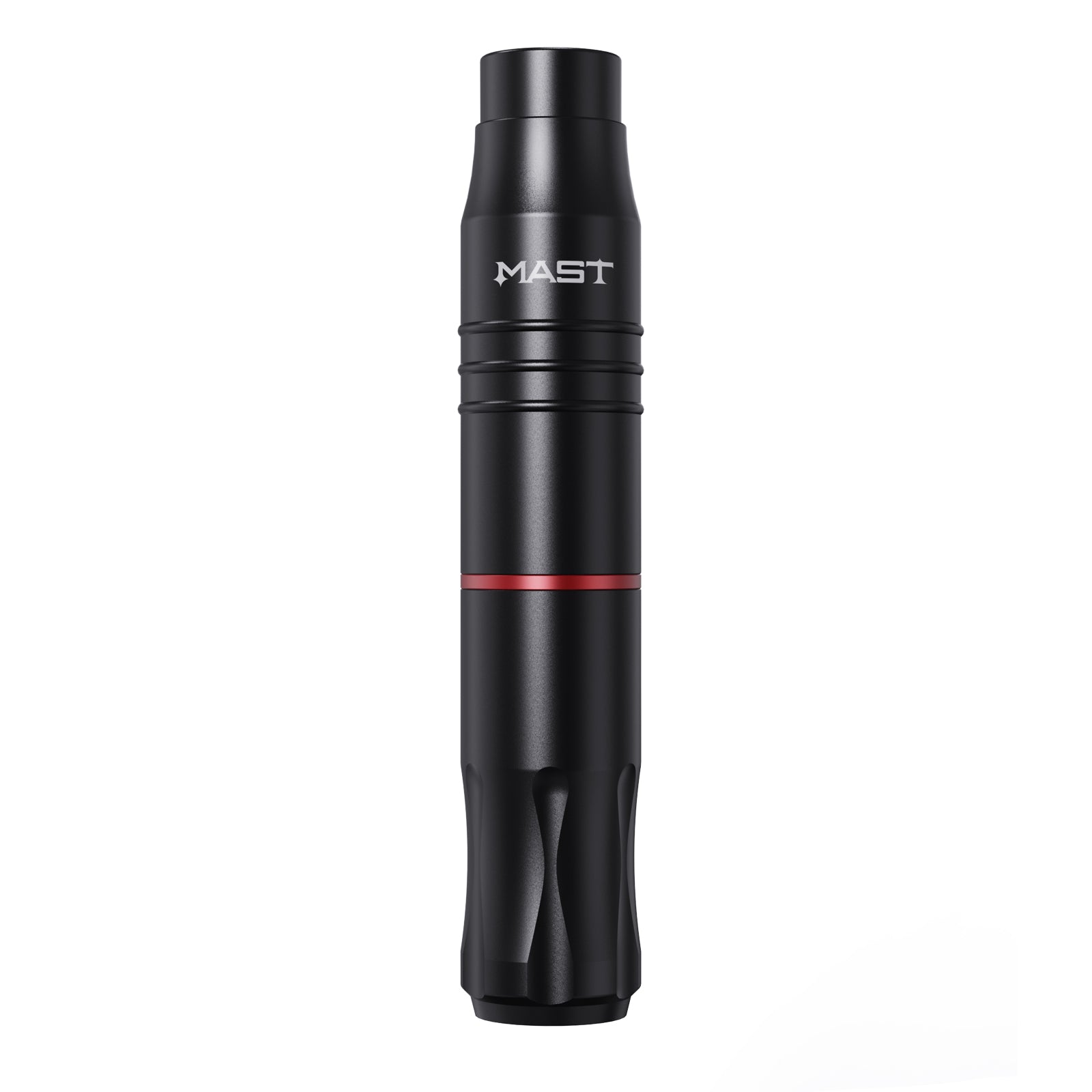
For a more compact all-round tattoo option, the Mast Tour 2 Wireless Tattoo Pen Machine with 2.8MM Stroke offers a smaller investment and a wireless pen format. Its 2.8mm stroke makes it a clear comparison point for someone who wants that combination. Open the Mast Tour 2 product page and compare the included accessories, rather than assuming two machines are equipped the same way.
Could a tattoo machine kit save you time?
A kit is worth considering when it bundles items you would otherwise buy within the next few weeks. It is less attractive when it adds tools you will not use. Compare the kit contents line by line, then price the machine and printer separately. This simple check prevents a large-looking bundle from hiding a weak value proposition.
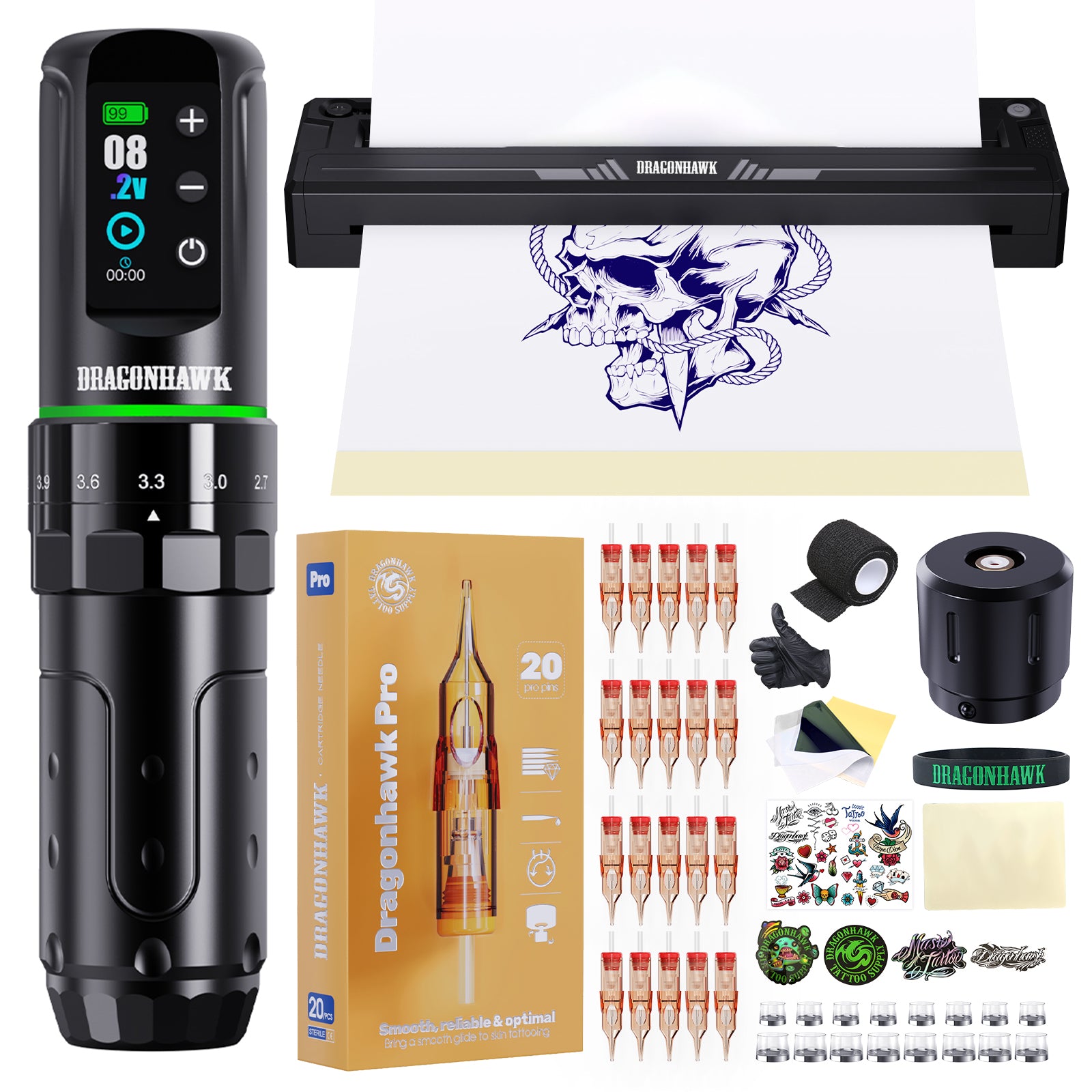
The Dragonhawk L3 Wireless Pen Machine Kit with Dragonhawk A4 Thermal Stencil Printer combines a wireless pen machine with a thermal stencil printer, which can shorten the path from design to placement. If you are setting up a first station, the Dragonhawk L3 kit details deserve a closer look because the printer may be more useful to you than a small upgrade in machine finish.
- Machine: check stroke, motor, grip, cartridge fit and adjustment method.
- Power: verify batteries, charging hardware and whether a backup is included.
- Stencil workflow: confirm that the printer format fits your preferred transfer paper.
- Consumables: budget separately for cartridges, ink and disposable supplies.
- Support items: note whether the kit includes a case, cable, tool or spare parts.
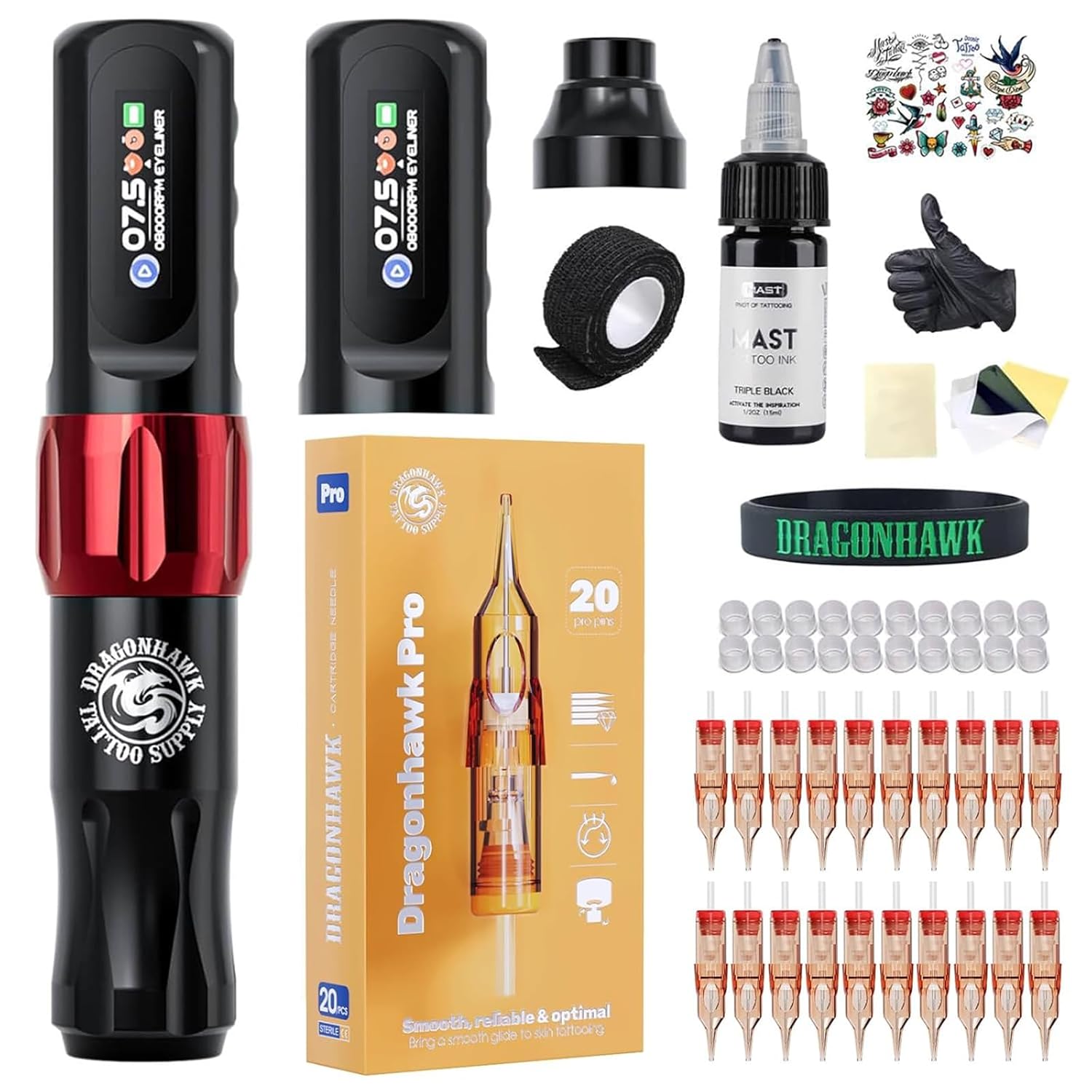
Beginners who want a lower-cost entry point can also compare the Arenahawk Wireless Beginner Tattoo Pen Kit. The word beginner makes its intended audience clear, but you should still review the exact inclusions and plan for safe practice. The Arenahawk kit listing is a sensible stop when your priority is a complete starting direction rather than the highest specification.
What safety and tattoo supplies does your station need?
The machine is only one part of a workable station. Before ordering, list every disposable and maintenance item required for your workflow. Dragonhawktattoos groups cartridges, ink, power, practice products and hygiene supplies alongside machines, which makes it easier to see the true setup cost.
- Choose the cartridge groupings and sizes you use most.
- Allow for ink, ink cups and other consumables.
- Keep a clean supply of wipes, barriers and aftercare materials.
- Add practice skin or marking supplies if you are still developing technique.
The Mast Pro Hygiene and Aftercare Complete Kit is designed around a sanitary workflow. It will not replace your professional protocols, training or local requirements, but it can be a useful reminder that preparation and cleanup belong in the budget. You can also check the hygiene and aftercare section before finalizing a machine-only cart.

What will the tattoo setup really cost?
Make a small comparison table for your shortlist: machine, shipping, included batteries, printer or power supply, first cartridge order and hygiene supplies. This reveals whether the least complicated machine is the easiest way to start. Keep in mind that the brand may run promotions from time to time, and check the terms that apply to your order.
- Save the exact product page and price you reviewed.
- Subtract only discounts you can confirm at checkout.
- Add the first month of consumables and backup power.
- Leave a small allowance for a grip, case or replacement battery.
My practical shortlist is straightforward: choose the Dragonhawk L3 kit when a printer helps your workflow, the Mast Racer Pro when PMU precision and its 4.2mm stroke fit the job, or the Mast Tour 2 when a wireless pen is the more sensible starting point. That is the natural advantage of comparing inside Dragonhawktattoos’ machine range: you can match the purchase to the task instead of forcing one product to do everything.
Which tattoo machine setup fits your starting point?
If you already know your technique, start with stroke and cartridge compatibility. If you are building from zero, start with a kit and the supply list. If you work between locations, make battery and backup charging a deal-breaker. In every case, open the live product specifications, confirm the price in USD and read what is actually included.
There is no benefit in owning a premium machine that does not suit your hand or your workflow. A sensible first setup is one you understand, can maintain and can afford to supply properly. That is why Dragonhawktattoos is a practical choice for comparing the full path from machine to stencil, cartridge and hygiene essentials.
Is Dragonhawktattoos suitable for beginners?
It can be, especially when you compare the starter kits and beginner-focused pen options. Beginners should still seek proper training, use practice materials and check local safety requirements before working on people.
What should I check before buying a wireless pen?
Check stroke length, weight, grip, cartridge compatibility, battery details, charging method and what the package includes. A second battery or backup power option can matter more than a cosmetic upgrade.
Are the listed prices final?
Product pages show prices in US dollars, but promotions, shipping and availability can change. Confirm the current total and any new-customer discount at checkout before ordering.
Ready to compare the exact models and current inclusions? Start with the Dragonhawktattoos product pages, then use your task, stroke and supply checklist to make the final call.