
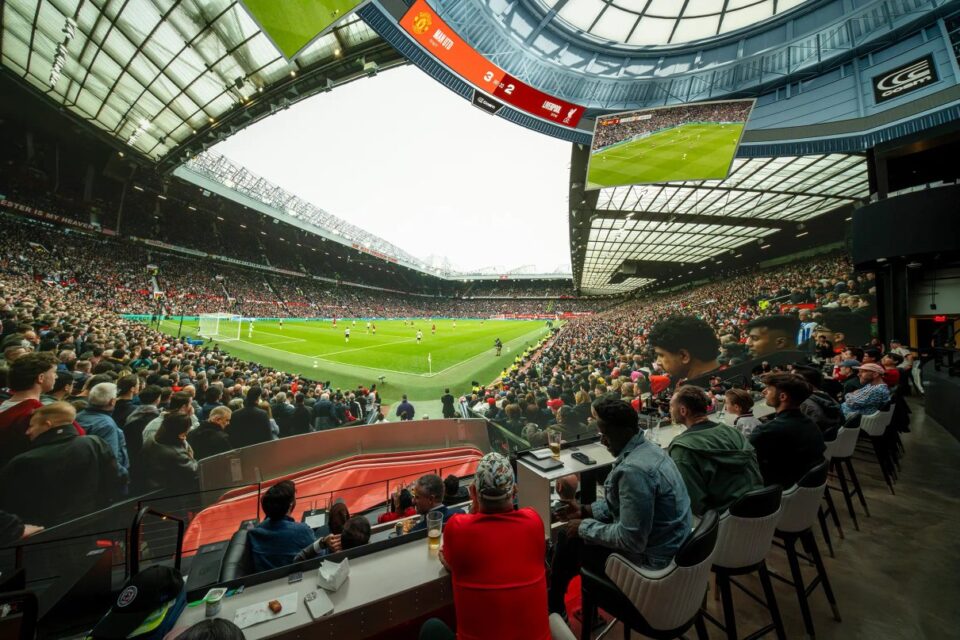
Planning a night at Cosm is easier when you treat it like a small itinerary rather than a standard movie or game outing. The shared-reality venue combines a massive LED Dome, social seating, food delivered to your seat, and a changing calendar of sports and entertainment. This practical guide walks you through choosing the right experience, booking the right time, and making the most of your visit.
Start by checking the official Cosm events calendar, then use the steps below to narrow the choice. It is the simplest way to compare a big-match atmosphere with a cinematic or live-performance experience before you commit to a date.
Which kind of shared reality suits your evening?
First decide what you want the evening to feel like. The Dome is built around a 12K x 10K LED experience, so the best pick depends on whether you want a crowd-led sports moment, an imaginative story, or a visual spectacle. Browse Cosm’s sports programming for live match energy, or compare the arts and entertainment schedule for films and performances.
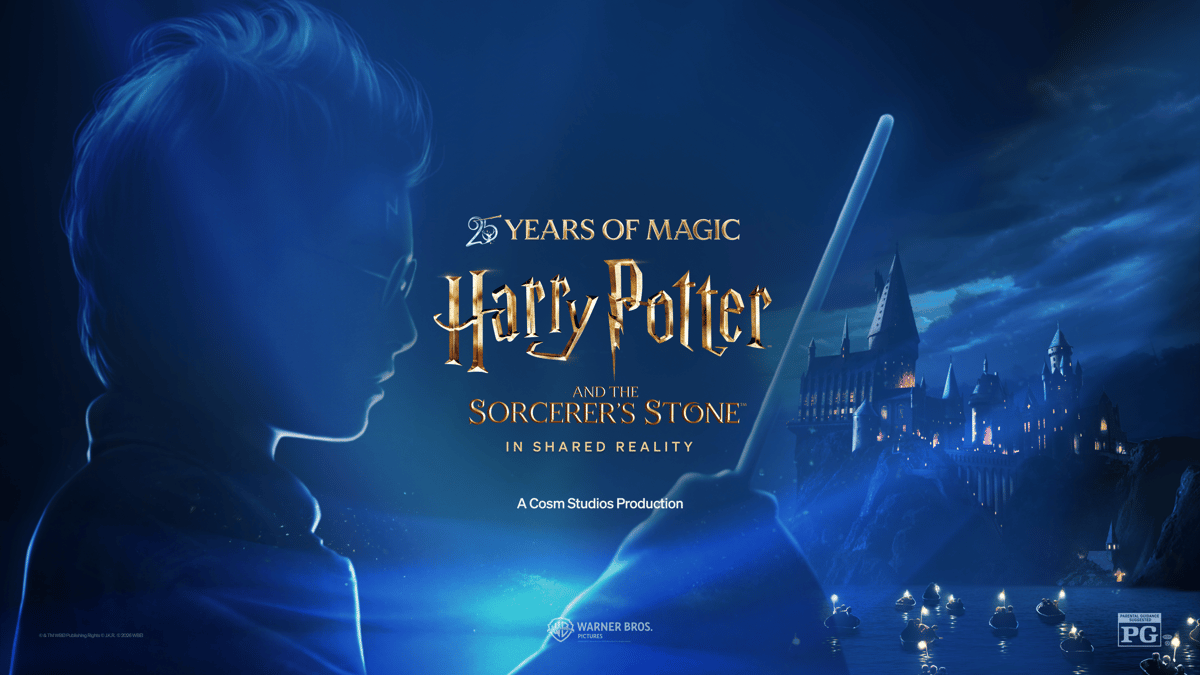
- For a classic film night: look for Harry Potter, The Matrix, or Willy Wonka in Shared Reality.
- For cheering with friends: choose NFL, Premier League, college football, or another live sports event.
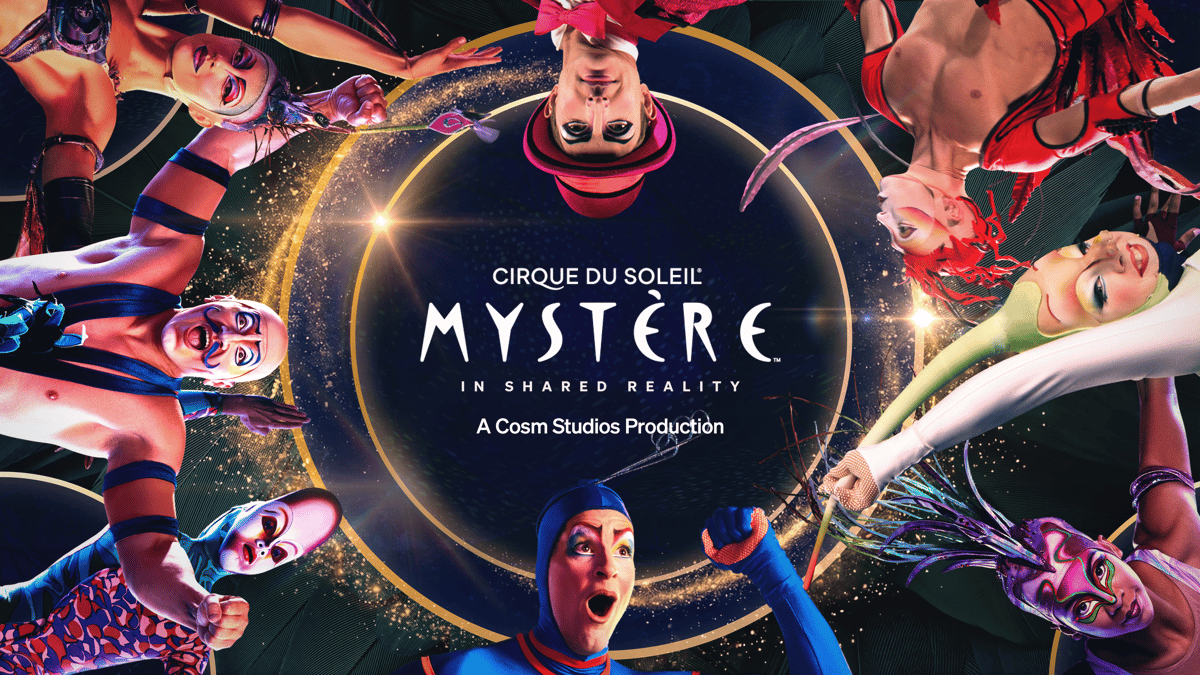
- For a special occasion: look at Mystère by Cirque du Soleil and plan a longer evening around it.
- For a flexible visit: review the event page for showtimes before deciding on dinner or drinks.
If a group cannot agree, Mystère by Cirque du Soleil is a strong compromise because it feels like a performance and a visual installation at once. Its current event page shows multiple showtimes, while ticket pricing is best checked at checkout because it can vary by date and venue.
Who will enjoy the Cosm experience with you?
Next, think about who is coming and how they like to spend time together. Cosm is designed for shared viewing, so it works particularly well when the group wants to talk, eat, and react together instead of wearing individual headsets. For a family-friendly fantasy outing, inspect the page for Harry Potter and the Sorcerer’s Stone in Shared Reality. For older teens and adults, The Matrix in Shared Reality makes a memorable choice.
- Count the guests, including children and anyone who needs accessibility support.
- Ask whether the priority is a scheduled story, a live game, or a social meal with a visual backdrop.
- Check the venue location and travel time for Los Angeles, Dallas, or Atlanta.
- Save the event page and confirm the start time before inviting the group.
For a sports-first crowd, the NFL: Patriots @ Seahawks listing is a useful example of how Cosm presents a specific matchup. If football is not the shared interest, use the Premier League listings or college football schedule to find a better fit.
It is also worth separating the event choice from the venue choice. A Los Angeles visit near Hollywood Park may suit a full weekend plan, while Dallas at Grandscape can fit naturally into a shopping or dining day. Atlanta is another option for guests who want a new kind of sports and entertainment stop. Use Cosm’s venue finder to confirm the closest location before you share the invitation.
When you compare options, write down the event name, date, and estimated arrival time in one message for the group. That small step avoids the common mistake of discussing a general series while someone books a different showing. It also gives everyone a chance to flag food preferences, mobility needs, or transportation questions before tickets are selected.
Before booking, open the relevant venue and visit information. That quick check helps you confirm the address, arrival plan, and whether the event is at the location you expect.
How should you use the Dome, Hall, and Deck?
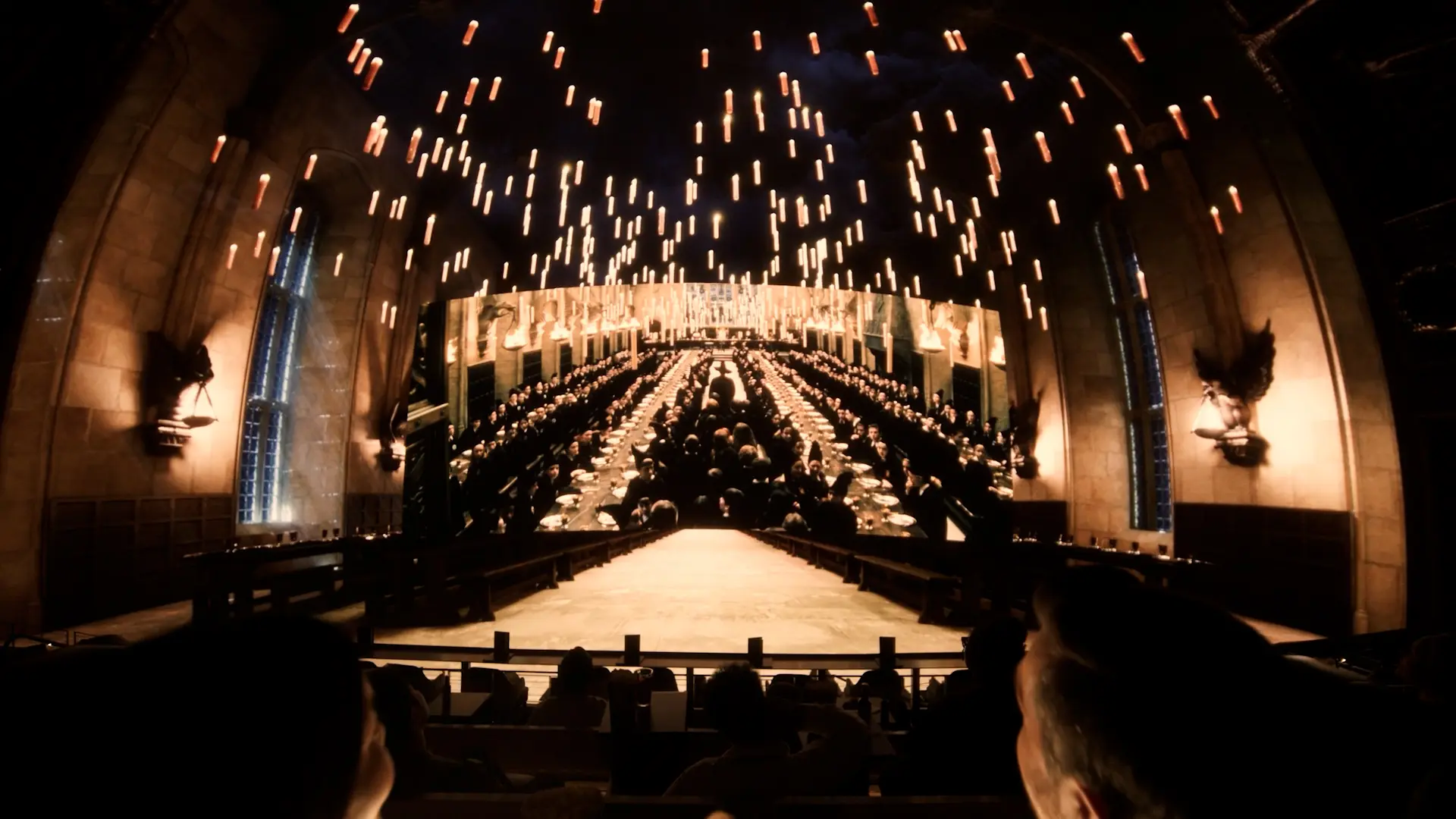
Do not plan to arrive exactly at showtime. Cosm has three distinct areas: the Dome for the main immersive presentation, the Hall for tables, booths, and balcony views, and the outdoor Deck for a more relaxed pause. Use the Cosm experience guide to understand the layout, then allow time to settle in and order.
- Arrive early: leave room for parking, check-in, and finding your seats.
- Choose your pace: use the Hall or Deck for conversation before the main presentation.
- Order strategically: food, drinks, snacks, and desserts can be brought to your seat.
- Keep essentials simple: bring a charged phone, comfortable layers, and only what the venue permits.
The food-and-beverage service is part of the appeal for groups. You can order through the app, website, or a server, which means the social experience continues without sending everyone away from the action. For first-time visitors, this is one reason Cosm tickets feel different from a conventional theater seat.
Which Cosm experience fits the mood you want?
Now move from the category to a specific event. A good shortlist includes two or three options with different moods. Harry Potter and the Sorcerer’s Stone in Shared Reality is the atmospheric pick, with familiar storytelling enlarged across the Dome. The Matrix in Shared Reality is better when the group wants an action-led film night. Prices were not displayed in the research scrape, so use each page to see the current date-specific total.

For a live crowd reaction, compare the NFL matchup page with a Premier League event. The wide screen and communal seating make a game feel closer to a premium viewing party, while the schedule lets you plan around kickoff rather than a fixed movie runtime.

- Best for a first visit: choose the event with the clearest shared interest.
- Best for a date night: pair a performance with time in the Hall or Deck.
- Best for a sports group: select a matchup and arrive early for food.
- Best for a large gathering: ask about group options for 10 or more guests.
What booking details should you confirm before submitting?
Before you submit the booking, confirm four details: venue, date, start time, and ticket quantity. If you are organizing a reunion, school outing, scout trip, or corporate event, use the Cosm group events page rather than placing separate orders. Also review the accessibility guide if anyone in your party needs additional information.
Finally, save your confirmation and revisit the official Cosm homepage close to the visit. Event calendars change, and a last-minute check can reveal a new showtime, venue note, or experience worth adding to the plan. The overall verdict is simple: if your group wants big-screen immersion without a headset, Cosm is the natural choice.
Have you planned the event, arrival, food, and tickets?
- Pick sports, film, or live performance.
- Compare the exact event page and current price.
- Confirm the venue, time, and group size.
- Plan food and arrival time around the Dome experience.
- Save tickets and recheck details before leaving home.
That checklist keeps the logistics light while leaving room for the part that matters: sharing the reaction when the screen, sound, and story surround the whole group.
Does Cosm require a VR headset?
No. Cosm’s Shared Reality format is designed for communal viewing in a large LED Dome, so guests can watch together without individual headsets.
What should I book first?
Book the event that best matches your group: a live sports matchup for crowd energy, a film for familiar storytelling, or a performance such as Mystère for a special occasion. Check the Mystère event page for current availability.
Can I plan a group visit?
Yes. Cosm highlights group options for 10 or more guests, including schools, family reunions, social groups, and corporate outings. Start with the group visit information before choosing tickets.