
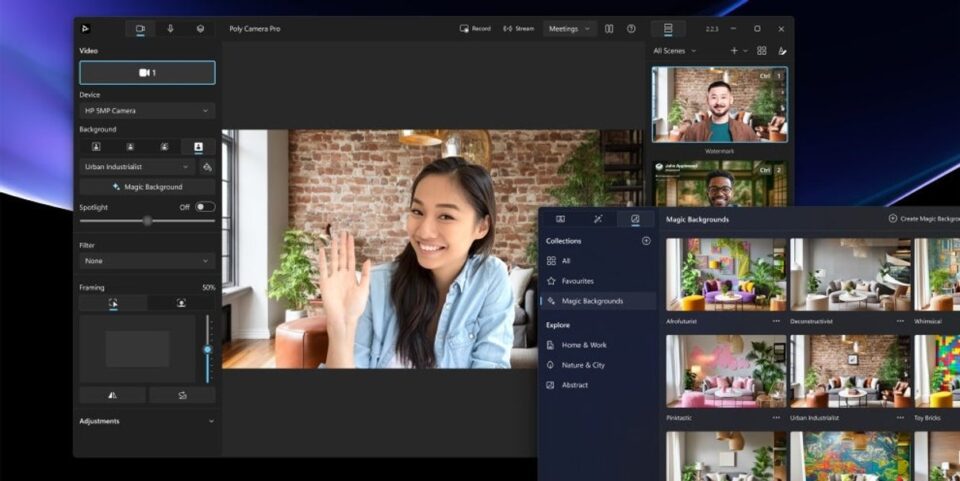
As evenings get darker and more work moves indoors, a home desk has to carry more of the day. The useful question is which device deserves space, and what can wait until you know your routine. Start with a clear desk plan before comparing model names.
For this seasonal guide, we reviewed product information on the Italian HP Store and compared three distinct options: the HP OmniBook 3 15-fn0001nlx, the HP OmniBook 5 14-hm0002nl, and the HP ENVY 6532e. They cover portable work and everyday home printing, while leaving room to compare larger desktop alternatives if a laptop is not the right centrepiece.
The listings are a starting point rather than a substitute for checking the exact configuration. Screen size, memory, storage, included accessories and any ink service can change between options, so check the model page before choosing. Configuration details matter more than family names alone.
This article contains affiliate links. If you buy through them, we may earn a commission at no extra cost to you.
Before you read on
- The HP OmniBook 3 15-fn0001nlx is the larger-screen laptop choice in this shortlist.
- The HP OmniBook 5 14-hm0002nl gives a more compact footprint for a desk that also travels.
- The HP ENVY 6532e combines home printing and scanning; review the cartridge and service details for recurring use.
- Winter buying priorities are practical: desk space, daylight and screen comfort, workload, and how often you print.
Which HP laptop fits a winter workday at home?
The HP OmniBook 3 15-fn0001nlx is the straightforward place to start if your work regularly involves several windows, long documents or a spreadsheet beside a call. Its model name includes 15, while the smaller option below is a 14-series model; use the product pages to confirm exact screen dimensions and panel details for the available configuration. A larger display can give more room for content, but it also means a larger desk footprint in a shared room or on a shallow desk.
A winter home office also brings small practical details into focus. Measure the space between your keyboard and the desk edge, check where a charger can reach, and consider whether the laptop will stay open all day or be put away after work. A bigger display can reduce the need for an external screen, while a smaller machine can be easier to move between a desk, kitchen table and bag. Neither is automatically better; the shape of your routine decides. Prioritise usable screen space over a longer spec list.
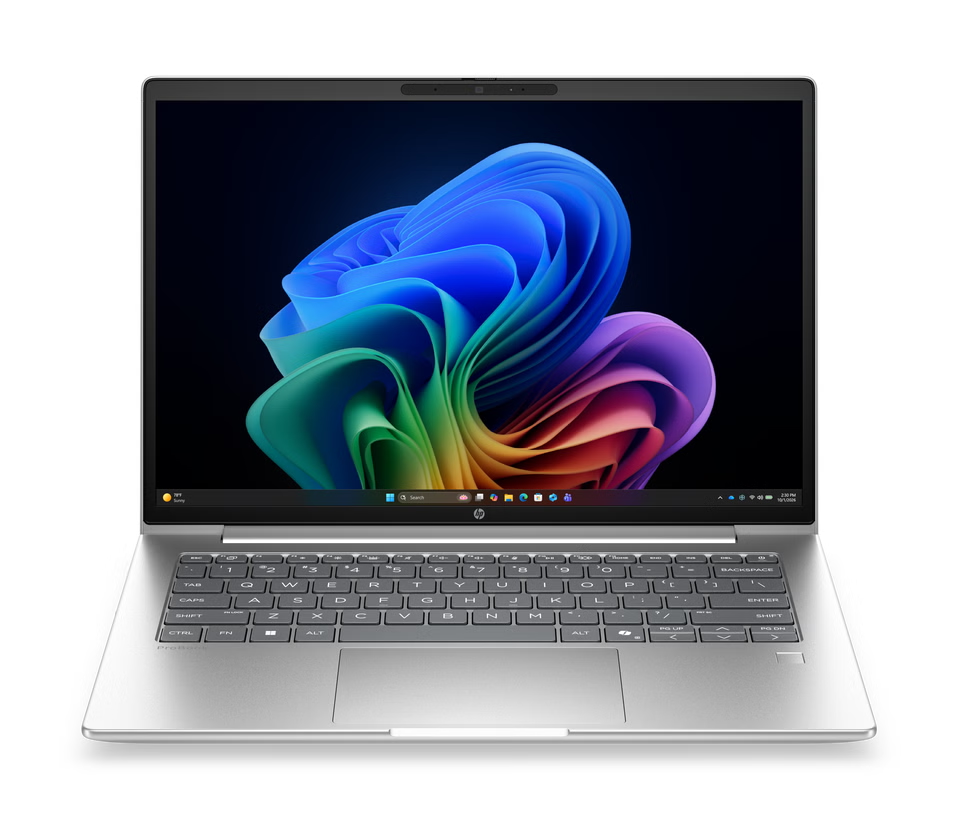
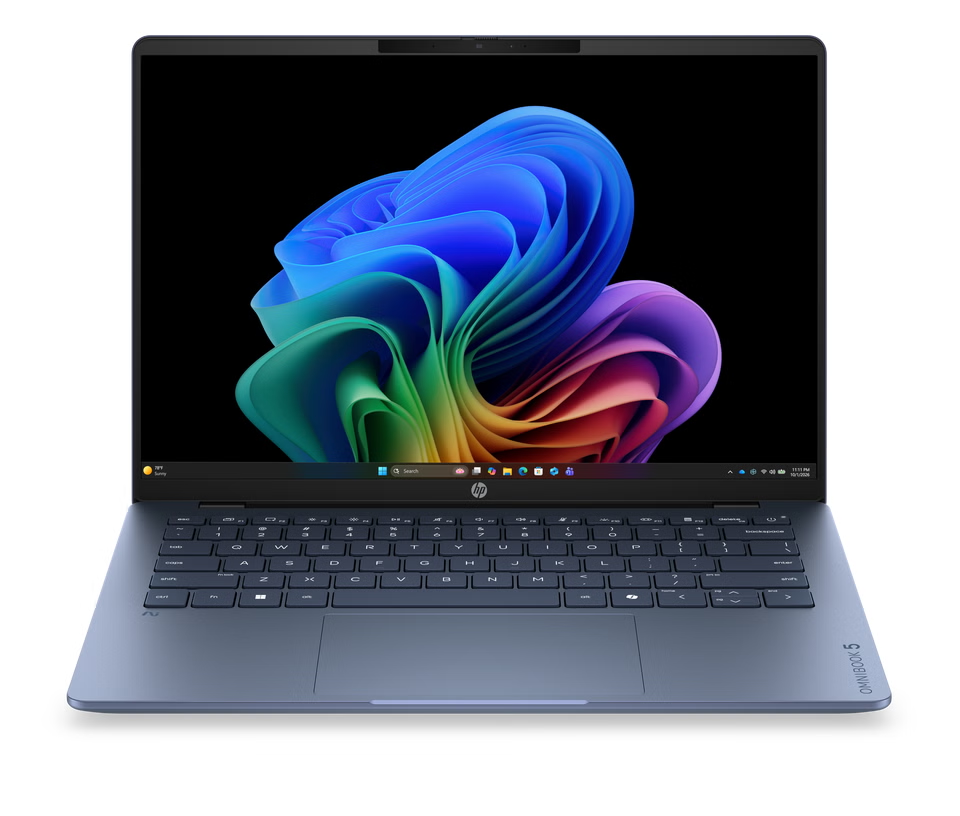
For people who alternate between home and another workspace, the HP OmniBook 5 14-hm0002nl is the more compact of these two named choices. Its model name includes 14, and it may be a portable middle ground for typing and video calls. If your desk has a permanent monitor, the smaller laptop can be the computer you close and carry when the workday ends. If it is your only screen, compare the actual display resolution and panel details on the listing before relying on it for dense layouts.
The HP Store catalogue also includes larger-screen and desktop categories, so a laptop is not the only winter setup. A fixed workstation may make sense if your tasks are anchored to one room, while portability matters if the desk doubles as dining or study space. Think in terms of your full week: moving the computer a few times can matter more than a small difference in a specification list.
Would an HP desktop or monitor make more sense?
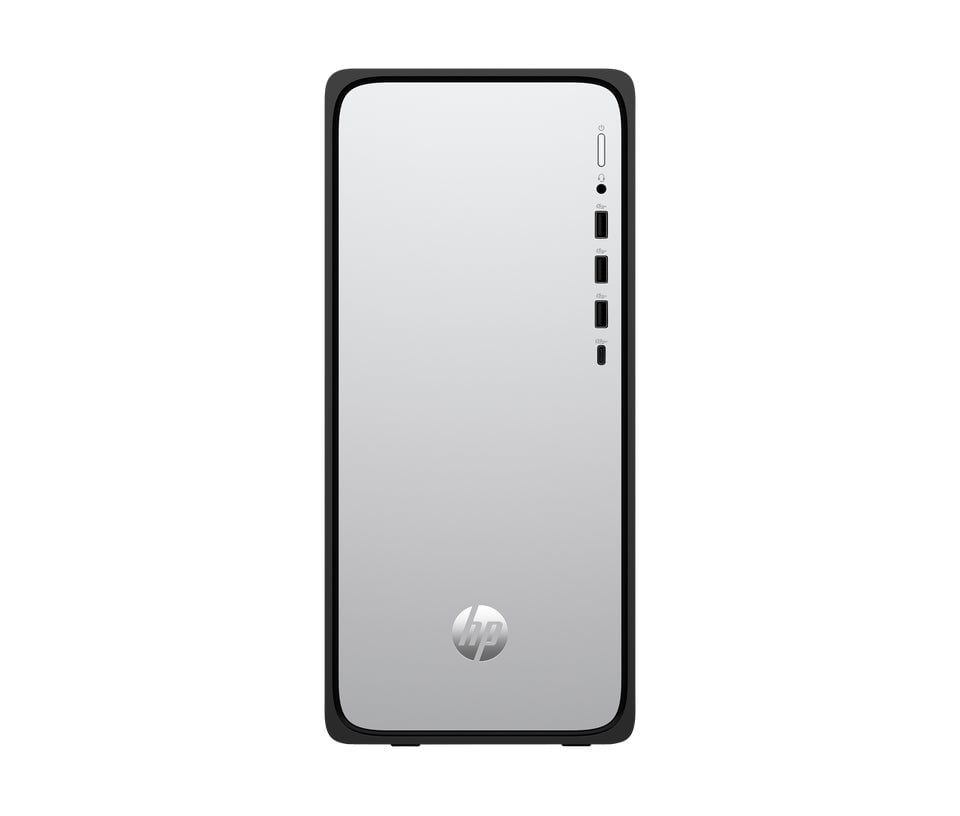
A desktop changes the trade-off. It keeps the main computer at one location and lets you choose a separate display, keyboard and pointing device, which can make sense for a dedicated room. The cost is a less flexible setup: the tower, screen and cables need a permanent place, and moving the system is more involved than lifting a laptop. For a compact home where the work surface changes from day to day, that can be the deciding drawback.
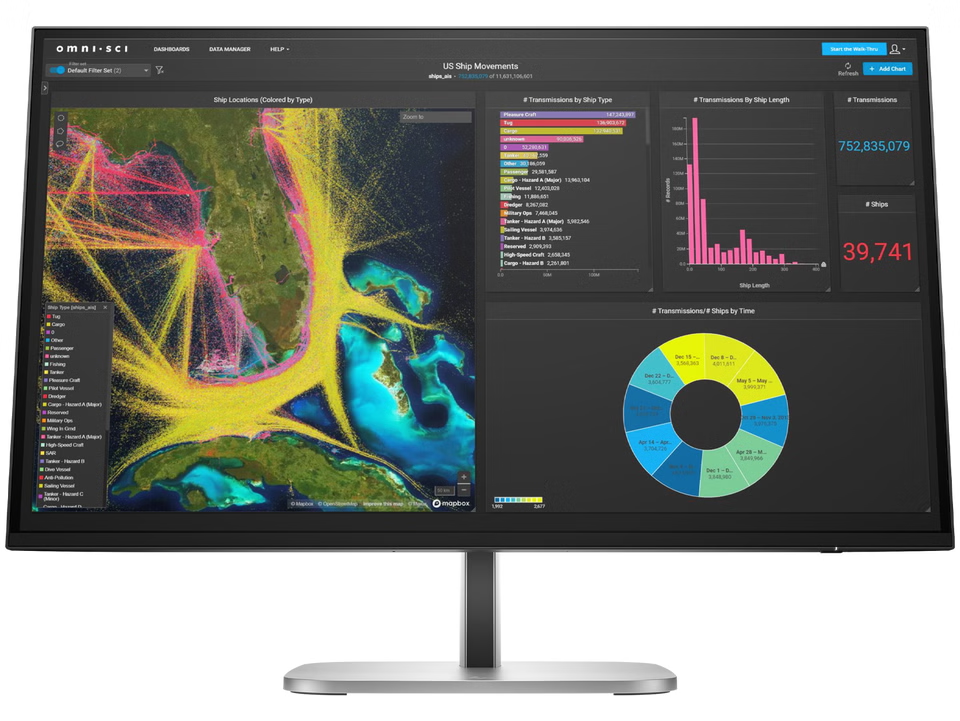
A standalone monitor is a simpler upgrade when you already own a capable notebook. Check the available ports on both devices, the display resolution and height adjustment, then confirm that the stand fits the desk. If you spend winter afternoons reading or editing, adjustable positioning can help put the screen at a comfortable level. Do not assume every monitor includes speakers, a camera or a USB hub; verify the listing for the specific model.
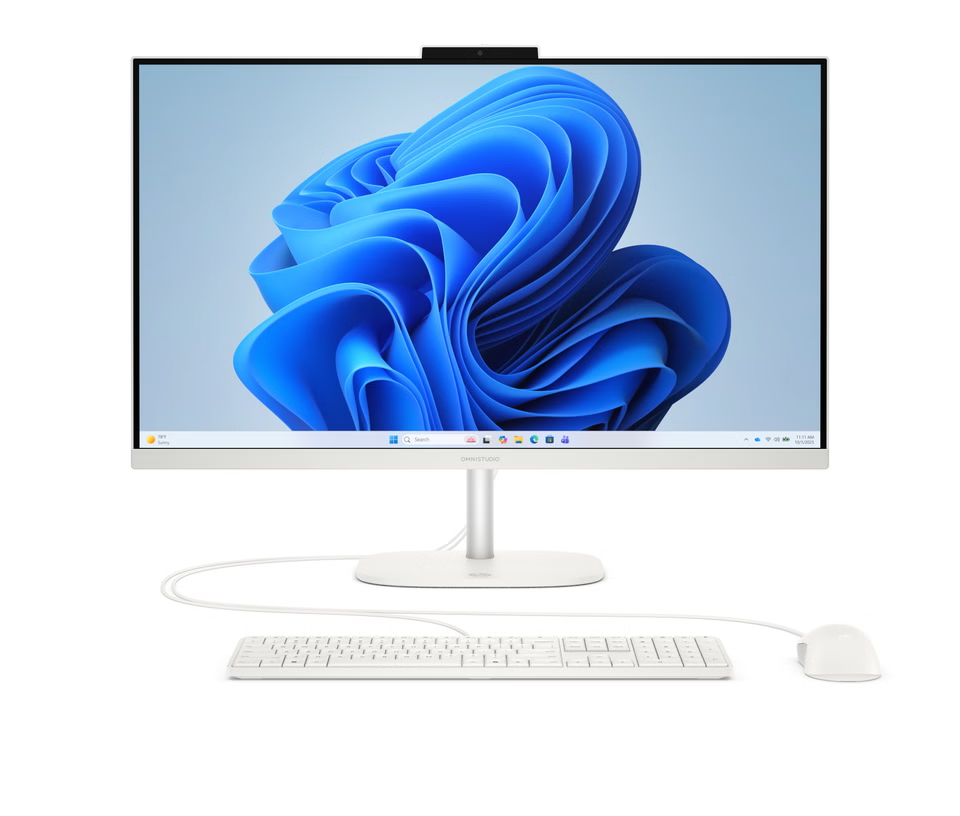
An all-in-one combines a computer and screen in one enclosure. That saves some cable clutter and can suit a shared family desk, but it is still a fixed workstation. Serviceability varies by model, so check what can be replaced or upgraded before treating it as a long-term option. Compare its screen size with the actual distance from your chair; a large panel is only useful if the desk can accommodate it without crowding notebooks, lamps or paperwork.
A practical shortlist can keep the decision grounded:
- Choose a laptop if the desk changes location or needs to clear at the end of the day.
- Choose a desktop if one room can hold the equipment permanently.
- Add a monitor if the laptop is already suitable but one screen feels limiting.
- Consider an all-in-one when fewer separate pieces and cables matter more than later component swaps.
When does the HP ENVY 6532e suit home printing?
The HP ENVY 6532e is a multifunction printer in the Italian HP Store catalogue, making it the shortlist option for households that need printing and scanning in one device. That can be handy for school forms, return labels or occasional work documents during a season spent indoors. Before deciding, estimate how often you print, whether colour matters, and whether you need automatic two-sided printing or a document feeder; confirm those functions on the current product listing rather than assuming them from the family name.
Printer ownership has two parts: the device and the supplies or service that keep it running. Cartridge models can fit lighter use because the initial decision is relatively simple, but frequent printing makes replacement supplies a recurring cost. HP lists ink services and supplies separately across its store. Read the plan terms, compatible cartridge details and cancellation conditions, if relevant, before adding anything to a basket.
If your household prints only a few pages at a time, it can be sensible to compare a basic cartridge model with a refillable printer from the store catalogue. The better value depends on page volume, colour use and how long you expect to keep the printer. Avoid comparing only the first purchase: look at the ongoing supply path and whether everyone who shares the device can manage it.
What should you compare before ordering from HP Store?
A shortlist is most useful when it records the details that change the experience, rather than every specification on the page. Use the same questions for each candidate and check the final configuration at checkout:
- Workspace: measure the desk and note where the laptop, display, printer and power cable will sit.
- Daily workload: distinguish document work and calls from graphics-heavy tasks or large spreadsheets.
- Configuration: verify processor, memory, storage, screen resolution and keyboard layout on the exact listing.
- Ownership: review delivery, returns, warranty support, included accessories and printer supply terms.
| Option | Good fit for | Trade-off to check |
|---|---|---|
| HP OmniBook 3 15-fn0001nlx | More screen room for a stationary laptop desk | Desk footprint and exact screen configuration |
| HP OmniBook 5 14-hm0002nl | Work that moves between rooms or locations | Whether the smaller display suits your main tasks |
| HP ENVY 6532e | Occasional home printing and scanning | Supply costs and the functions included in this configuration |
The table is a starting point, not a ranking across unlike products. A printer does not replace a laptop, and the smaller computer is not automatically the right choice just because it travels more easily. Compare each item against the task you need it to solve, then review the live Italian listing for availability and configuration changes.
Frequently asked questions
Is the HP OmniBook 3 15-fn0001nlx better for desk work?
It is the larger model-name class in this shortlist, which may suit a stationary desk. Check the current listing for the actual display dimensions and confirm that the chassis fits your workspace.
Should I choose the HP OmniBook 5 14-hm0002nl for travel?
It is the more compact laptop in this comparison. Consider it if you move between rooms or carry the computer regularly, while checking the display and configuration details against your work.
Does the HP ENVY 6532e include an ink plan?
The store lists printer hardware and ink services as separate catalogue items. Confirm the current product page and plan terms to see what is included and what would be an additional choice.
Our recommendation
For a single winter home-office purchase, start with the device that removes the most friction from your actual week. The HP OmniBook 3 15-fn0001nlx is the sensible first comparison if screen room matters; the HP OmniBook 5 14-hm0002nl is the more flexible direction when you carry your computer. Add the HP ENVY 6532e only when printing and scanning are recurring needs, and account for supplies as well as the printer itself.
Our limitation is that product pages can change their available configurations and service terms, and the listings do not tell us how your personal desk or workload will feel. Check current specifications, availability, delivery and support details on the Italian HP Store before making the final call.