
Curious about 3D printing, but unsure whether Creality is a single printer brand or a wider maker ecosystem? The official store makes that distinction easier to see.
Creality’s story is rooted in making additive manufacturing more approachable. Its current US storefront connects printers with materials, scanners and accessories, so a newcomer can explore a whole workflow rather than one machine in isolation.
We reviewed the brand’s own store and product information for this introduction. The practical question is what the range says about Creality’s priorities, and which parts matter when you are deciding where to begin.
This article contains affiliate links. If you buy through them, we may earn a commission at no extra cost to you.
Before you read on
- Creality says it was established in 2014 and frames its work around making 3D printing more usable and accessible.
- The US store brings together printers, scanners, filament and accessories, with the printer range at its center.
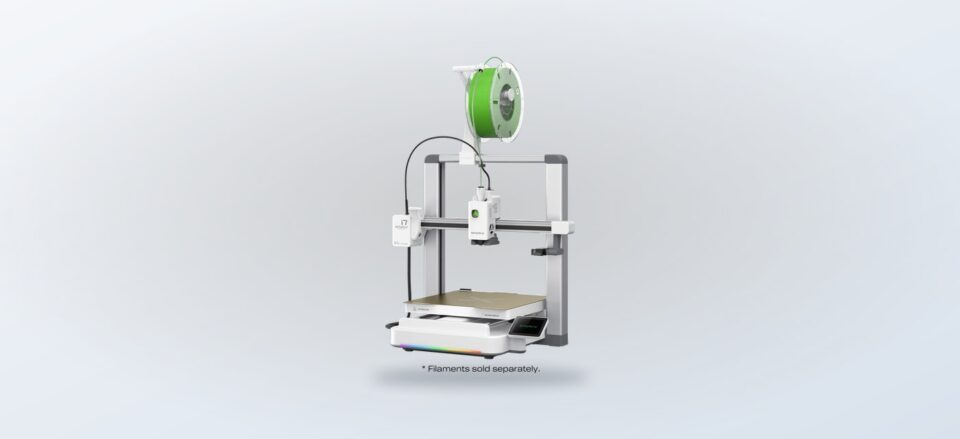
- SPARKX i7 highlights AI photo-to-3D and automatic leveling; Ender-3 V3 SE is another specific entry in the lineup.
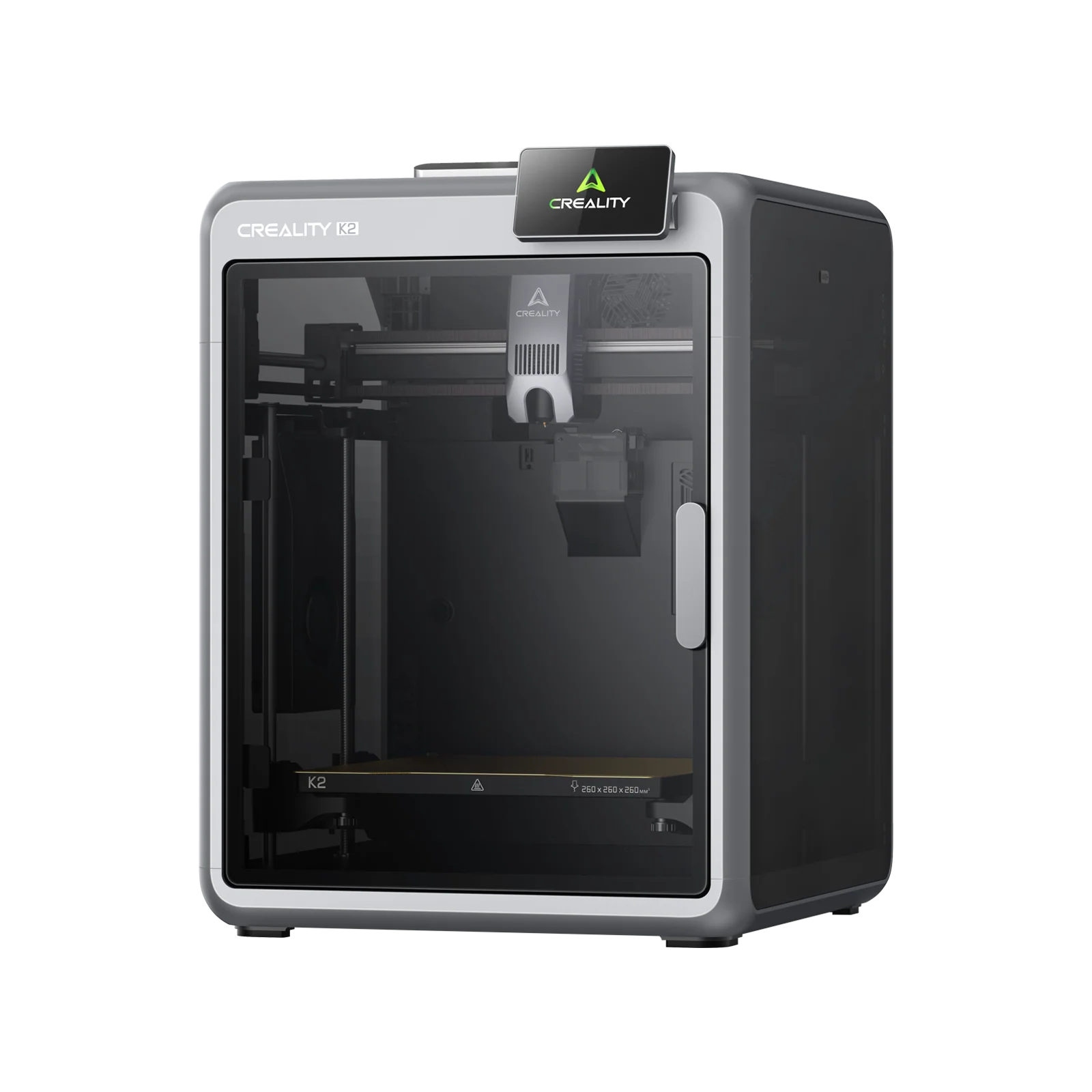
- K2 Plus Combo shows how the catalog extends into bundled setups for more involved workflows.
- Choose by the projects you want to make, the space you have and how much setup support you want to manage.
What story does Creality tell about 3D printing?
On its About page, Creality describes itself as a consumer 3D printer brand founded in 2014, with a stated mission to innovate, apply and popularize the technology. Its slogan, “Imagine It, Make It,” is a concise version of that idea: turning a digital concept into a physical object should be within reach of more than specialist workshops. The official store is where that promise becomes a set of practical product categories.
The company describes a “One Core with Two Wings” strategy. The core is 3D printers; one supporting wing includes ecosystem products such as scanners, filament and accessories, while the other is its Creality Cloud platform for models and cloud printing. That framing is useful because it explains why the official store has several product paths instead of a wall of machines alone.
Creality also names five brand values: usable, smart, affordable, versatile and enjoyable. These are the company’s own principles, rather than independent performance findings, but they offer a helpful lens for evaluating the range. Look for approachable setup, useful automation and compatibility across equipment, while checking each product page for the specifics that apply to a particular model.
The brand says its products serve individual makers, families, education and enterprise. That breadth matters to a first-time reader: the same store may serve a person printing a household replacement, a student learning design, or a team prototyping parts, but those buyers will not need the same scale or workflow.
A helpful starting point: think about what you want to create before comparing features. A small decorative model, a functional part and a multi-color project each ask different things of a printer and its supporting tools.
How does the official store organize the maker ecosystem?
The US store places 3D printers at the center and gives adjacent categories their own routes: 3D scanners, materials and accessories. A scanner can help capture a physical object as a digital model; filament is the consumable input for many FDM workflows; and accessories can fill gaps in storage, maintenance or the printing process. Browse the printer range and materials selection together when planning a complete workflow.
That organization makes the catalog easier to navigate, but it also signals a key ownership question: the printer is only one part of the setup. Before choosing, consider material availability, software, workspace, ventilation and how you will handle calibration and routine upkeep. The store’s accessories and scanner category pages help show the broader system, while product specifications are the right place to confirm model compatibility.
- Printers: compare the intended use, build area and automation stated for each model.
- Materials: check the supported filament or resin types and their storage needs.
- Scanners: consider whether capturing real objects is part of your workflow.
- Accessories: add only what addresses a real task, such as handling, upkeep or multi-material work.
For browsing the wider ecosystem, the official Creality Official Store collection groups these categories together. This can be more useful than starting with a headline model if you are still learning what a complete setup involves. Compare the current product categories before settling on a machine.
Which products show the range best?
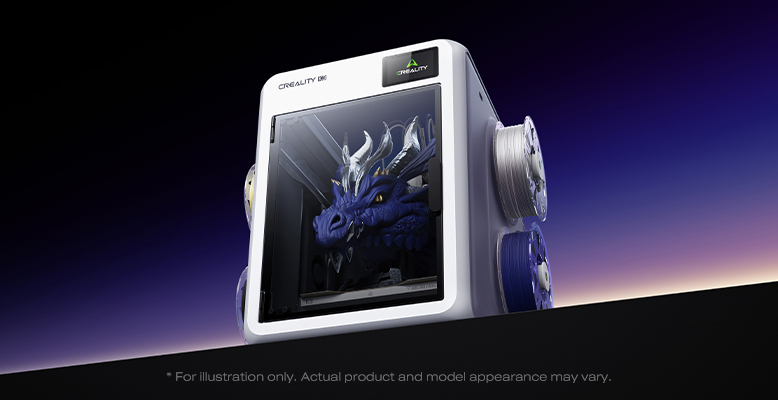
The SPARKX i7 Series 3D Printer is positioned around a simpler creative path. Its product page highlights AI photo-to-3D, automatic leveling and a compact, quiet design. Those are relevant if you value guided setup and want to explore turning an image into a printable object; check the product listing for the exact workflow and requirements before assuming it suits your projects.
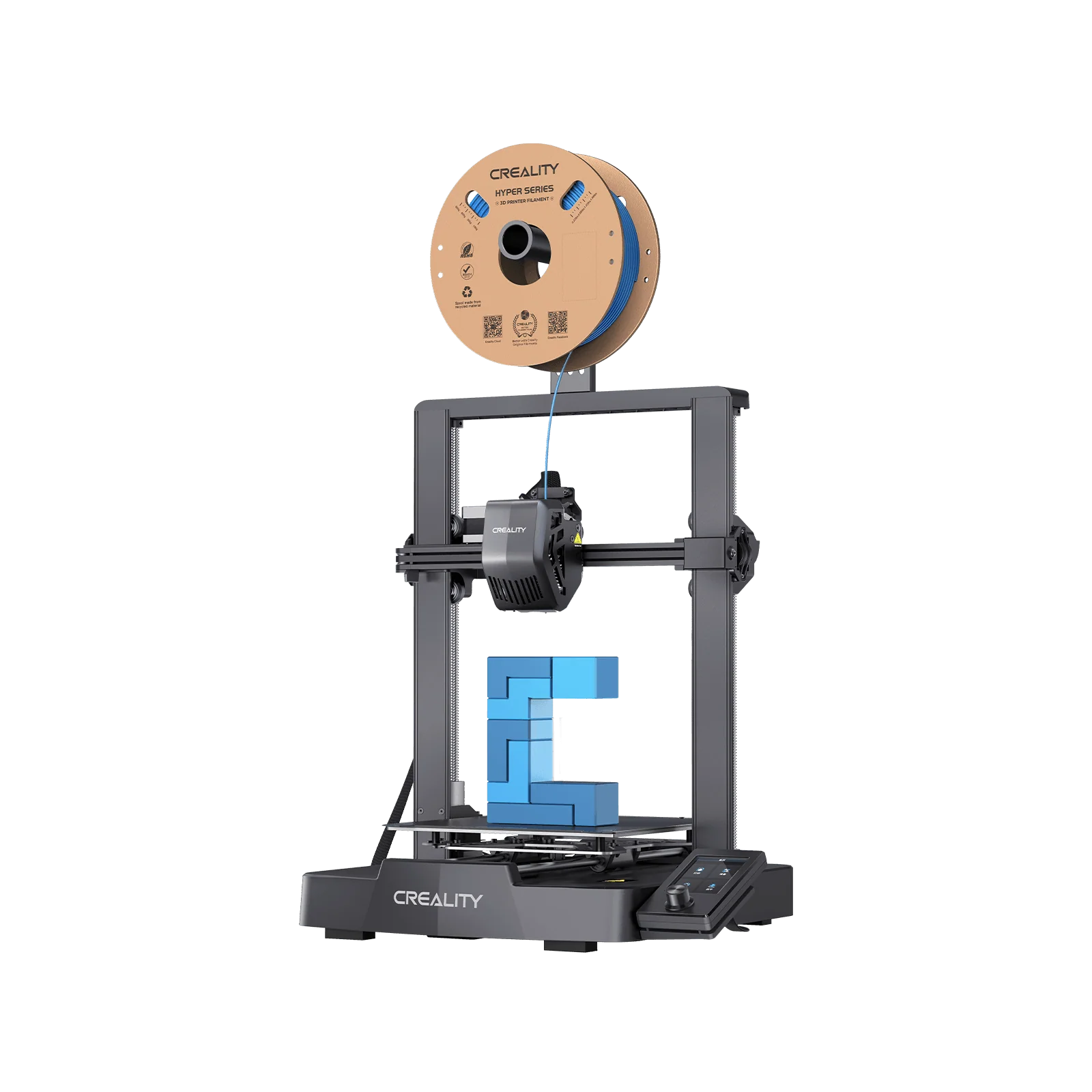
The Ender-3 V3 SE 3D Printer gives the range another recognizable point of entry. The store lists it as a distinct FDM printer, which makes it a useful model to compare against newer, more automation-led systems. Look at its specification page for build dimensions, supported materials and setup details, then match those details to the objects you expect to print.
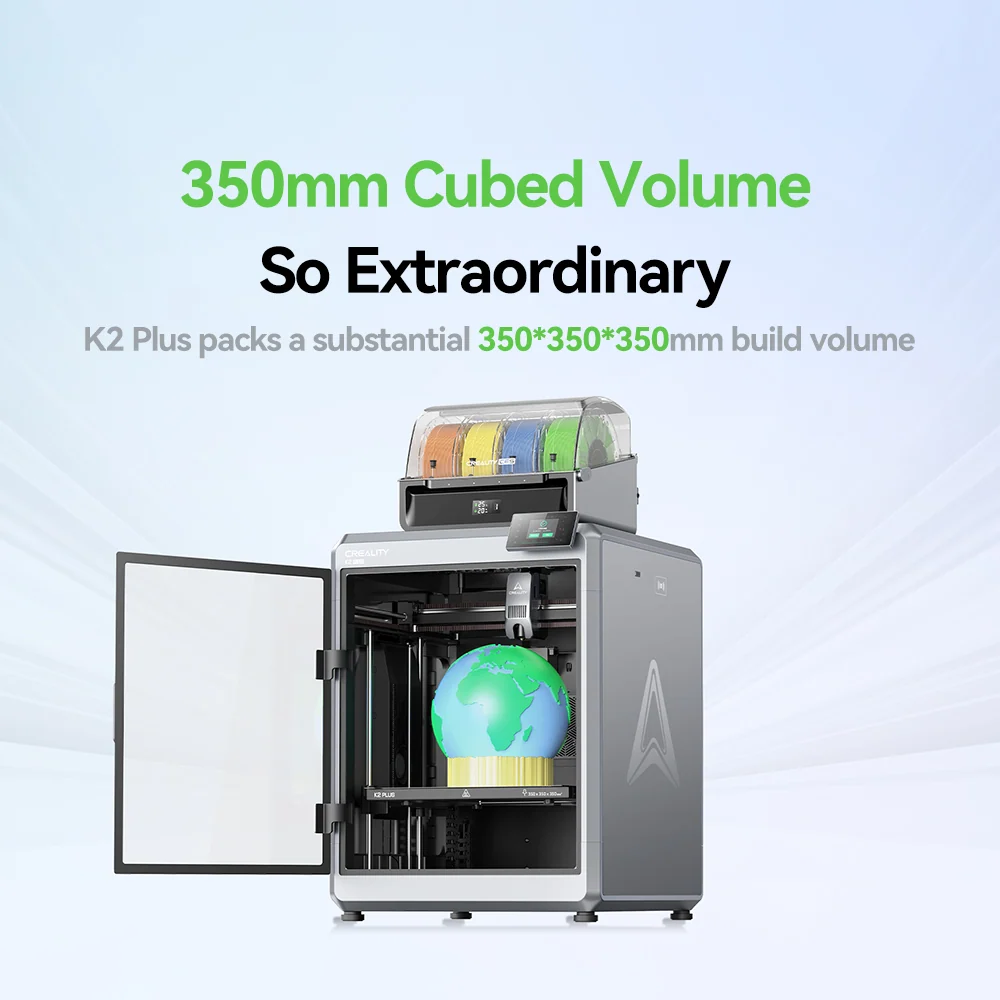
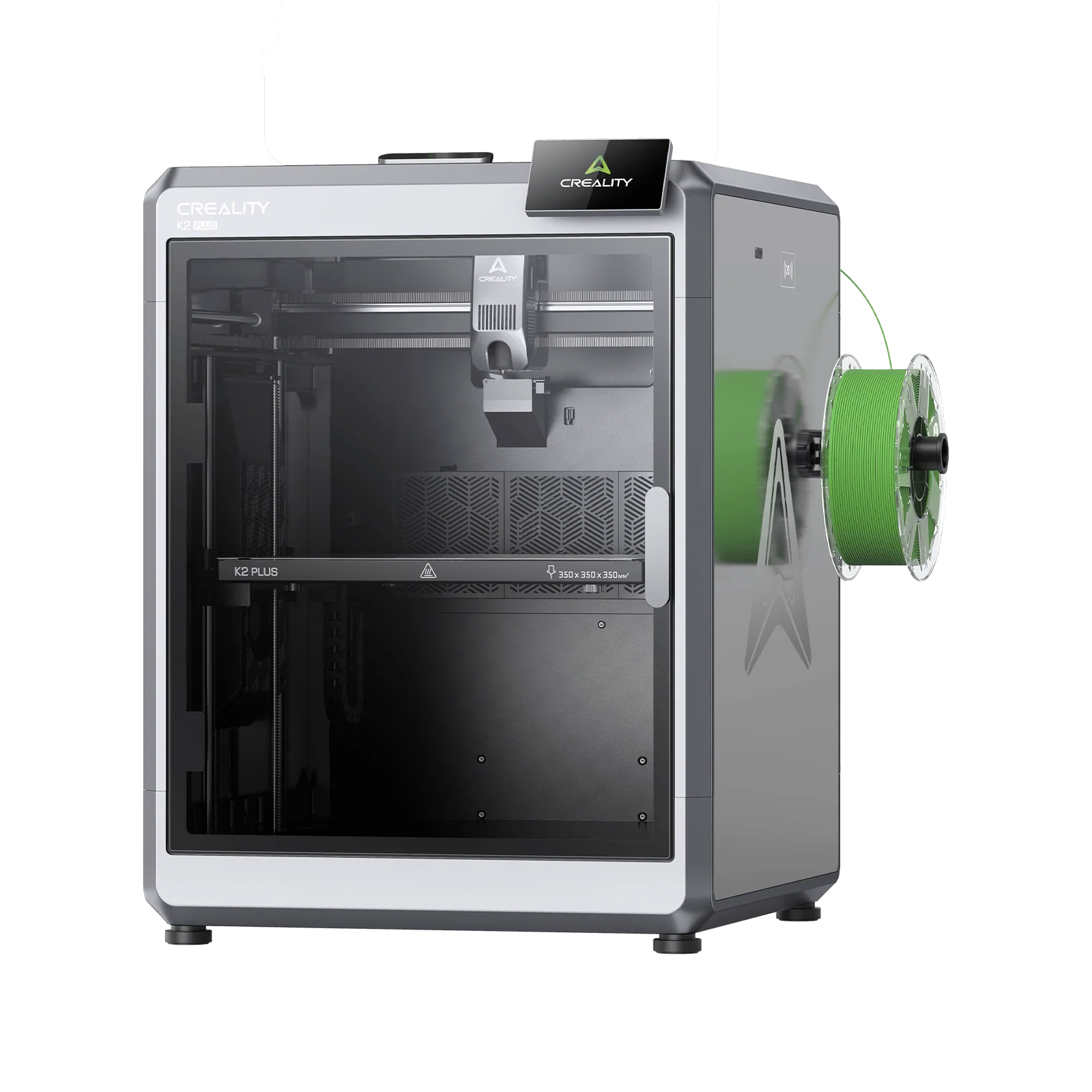
For broader setups, the K2 Plus Combo 3D Printer is sold as a combo, pointing to a bundled approach rather than a bare machine purchase. A bundle can simplify assembling compatible components, though it may include capacity or features you do not need. Compare the included equipment against your plans, not just the convenience of a package.
- Start with the kind of objects you want to make and their approximate size.
- Decide whether you need single-material work or a setup that supports more involved output.
- Compare the automation and setup steps shown on each product page.
- Check materials and accessory compatibility before adding anything to a shortlist.
What should a first-time buyer keep in mind?
Creality’s accessibility message is a useful starting point, but it does not remove the learning curve that comes with digital modeling, slicing and machine maintenance. A printer can make production feel tangible, yet the file preparation and material choices still shape the result. New users should look for clear setup documentation and support resources alongside headline features.
Also distinguish the brand’s broad mission from each model’s practical limits. A compact machine may suit a desk but constrain project size. Automation can reduce repeated manual steps, while still requiring suitable input files and correct material settings. A larger combo may open more options while taking up more room and asking for a bigger commitment to the workflow.
- Measure your available surface and allow room to access the machine.
- Write down two or three real projects to guide your feature shortlist.
- Read the store’s warranty, return and shipping information for the selected product.
- Confirm which tools, materials and software are included versus optional.
The official store lists support and policy information alongside product details, including a return policy, warranty information and customer support. Terms can depend on the item and order, so use the relevant US product and policy pages to confirm what applies. This is especially sensible when buying a machine whose setup or footprint is new to you.
Where does Creality fit for a curious maker?
Creality’s most distinct proposition is the connection between an accessible printer lineup and the surrounding maker ecosystem. That gives newcomers room to begin with a single machine and experienced hobbyists paths toward scanning, materials and accessories. The full catalog is broad enough that the first decision should be about workflow, not the most prominent product tile.
Its own stated values emphasize usability and versatility, and the product range gives those themes a concrete form: guided features on models such as the SPARKX i7, familiar printer choices such as the Ender-3 V3 SE, and more bundled systems such as the K2 Plus Combo. Whether those choices fit depends on your projects and tolerance for learning the production process.
Is Creality suitable for someone new to 3D printing?
It can be a reasonable brand to explore because the store presents printers alongside materials and supporting tools. Compare the setup guidance and feature details of individual models, since the range spans different levels of complexity.
Does the store sell more than printers?
Yes. The US storefront also lists scanners, filament, accessories and related maker products, while Creality describes its cloud platform as part of the wider ecosystem.
How should I choose a first model?
Begin with your project size and materials, then compare automation, setup requirements, workspace needs and included items. Confirm those details on the exact product page before deciding.
Our recommendation
For a first introduction, explore Creality Official Store as an ecosystem rather than a single machine label. The brand’s story is about making 3D printing more accessible, and its printer, material and accessory categories show how it intends to support that journey from idea to object.
The honest limitation is that a wide catalog can make the first choice feel less obvious, and brand values cannot substitute for matching specifications to your real projects. Shortlist a model such as the SPARKX i7, Ender-3 V3 SE or K2 Plus Combo only after checking its current details, setup expectations and fit for your workspace.