
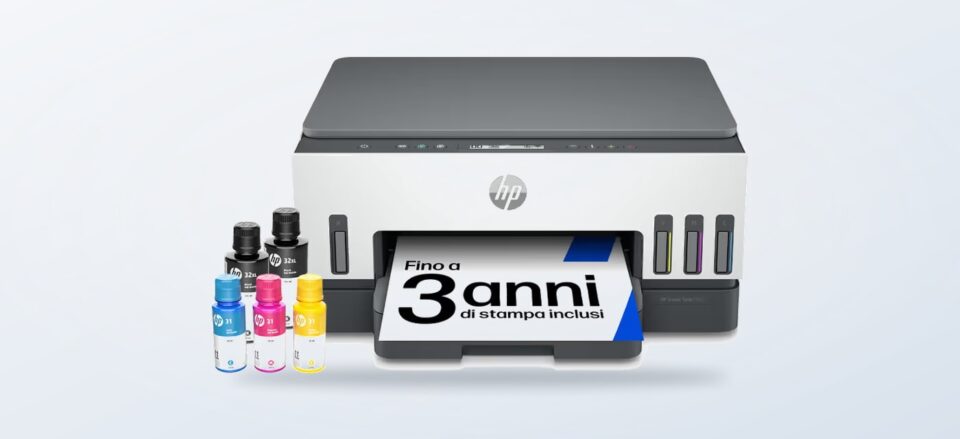
A home printer can be an occasional convenience, a regular colour-workhorse or part of a document-heavy desk. Choosing between those jobs matters more than picking the longest feature list.
We compared product information on the Italian HP Store pages for three inkjet directions: refillable tanks, an office-focused all-in-one and a photo-oriented model. HP’s listings describe different workloads and features, but the right fit still depends on the frequency and type of pages you print.
This guide weighs those specific options against the usual buyer alternatives: cartridge convenience for light use, ink tanks for repeated colour jobs and laser printing for text-heavy routines. We use the product-page information, and recommend checking each listing for the current configuration, supplies and availability.
This article contains affiliate links. If you buy through them, we may earn a commission at no extra cost to you.
Before you read on
- The HP Smart Tank 7005 is the refillable option for recurring home printing; HP lists a recommended monthly volume up to 800 pages.
- The HP OfficeJet Pro 8125e includes a 35-sheet automatic document feeder, which can simplify multi-page scanning and copying.
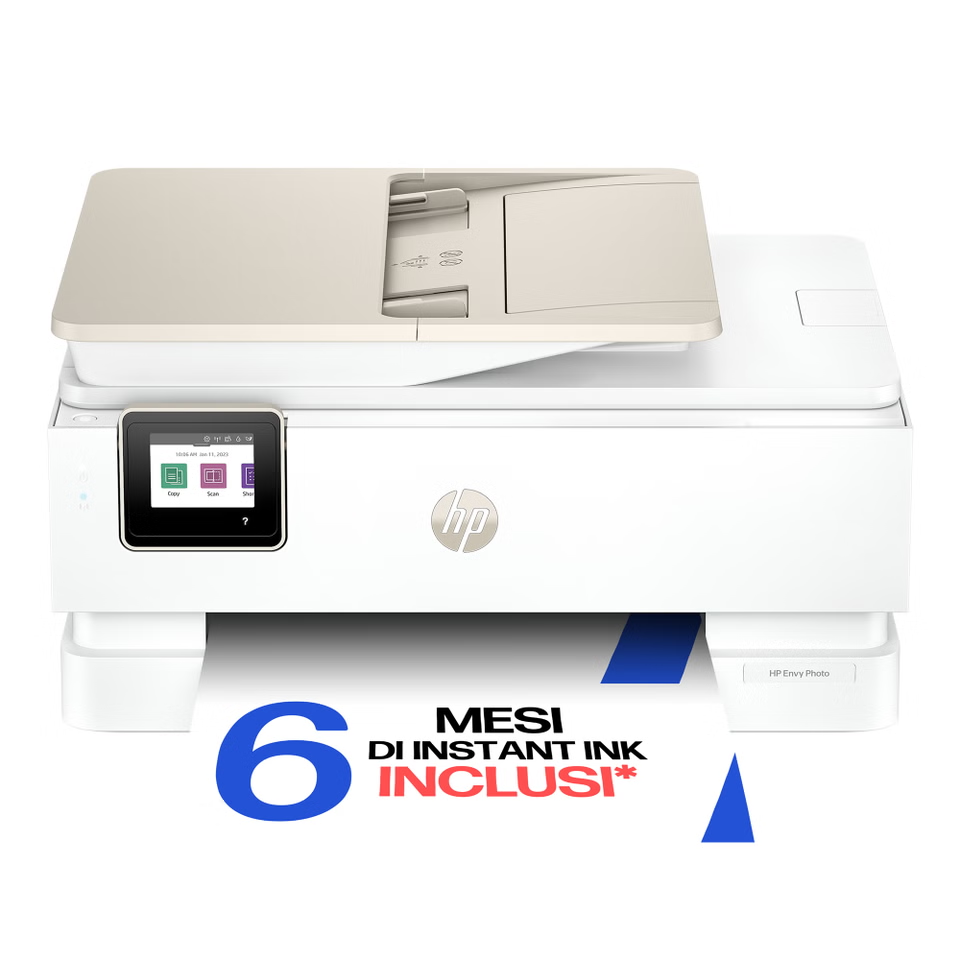
- The HP ENVY Photo 7934 lists a photo tray, borderless printing and a 35-sheet feeder.
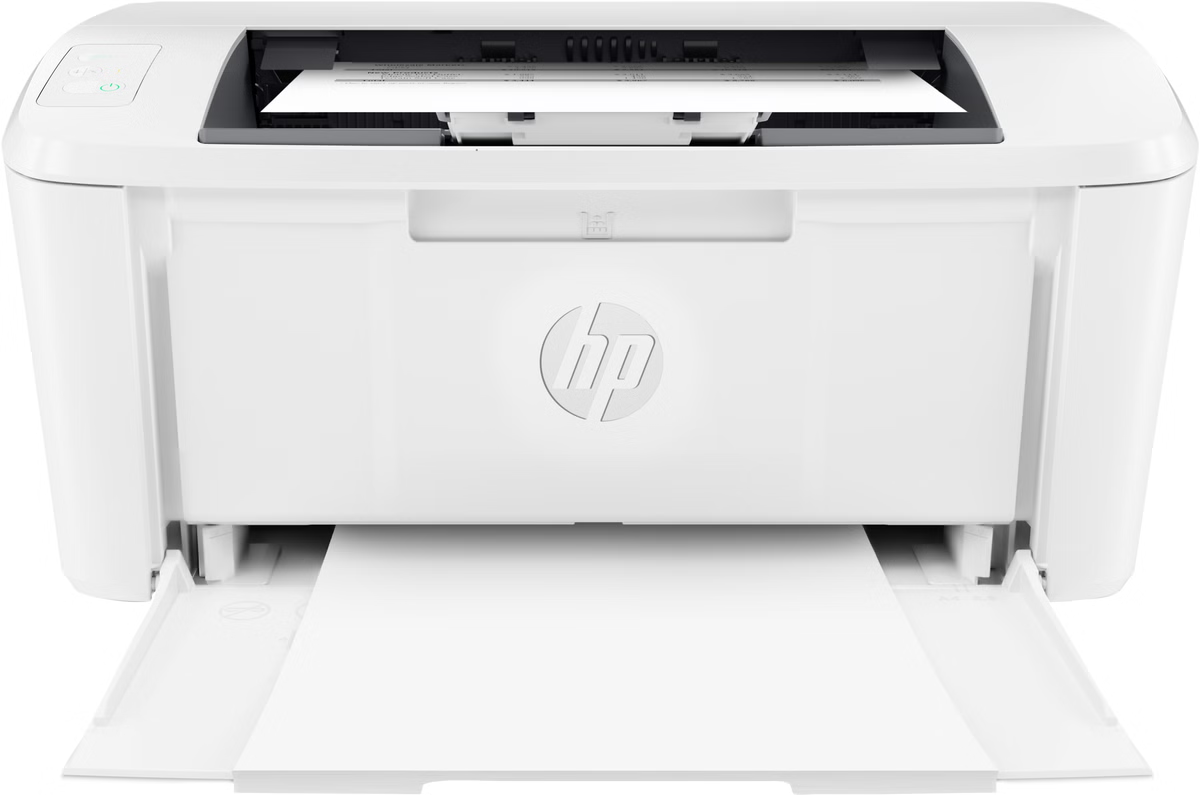
- The HP LaserJet M110w is a black-and-white, print-only alternative; HP recommends up to 1,000 pages monthly.
Which printer matches the way you print?
Start with a realistic estimate of what leaves the printer in a normal month. A few pages, a school project and occasional photos are a different buying pattern from recurring reports, invoices or multi-page paperwork. The HP Store range makes these choices visible through distinct product families, but a family name alone does not establish the best match for your workload.
- For regular colour pages, compare the HP Smart Tank 7005 and its refill system.
- For forms and multipage paperwork, inspect the HP OfficeJet Pro 8125e feeder details.
- For household photos, check the HP ENVY Photo 7934 media support.
- For black-only printing, compare a compact monochrome laser such as the HP LaserJet M110w.
The HP Smart Tank 7005 is listed as a cartridge-free all-in-one for printing, scanning and copying over wireless. HP specifies up to 15 pages per minute in black and 9 in colour, and recommends up to 800 pages per month. That makes it the clearest tank option here for frequent colour documents, although those figures are listed limits rather than a guarantee of real-world speed. See the HP Smart Tank 7005 product details and check whether its recommended workload fits.
A tank design avoids replacing small cartridges as the normal ink-supply routine, but it asks buyers to accept a refill process and keep suitable ink on hand. If printing is rare, that convenience may not compensate for buying a larger system. Compare the Smart Tank 7005 listing with a cartridge model’s current supplies and functions before making the jump.
- Check whether your monthly page volume is regular, not just seasonal.
- Make room for the printer and refill bottles.
- Confirm which bottles match the exact model.
When does a refillable tank beat cartridge ink?
The trade-off is commitment: tank printers need refills, room on a desk and an owner comfortable following the refill instructions. Refill convenience depends on workload and storage space. HP’s stated workload is a ceiling to use as a planning reference, not a claim that every household should print that much. If most months are quiet, a cartridge device may suit occasional printing better.
A cartridge inkjet is another option for light, mixed colour jobs; compare replacement cartridges with tank refills. A monochrome laser can suit text-heavy routines, but compare toner, footprint and scan needs.
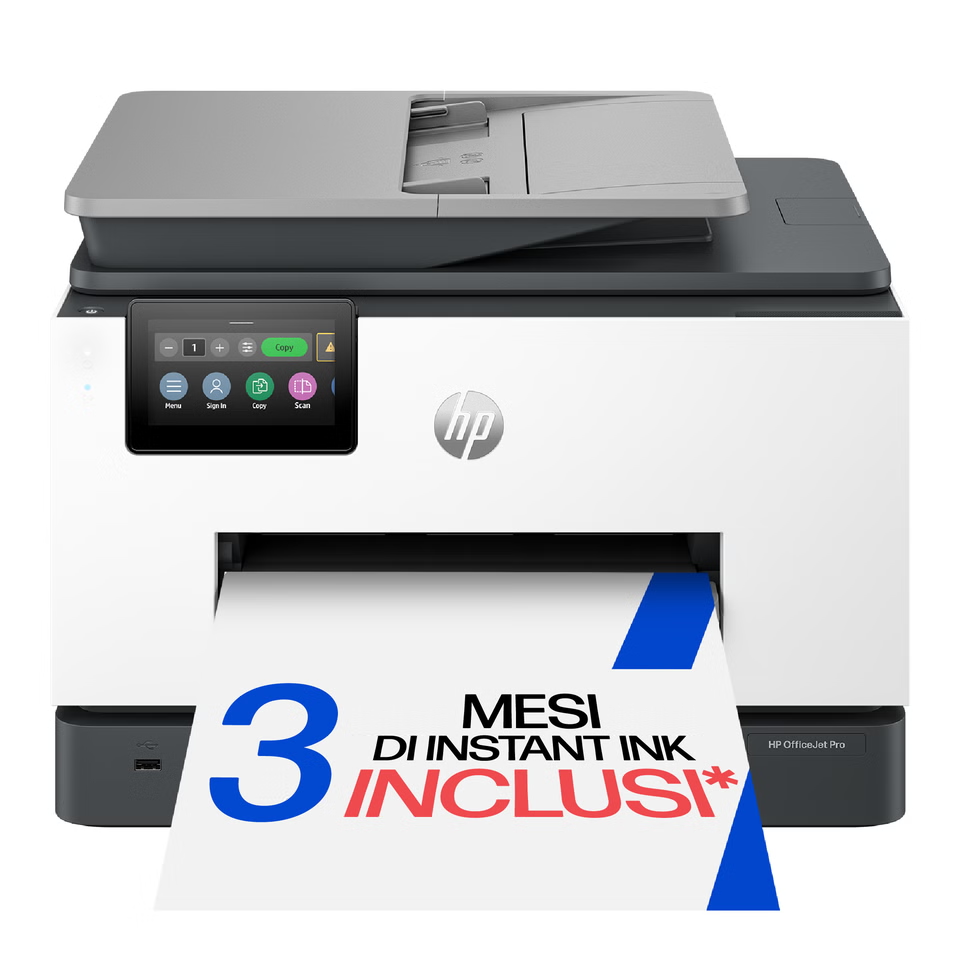
Would the OfficeJet Pro 8125e suit paperwork?
The HP OfficeJet Pro 8125e is the office-leaning choice in this set. HP’s listing calls out a 35-sheet automatic document feeder, a practical feature for stacks of pages. The page also positions it for home working and lists the printer as an all-in-one. Buyers who regularly handle forms or multipage paperwork may value that workflow more than a refillable tank’s lower-interruption ink routine.
Check the details that turn a headline feature into a usable desk setup: feeder capacity is the standout here, but only if you scan stacks often; check which sides the feeder handles, what connection options are included, and what the box contains. The 8125e uses replaceable cartridges, so weigh refill availability and expected page volume against the convenience of its document feeder. Review the OfficeJet Pro 8125e listing for those specifics before choosing.
Is the ENVY Photo 7934 a better fit for photos?
When personal photos matter, compare the HP ENVY Photo 7934 rather than assuming a standard document printer will give the same home-printing experience. HP lists a photo tray, touchscreen, borderless photo printing and a 35-sheet feeder. Check the supported media and cartridge details on its current page.
Photo printing changes the supply equation: paper choice and colour use can matter as much as the occasional work document. The ENVY Photo’s listed photo tray and borderless printing are relevant when images are a regular job; an online photo service can suit infrequent large batches. Read the ENVY Photo 7934 page and compare its supported media and replacement supplies.
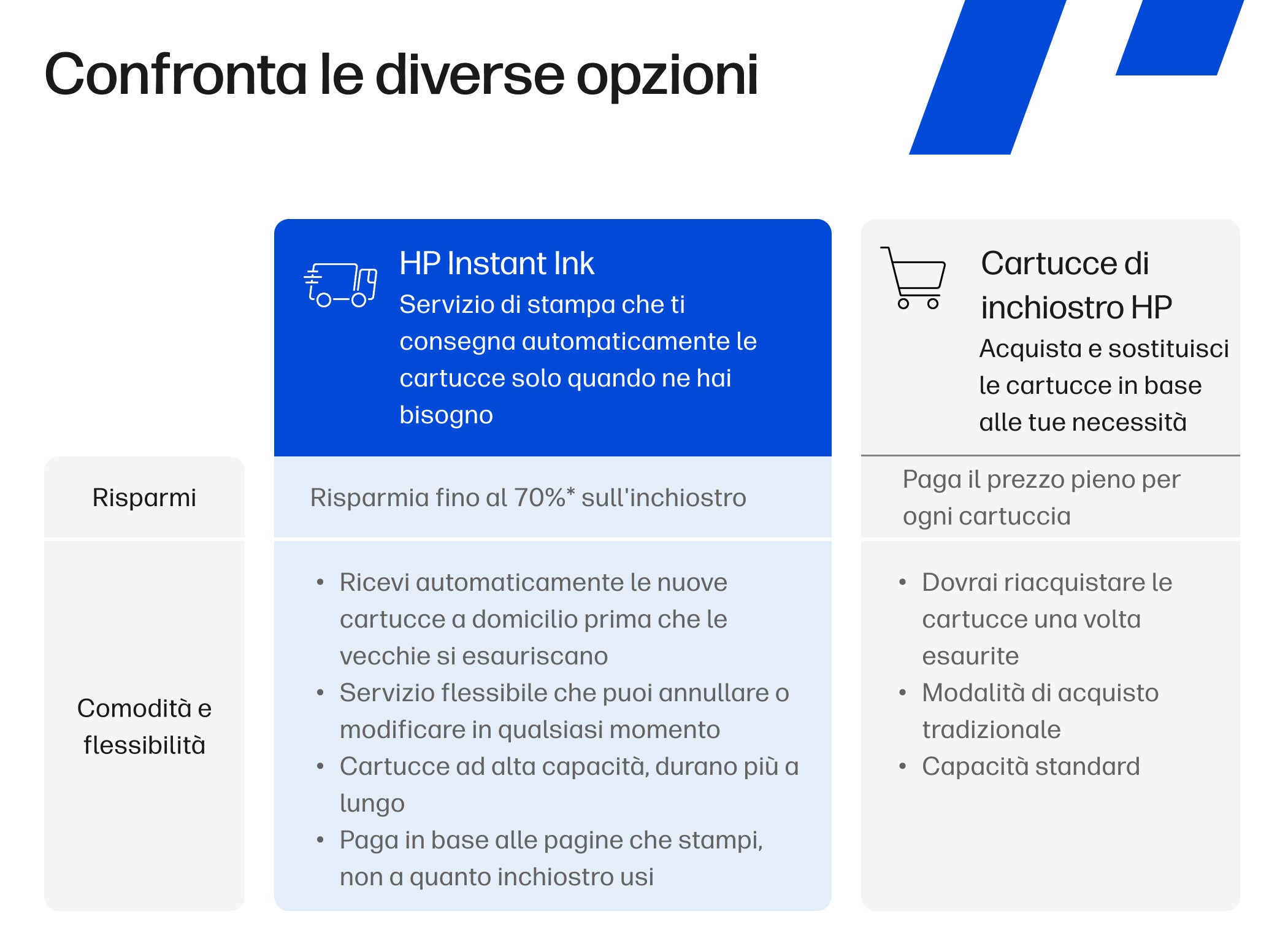
Some HP printer listings reference an ink subscription service. Compare any plan terms and eligibility with replacement cartridges and your expected page volume; availability can vary by model.
How do these printer types compare with usual alternatives?
| Printer | Best fit | Listed strength | Trade-off to weigh |
|---|---|---|---|
| HP Smart Tank 7005 | Regular home colour and document printing | Refillable tank; HP recommends up to 800 pages monthly | Refill setup and bottle availability |
| HP OfficeJet Pro 8125e | Home office paperwork | 35-sheet automatic document feeder | Cartridge replacement; confirm workflow needs |
| HP ENVY Photo 7934 | Photos plus everyday jobs | Photo tray, borderless printing, 35-sheet feeder | Cartridge ink and photo paper needs |
| HP LaserJet M110w | Black-and-white text jobs | Black-and-white, print-only; HP recommends up to 1,000 pages monthly | No colour or scanning functions |
The core trade-off is volume, document handling or photos: Smart Tank prioritises recurring use, OfficeJet adds a feeder, and ENVY Photo focuses on images. Compare supplies and operating costs too.
- Compare a cartridge inkjet for light colour jobs; check cartridge replacement cost against tank refills.
- Choose a refillable tank when colour documents recur and you are comfortable with a refill routine.
- Choose an OfficeJet-style feeder when multipage scanning and copying are regular desk tasks.
- Consider the HP LaserJet M110w for compact black-and-white output; it is print-only, so it does not replace an all-in-one scanner.
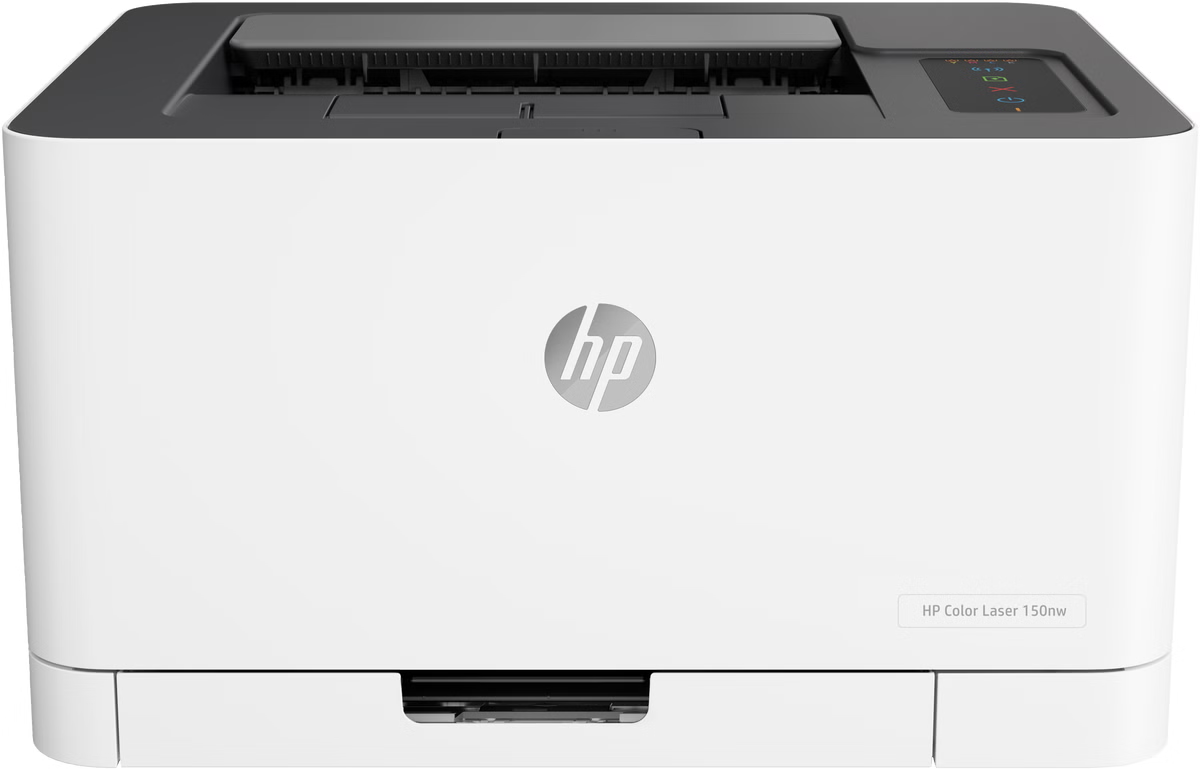
For buyers who need colour but prefer laser toner, a compact colour laser can be another category to compare. It may suit occasional graphics and text, but check the model’s print speed, toner workflow and monthly workload. A print-only laser does not replace a scanner or feeder-equipped all-in-one.
What should you check on the product page?
First, confirm the model suffix. Similar names can refer to different configurations, so make sure the product code and region match the device you are comparing. HP Store’s Italian listings are the source for the offered configuration; availability and included items can change.
Next, look at the work you need to complete. A flatbed scanner handles books and single pages; an automatic document feeder is useful for stacks. Check whether duplex printing, mobile printing and paper sizes you use are supported. For photos, verify paper size and borderless options. For tanks, understand refill steps and the ink bottles that match the model. Exact model codes matter when comparing supplies.
- Estimate typical monthly pages, separating colour and black text.
- List must-have functions: scan, copy, feeder, duplex, wireless or photo sizes.
- Compare the replacement supply type and ongoing cost drivers for each model.
- Measure the desk space and check how paper is loaded and stored.
- Confirm warranty, setup and support details on the Italian product page.
Frequently asked questions
Is a Smart Tank printer always cheaper to run?
Not automatically. Total cost depends on page volume, refill prices, colour use and model features. Compare your expected pages and current supplies.
Does the OfficeJet Pro 8125e scan multipage documents?
HP lists a 35-sheet feeder. Check its exact scanning and copying functions on the product page.
Should I choose a photo printer for occasional pictures?
For rare photo jobs, a general cartridge model or print service may be simpler. Choose a photo-focused device when its paper sizes and workflow will be used often.
Choose by recurring workload: refillable tanks suit regular colour, a feeder helps with paperwork, and photo-oriented models fit households that print images often.
Our recommendation
For recurring family colour pages and regular documents, we would start with the HP Smart Tank 7005, because HP lists tank printing, scanning and copying plus a recommended workload up to 800 pages monthly. For home-office paperwork, the OfficeJet Pro 8125e is the more targeted pick thanks to its 35-sheet feeder. For homes that print photos as well as documents, compare the ENVY Photo 7934 against those two on supported media and supply costs.
The limitation is that these models serve different routines, and HP’s listed speed or workload does not predict every user’s costs or results. For many owners, replacement supplies and print frequency will matter more than a headline speed. Confirm the exact configuration, consumables and current availability on the Italian product pages before deciding.