
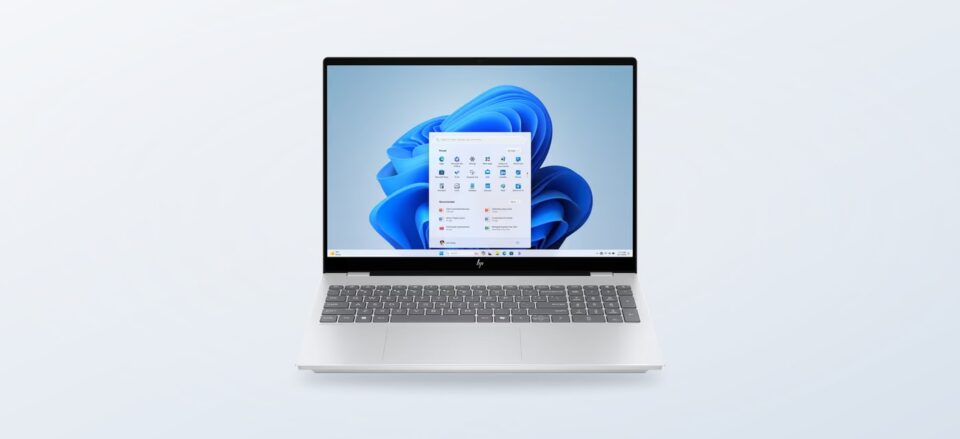
Choosing a computer or printer often starts with a practical question: which product family fits the way your home or workday actually runs?
The Italian HP Store is a direct route through a broad technology range, from portable computers and desktops to monitors, printers, ink, toner and accessories. Its catalog is useful to understand as a set of connected choices rather than one long list of devices.
For first-time visitors, the useful context is how those choices relate: a flexible notebook serves a different routine from a fixed desktop, while printer families reflect different volumes and habits. We have reviewed the store’s product information and range pages to map those distinctions, not to report hands-on use.
This article contains affiliate links. If you buy through them, we may earn a commission at no extra cost to you.
Before you read on
- HP OmniBook 7 16-ay0005nl is listed with a 16-inch display, 16 GB memory and 1 TB SSD.
- HP OmniBook X Flip 14-kb0001nl adds a touchscreen that rotates 360 degrees, for laptop and tablet-style use.
- HP DeskJet 4330 combines print, copy and scan with a 35-sheet automatic document feeder.
- The store also spans desktops, monitors, accessories, ink and toner, with product pages describing configurations and support details.
How does HP Store organise such a broad range?
Rather than being a single-product specialist, HP Store brings several everyday technology categories together in one manufacturer-run catalog. Readers can move from laptops to desktops, monitors, printers, supplies and add-ons without switching to a separate retailer. That breadth is the central feature of the store: the same visit can cover a portable computer, a screen to pair with it, and a printer for household documents.
The navigation also groups computers by audience and use, including consumer, business and gaming routes. This matters because product families can look similar at a glance while being configured for very different work. A first pass through the category filters can narrow by form, screen size, processor family, memory, storage or connectivity before the model comparison begins.
- Start with the job: portability, a fixed desk, printing, or a larger display.
- Use the range filters to reduce the number of configurations in view.
- Compare the full specification list and included accessories before deciding.
One practical advantage of direct manufacturer listings is the detail attached to each configuration. The store’s product pages show specifications, warranty notes and relevant support links, which can be more helpful than choosing by a family name alone. Check the listed configuration itself: memory, storage, screen resolution and included peripherals can vary across models within the same series.
HP also presents support information alongside its store navigation, including delivery, returns, warranty and technical help. The exact terms depend on the product and current store conditions, so those pages deserve a read before checkout. A direct channel makes support easier to find, but it does not remove the need to check delivery timing, return eligibility and coverage for the particular item.
Which HP notebook families make a useful starting point?
The HP OmniBook 7 16-ay0005nl is a clear example of a conventional large-screen notebook in the range. HP lists a 16-inch WQXGA display, Intel Core Ultra 5 processor, 16 GB memory and a 1 TB solid-state drive for this configuration. That combination makes it worth investigating for someone who wants a roomy screen and a substantial local drive in one portable system. The product page also describes a backlit keyboard and numeric keypad.
The OmniBook 7 16-ay0005nl is a useful reference point when comparing other configurations: check display resolution, memory and processor rather than assuming every OmniBook 7 is the same. The range can suit home work, study and entertainment, but a 16-inch model is less compact than a smaller travel-first notebook. Think about where it will be used most often.
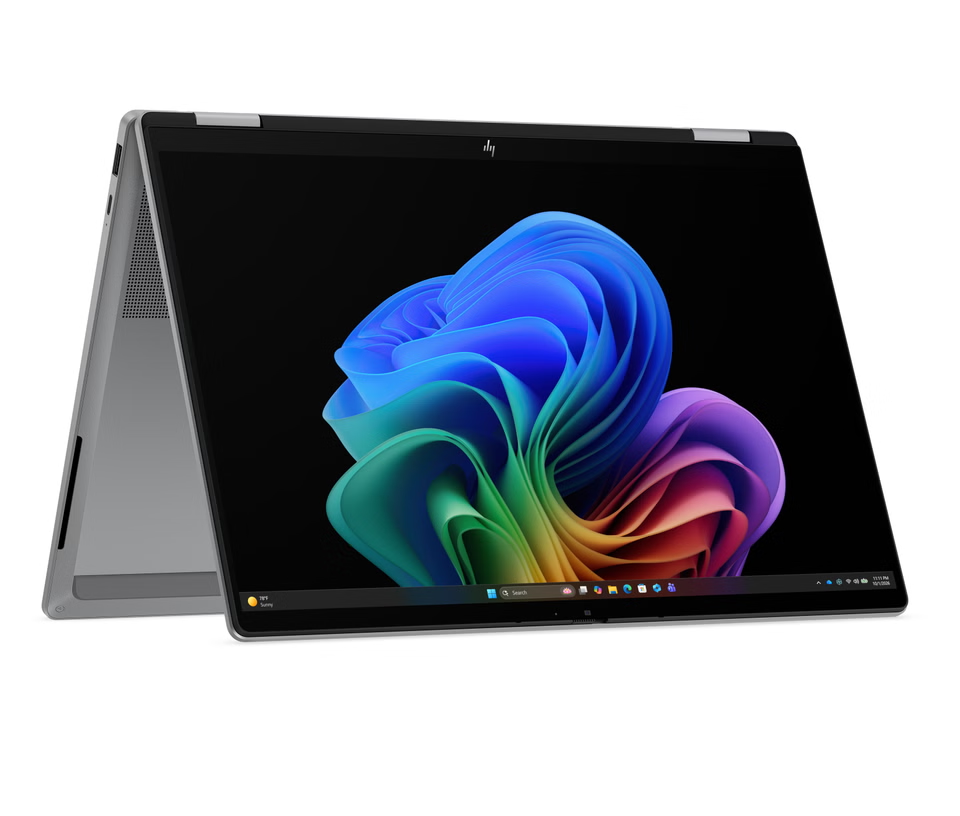
For a different kind of flexibility, HP lists the HP OmniBook X Flip 14-kb0001nl with a 14-inch touchscreen that rotates through 360 degrees. The listed configuration includes an Intel Core Ultra 7 processor, 32 GB memory and 1 TB SSD. Its convertible hinge is the defining distinction: it offers a tablet-style position for reading or presenting, while remaining a notebook for keyboard-based tasks.
The trade-off to weigh is not a flaw so much as a choice. A convertible adds a hinge and touch layer because it serves more than one posture; someone who will always type at a desk may prefer to compare a standard notebook with similar display and memory needs. Readers who switch between writing, viewing and presenting may find the form factor more relevant. Compare the OmniBook X Flip configuration details directly with the standard OmniBook 7.
- Choose the screen size around your usual workspace and travel pattern.
- For a convertible, decide whether touch and multiple viewing positions will earn their place.
- Match memory and storage to your workload, not just the series name.
How does the printer range differ from a notebook purchase?
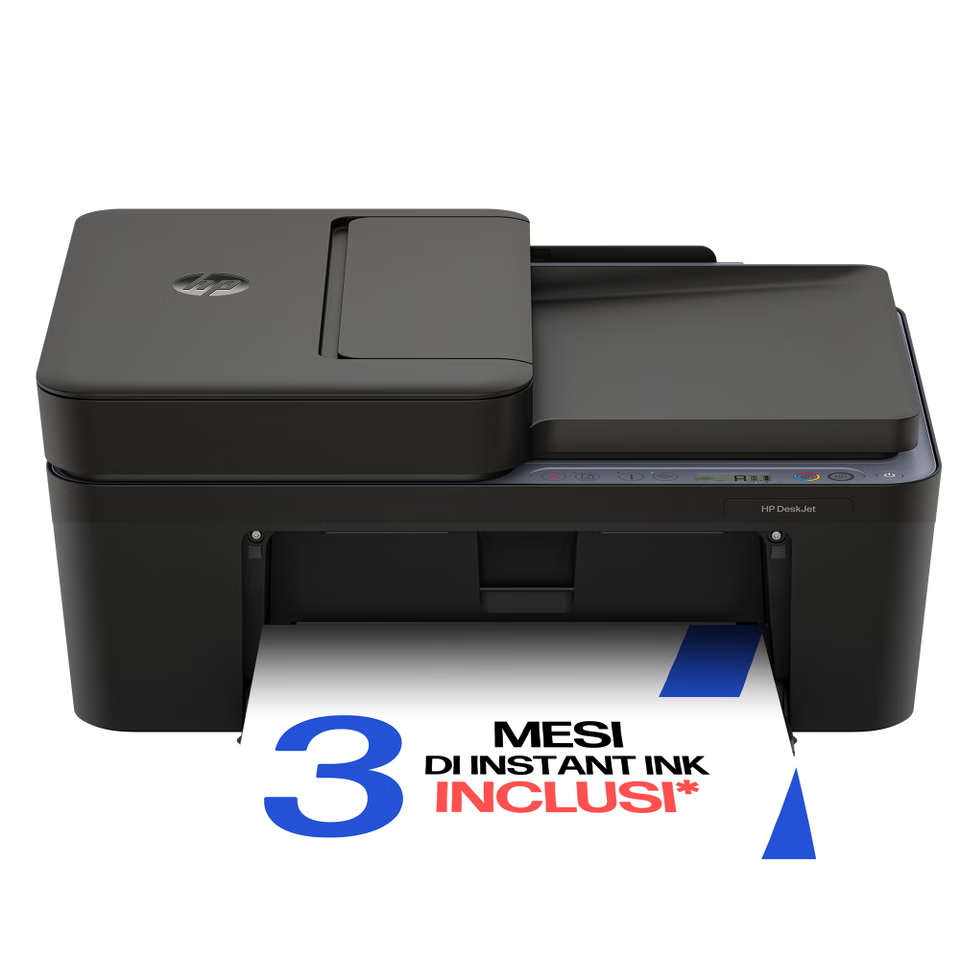
Printers call for a different kind of comparison because ongoing supplies, print volume and scanning needs shape the fit. The HP DeskJet 4330 is a compact home all-in-one for print, copy and scan. Its page lists wireless printing and a 35-sheet automatic document feeder, making it more suited to small batches of multipage paperwork than a basic print-only device. HP states a recommended workgroup size of up to three users and a monthly volume of up to 100 pages.
For regular household printing, the DeskJet 4330 shows how HP combines everyday tasks in a small footprint. Before choosing, consider the kinds of documents you produce, whether an automatic feeder saves time, how often you print colour, and how ink replenishment works for your expected pattern. An all-in-one offers versatility, though it still asks the buyer to keep track of supplies and page limits that suit their use.
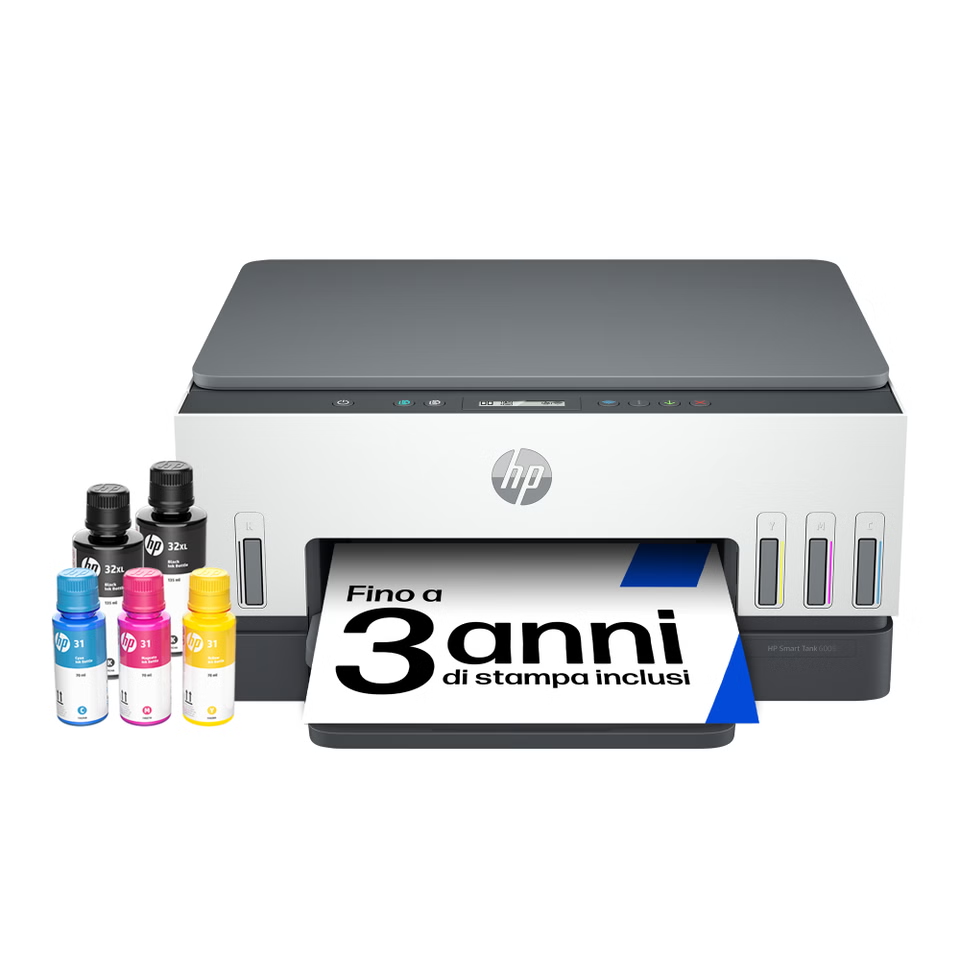
The HP Smart Tank 6005 represents another approach. Its Italian product page describes a refillable tank system, print, scan and copy, wireless operation, automatic duplex printing and ink included with the printer. The family is relevant for readers who expect a steadier stream of home printing and want to compare refill bottles with cartridge-based models. Total running cost depends on actual volume, the type of pages printed and replenishment needs, so use the store’s current supply details as part of the decision.
That makes the contrast between Smart Tank 6005 and DeskJet 4330 a useful one for first-time visitors: think about print frequency, how many users share the device, and whether the tank format matches your habits. The better match is the one whose supplies and capacity make sense after the initial purchase, not simply the model with the longest feature list.
- Estimate your monthly document and photo volume.
- Decide whether an automatic document feeder or duplex printing will matter regularly.
- Review compatible ink, toner or refill supplies and their availability in the same regional store.
What else can complete a home or work setup?
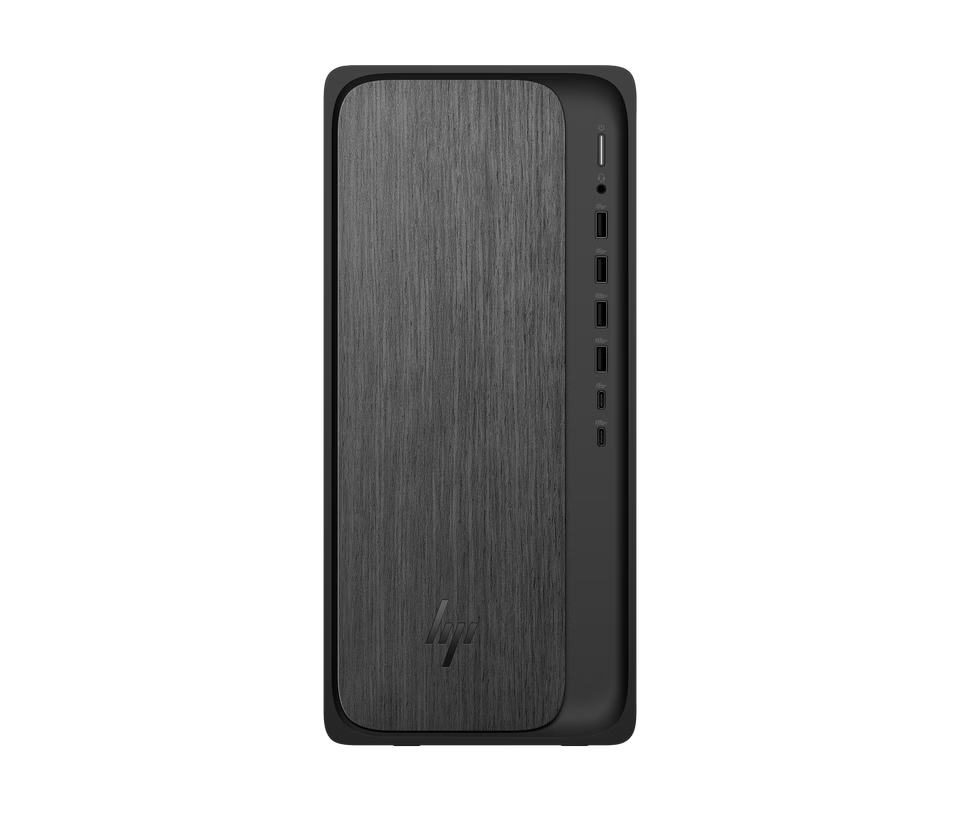
The Italian catalog extends beyond notebooks and printers. HP’s desktop pages include tower and slim formats, and the HP OmniDesk M02-0002nl illustrates a fixed-desk option with an AMD Ryzen 5 processor, 16 GB memory and a 1 TB SSD in the listed configuration. HP notes that keyboard and mouse are not included with this model, a small but meaningful detail when planning the full setup. Consider the OmniDesk M02-0002nl when you want a fixed desk machine and already have a plan for keyboard and mouse.
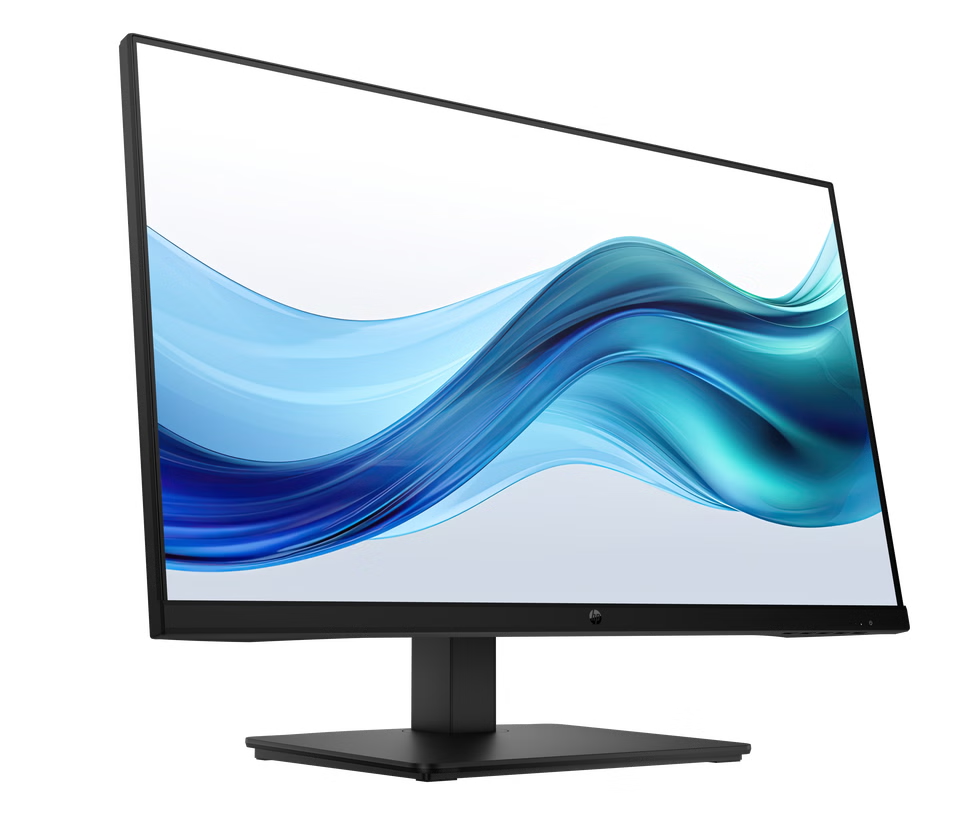
Displays create another point of choice. The HP 3 Pro 27-inch monitor listing describes Full HD resolution, integrated audio and height, tilt, swivel and pivot adjustments. Its page illustrates how a display can be considered as part of the computer purchase rather than an afterthought. Match the screen’s resolution, ports and physical adjustment to both the laptop or desktop and the desk where it will sit. The HP 3 Pro display is one example to compare against a laptop’s built-in panel and available connections.
Accessories round out the ecosystem, including keyboards, mice, docks, chargers, bags and audio devices. This can make a single-store browse convenient when building a complete desk, although compatibility deserves attention. Check ports, charging requirements, keyboard layout and monitor connections against the exact computer configuration. A product family name alone is not enough to confirm that an accessory suits a particular model.
- For a fixed workspace, check what the desktop box includes before adding peripherals.
- For a notebook desk setup, confirm dock and monitor connections.
- Use HP’s compatibility details and support pages where the fit is unclear.
What should a first-time visitor check before choosing?
Use the catalog as a starting map, then move to a specific product page and read the configuration carefully. HP’s own listings are the source for current specifications, availability, price and store terms; these details can change, so they should be checked at the point of decision rather than carried over from an article. This guide focuses on what the range contains and how to compare it, not transient checkout details.
For computers, compare screen dimensions and resolution, processor, memory, storage, ports and included accessories. For printers, compare the intended monthly volume, print functions, feeder or duplex features, and the ongoing supply type. For monitors, pay attention to resolution, ports, adjustability and whether audio is built in. Across categories, also check warranty coverage, delivery and returns for the exact item.
- Confirm the complete model number and configuration.
- Check current supply compatibility, warranty, delivery and returns on the regional product page.
- Compare the device with the space and routine it needs to serve.
Does HP Store sell more than laptops?
Yes. Its Italian catalog includes desktops, monitors, printers, accessories, ink and toner, with navigation for consumer, business and gaming ranges.
What is the practical difference between the OmniBook 7 and OmniBook X Flip?
The OmniBook 7 example here is a standard 16-inch notebook. The OmniBook X Flip example is a 14-inch touchscreen convertible with a hinge that rotates 360 degrees; compare the full listed specifications as well as the form.
How should I choose between DeskJet and Smart Tank?
Start with print volume and supply preference. The DeskJet 4330 is a compact all-in-one with a document feeder, while the Smart Tank 6005 uses refillable tanks and includes duplex printing. Check current supply details and capacity on the relevant product pages.
Our recommendation
We recommend first-time visitors begin with the task they need to solve, then compare the Italian store’s exact configurations. The OmniBook 7 16-ay0005nl is a useful conventional notebook reference, the OmniBook X Flip 14-kb0001nl speaks to readers who value convertible viewing positions, and the DeskJet 4330 demonstrates the everyday print-and-scan end of the range. Each is a concrete way to understand how HP’s product families answer different routines.
The limitation is breadth: a large catalog can take time to navigate, and names alone do not tell you which configuration or consumables suit your home. Check the live Italian product and support pages for the current specification, price, availability and terms before choosing.