

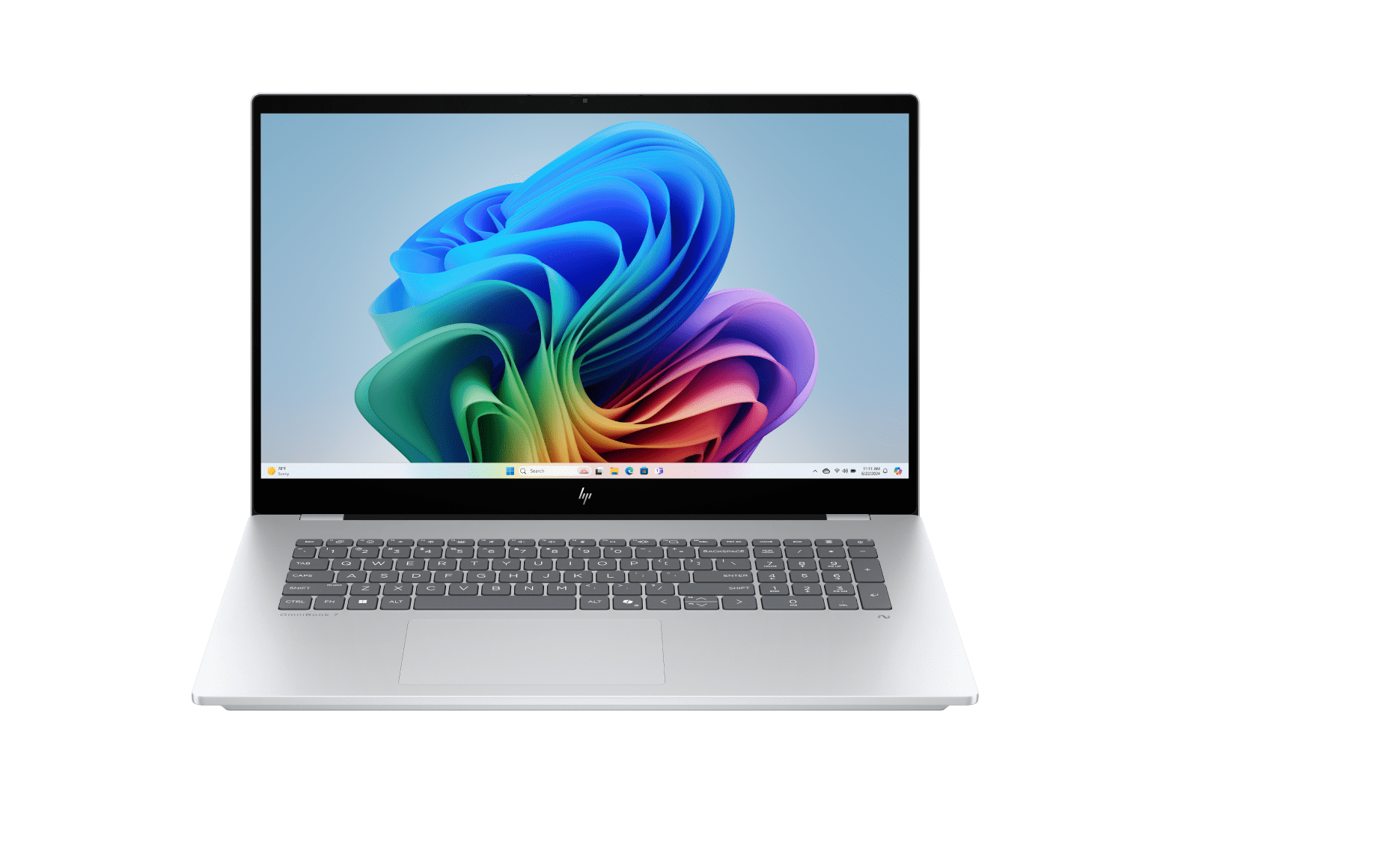
The HP OmniBook 7 17.3-inch Laptop Next Gen AI PC is the most compelling single offering in the HP Store right now for anyone who wants a roomy, modern computer without moving to a desktop. It is built around the Copilot+ PC generation, but its real appeal is practical: a large display, an AI-ready platform and the convenience of buying directly from the official store.
That combination makes it especially interesting for Australian home offices, students and hybrid workers who want one machine to cover research, video calls, creative projects and everyday entertainment. The HP Store adds useful context with weekly deals, support, warranty tools, Care Packs and a broad range of compatible accessories.
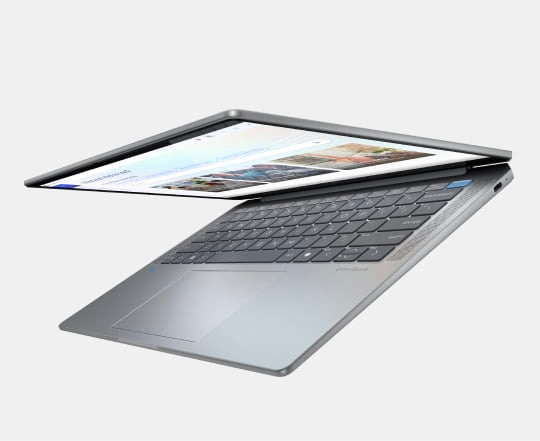
What makes the HP OmniBook 7 useful as a large-screen laptop?
The product page positions the HP OmniBook 7 as a next-generation AI PC with the generous footprint of a 17.3-inch laptop. That matters when your workday involves several windows, long documents or a spreadsheet beside a video call. A larger panel can reduce the constant resizing that makes smaller laptops feel cramped.
It is also a focused answer to the question many buyers have about AI PCs: what changes in daily use? The point is not simply a badge. Copilot+ positioning is aimed at Windows productivity features, assisted workflows and on-device capabilities, while the conventional laptop essentials remain important: comfortable viewing, dependable connectivity and enough flexibility for home and work.
- Large 17.3-inch format for split-screen work, study and entertainment.
- Copilot+ PC platform for current Windows AI experiences.
- Designed for a mixed routine of documents, meetings, browsing and creative tasks.
- Official HP Store support and service options sit behind the purchase.
Which everyday tasks suit the HP OmniBook 7?
For a home office, the OmniBook 7 has an obvious advantage: it can act as the main screen for email, browser tabs, planning tools and a meeting window. It is also a sensible fit for learners who move between notes, course material and research. The bigger chassis is less about showing off and more about making a desk-based laptop pleasant to use for several hours.
Creative users may appreciate the extra visual room for timelines, canvases and reference material, although buyers should check the exact configuration shown at checkout if demanding professional software is the priority. For families, its size makes shared viewing straightforward, while the portable form still allows the machine to be moved when the room changes.
- Choose the screen size and configuration that match your desk and workload.
- Check the current product-page price, delivery details and any weekly-deal reduction.
- Add a Care Pack if longer service coverage matters to your buying decision.
- Plan your desk setup around charging, an external mouse and optional display expansion.
Which HP accessories can complete an OmniBook 7 setup?
The HP Store is strongest when the laptop is treated as the centre of a wider setup. The HP Series 5 Pro 27-inch QHD USB-C Monitor 527PU is a natural companion for desk workers who want a second screen, while the 34-inch HP Series 5 Pro 34-inch WQHD USB-C Conferencing Monitor 534PM is the more expansive option for wide timelines, dashboards and conferencing.
HP describes the Series 5 Pro line around vibrant visuals, USB-C charging and daisy-chaining. In buying terms, that means you can build toward a cleaner hybrid-work desk rather than replacing everything at once. Start with the laptop, then add the display or accessories that solve a real friction point.
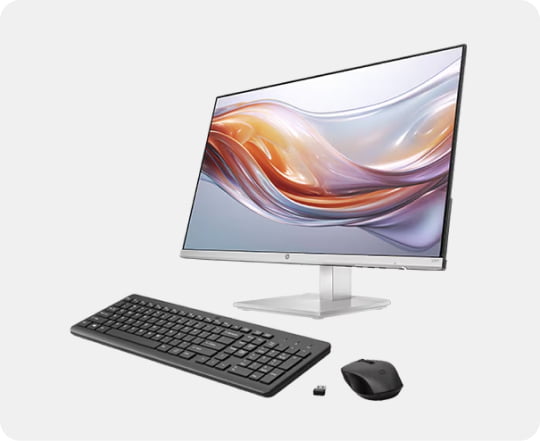
A second display is most useful when it removes a specific bottleneck, such as switching between a brief and a spreadsheet. That is why the monitor choice belongs after the laptop workflow is clear.
- Choose the 527PU for a compact, high-resolution second-screen setup.
- Choose the 534PM when wide workspace and conferencing are central.
- Look at the HP accessories range for keyboards, mice, webcams and cables.
What does buying from HP Store add?
Buying direct is not only about the checkout screen. The HP Store places product categories, weekly deals, financing information and expert sales help in the same ecosystem. Support pages for drivers, troubleshooting and warranty checks are easy to find, which is reassuring when a computer is expected to work through study or business commitments.
HP also makes subscriptions part of the wider picture. For printer owners, HP Smart Tank 5100 All-in-One Printer sits in the Smart Tank family, while HP Instant Ink and the HP All-In Plan address recurring ink and support needs. The store category includes Smart Tank options, but the exact model details should be confirmed before ordering.
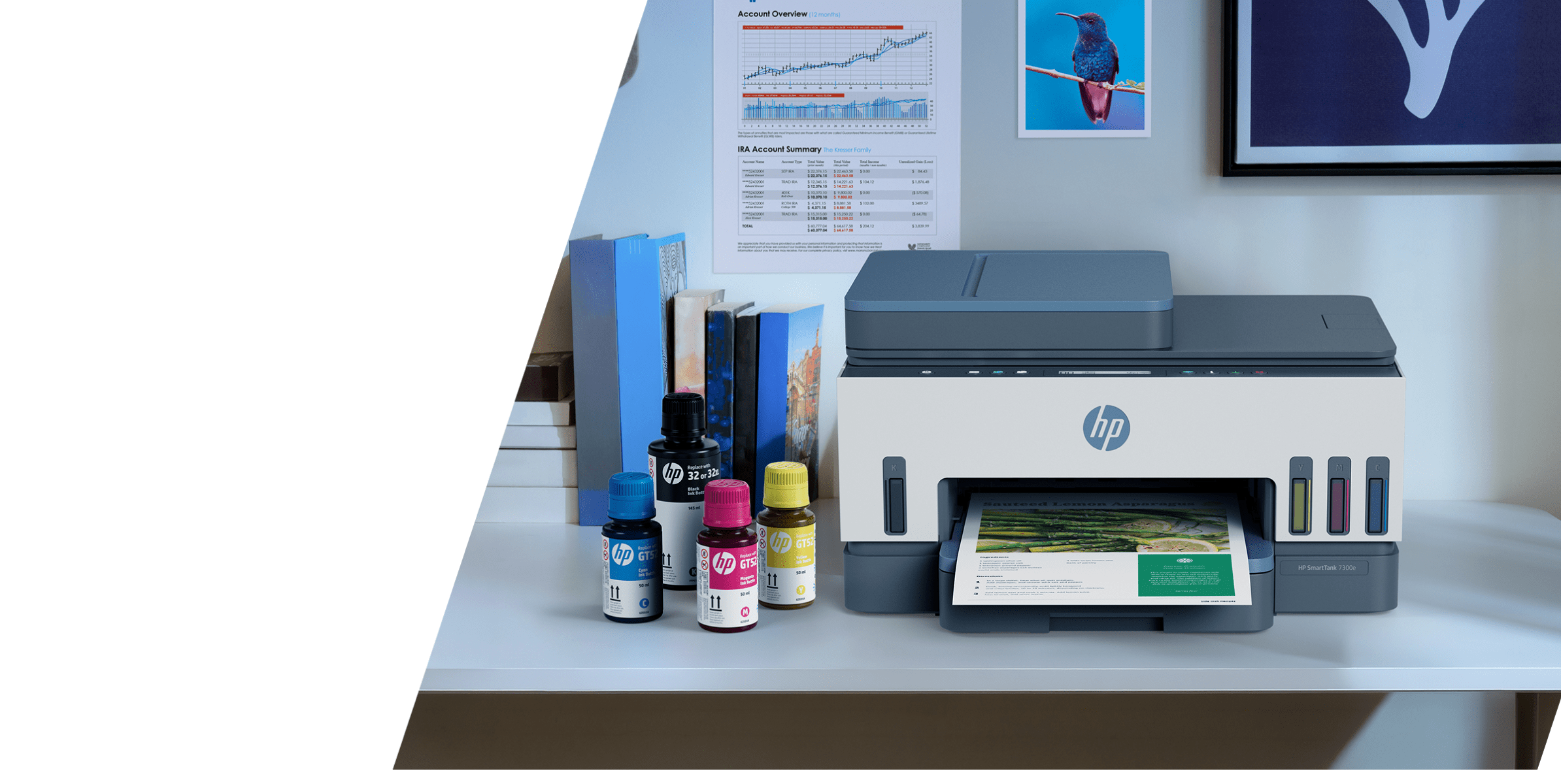
That ecosystem is one of HP’s clearest strengths. You can start with the OmniBook 7, add an HP monitor when your workflow grows, and keep printing costs predictable through Smart Tank or subscription options.
- Use the official product page to check the live price and configuration.
- Review delivery, returns and warranty information before payment.
- Compare deals across laptops, monitors and printers in one store.
- Keep the support and driver pages bookmarked after setup.
Would the HP OmniBook 7 suit your everyday work?
The verdict is straightforward: the HP OmniBook 7 is a strong big-screen AI laptop for people who value comfortable everyday productivity over an ultra-small travel machine. Its 17.3-inch format is the headline feature, Copilot+ readiness is the future-facing detail and the HP Store ecosystem is the practical reason to consider buying direct.
It is less suited to shoppers whose first priority is maximum portability or a highly specialised workstation specification. For everyone else, it offers a clear, flexible starting point. Check the live configuration, compare current deals and consider the monitor or support add-on that would make the finished setup feel complete.
There is also a useful sense of continuity in the range. HP lets a buyer begin with one computer and return to the same store for displays, printers, accessories and service. That can simplify compatibility decisions, especially when a household has several different needs. A student might use the laptop for assignments, a parent might rely on the printer, and a remote worker might later add the wide conferencing monitor.
Before checkout, make a short comparison of the things that affect ownership most: screen size, configuration, delivery and support. The current offer may change, so the product page should be the final authority on price. The value proposition is strongest when the large screen genuinely improves your routine and when you expect to use the official support ecosystem.
- Best for a desk-based home office that still needs portability.
- Useful for study, calls, research and everyday creative work.
- Worth pairing with a monitor when multiple windows are routine.
- Check the live price and configuration before making a final decision.
Does the HP OmniBook 7 include Copilot+ PC features?
HP presents this 17.3-inch model as a next-generation AI PC and Copilot+ PC. Confirm the exact configuration and current Windows feature availability on the product page before ordering.
Can I add a monitor later?
Yes. The HP Store lists the Series 5 Pro range, including the 527PU and 534PM, so you can begin with the laptop and expand your desk as your workflow grows.
Where should I check the price?
Prices and promotions can change. Use the official HP product page for the current configuration, delivery information and any weekly-deal pricing before you commit.