
Long evenings and a little more time indoors can turn a small making idea into a satisfying winter project. The useful question is which machine fits the work you actually want to do, from a simple desk accessory to a more ambitious multicolor model.
We reviewed the US product pages for Creality Official Store and compared three distinct kinds of setup: an approachable open-frame printer, a larger multicolor printer bundle and a handheld scanner. The product pages describe different workflows, so the best choice depends on available space, project scale and how much setup you want to manage.
This article contains affiliate links. If you buy through them, we may earn a commission at no extra cost to you.
Before you read on
- Ender-3 V3 SE suits smaller home projects where a straightforward single-printer setup is the priority.
- K2 Plus Combo is the larger option for multicolor work and more involved projects.
- Creality Pika adds scanning when you want to capture a physical object as a starting point for digital work.
- Measure the intended workspace and compare materials, print volume, included equipment and support terms before choosing.
What makes a winter printer useful at home?
Seasonal making does not require a holiday-specific machine. It does benefit from a clear project list. Small organizers, replacement knobs, tabletop decorations and personalized tokens all put different demands on a printer. A compact functional part can be a sensible first goal, while a larger decorative piece or a set of coordinated colors may lead toward a different tier.
Start with these questions before browsing the Creality Official Store:
- Will the printer live on a permanent workbench, or must it share a table?
- Are you making a few small parts, or larger pieces that need more build space?
- Do projects call for one filament at a time or multiple colors and materials?
- Would scanning an existing object help, or will you design models from scratch?
Those answers are more useful than choosing by a headline feature alone. The product pages are the source for model specifications, bundle contents and current availability. We recommend checking the details for the Ender-3 V3 SE and K2 Plus Combo directly, since configuration can matter as much as the printer name. Compare the Ender-3 V3 SE listing with the K2 Plus Combo listing while you make that shortlist.
Which Creality printer fits smaller projects?
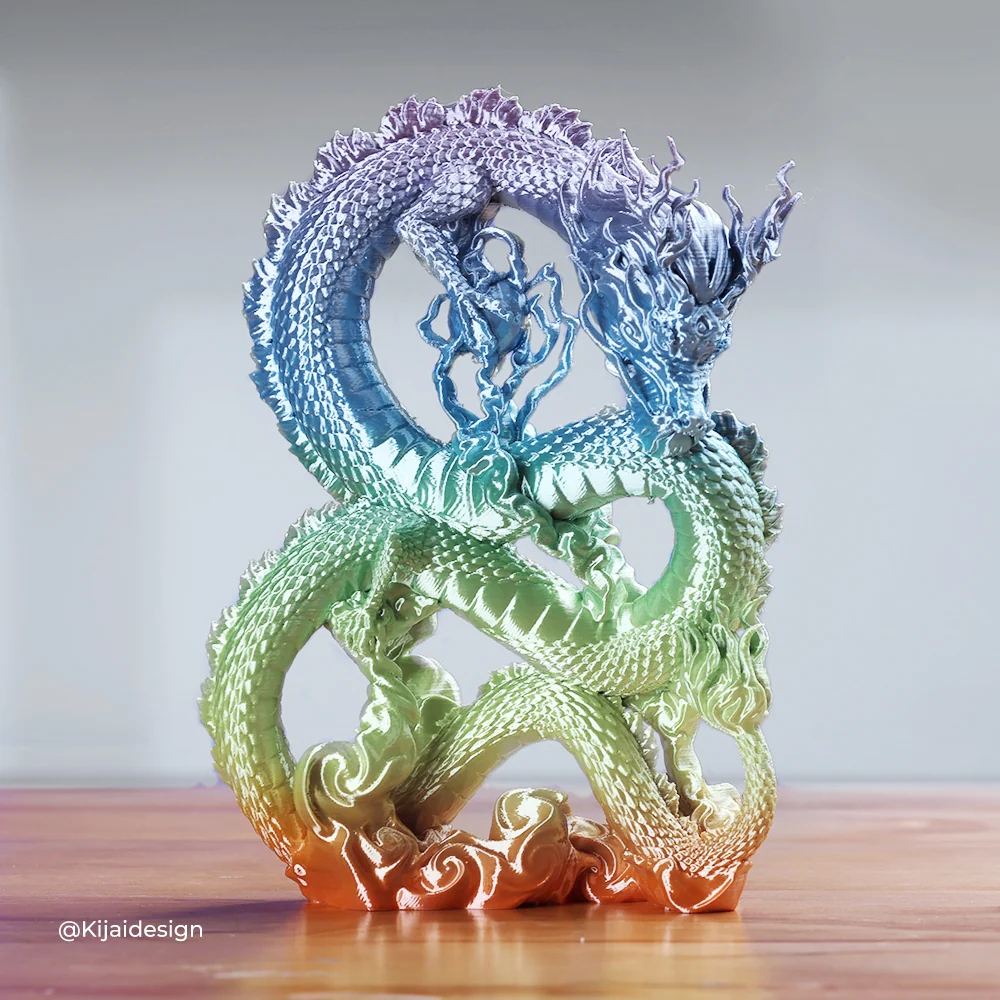
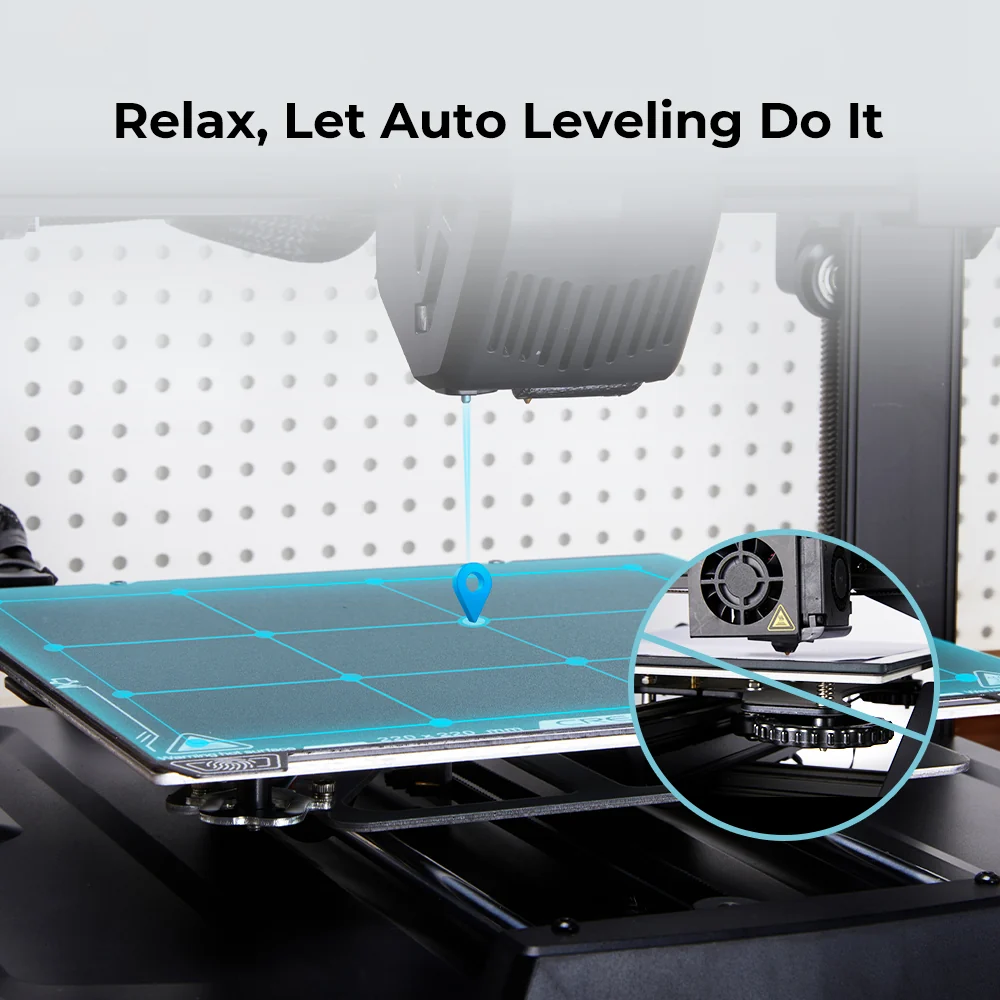
The Ender-3 V3 SE 3D Printer is the natural starting point among these options when the goal is regular, modest-scale home printing. Its open-frame format makes the machine and print area visible, which can help a new maker understand the basic process. It is a sensible category fit for organizers, practical replacement pieces and simple seasonal decorations designed as one-color parts.
Read the Ender-3 V3 SE page for the current build area, supported materials and setup information. The store lists product-specific shipping, return and warranty terms; check those on the page before ordering. A smaller entry point still needs a stable surface, ventilation appropriate to the chosen material and room to handle filament and finished pieces. Check the Ender-3 V3 SE specifications and its listed setup information before planning that space.
For an indoor winter project, plan the model and material together. A decorative ornament may prioritize color and finish, while a drawer divider or cable guide may need more attention to fit and strength. We would begin with a single useful object, then build confidence before planning a batch of gifts. See the Ender-3 V3 SE product specifications and options and confirm the listed contents for the version shown.
- Smaller jobs: consider an open-frame printer.
- Multicolor plans: compare a combo system.
- Physical references: consider a scanner workflow.
When does the K2 Plus Combo make more sense?
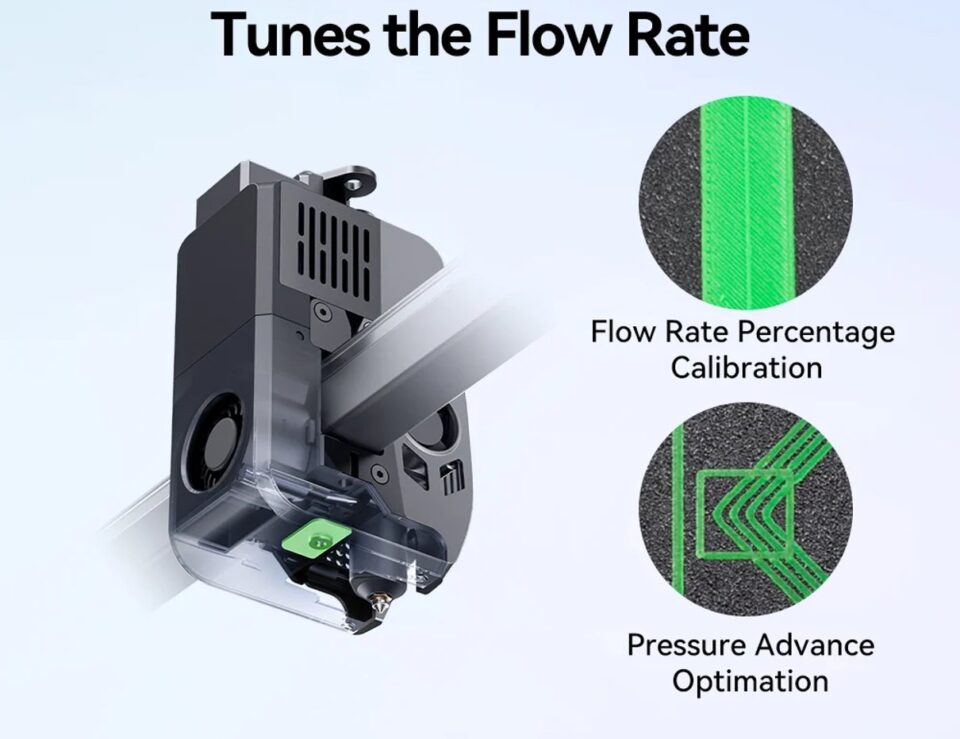
The K2 Plus Combo 3D Printer is positioned for a larger and more capable workspace. The combo format is relevant for makers interested in multicolor printing, coordinated components or projects that benefit from a more advanced system. That can be attractive during a season of gift making, but only if the added capability matches the kinds of models you expect to produce.
Before choosing the K2 Plus Combo, compare its footprint and bundle contents with the place you have available. Larger systems call for more room around the machine, a deliberate materials plan and some time to understand the workflow. Check the store page for its exact supported functions and included components rather than assuming every pictured accessory is part of the bundle.
- Choose the K2 direction if multicolor output is central to the projects on your list.
- Check the complete printer footprint, including access for loading filament and removing prints.
- Review the current bundle contents and compatibility notes on the product page.
- Set aside time to learn the workflow before making several pieces for a deadline.
For projects that genuinely use those capabilities, its extra complexity can be useful. For basic one-color household parts, it may be more machine than needed. Use the K2 Plus Combo product details to compare its bundle and configuration with your actual plans. The K2 Plus Combo details are available on the US product page, including the current configuration and what the store says is included.

Could a scanner be part of your maker setup?
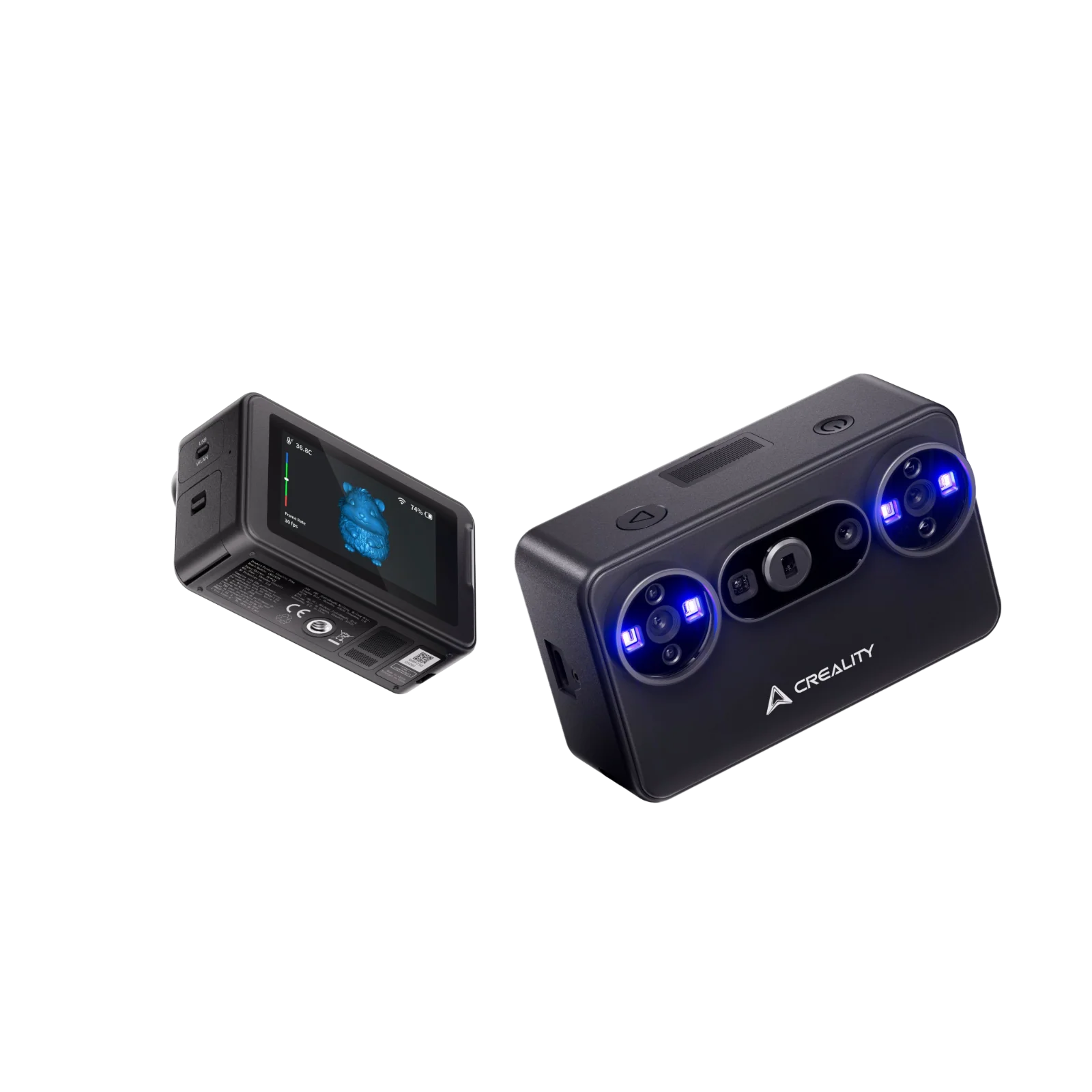
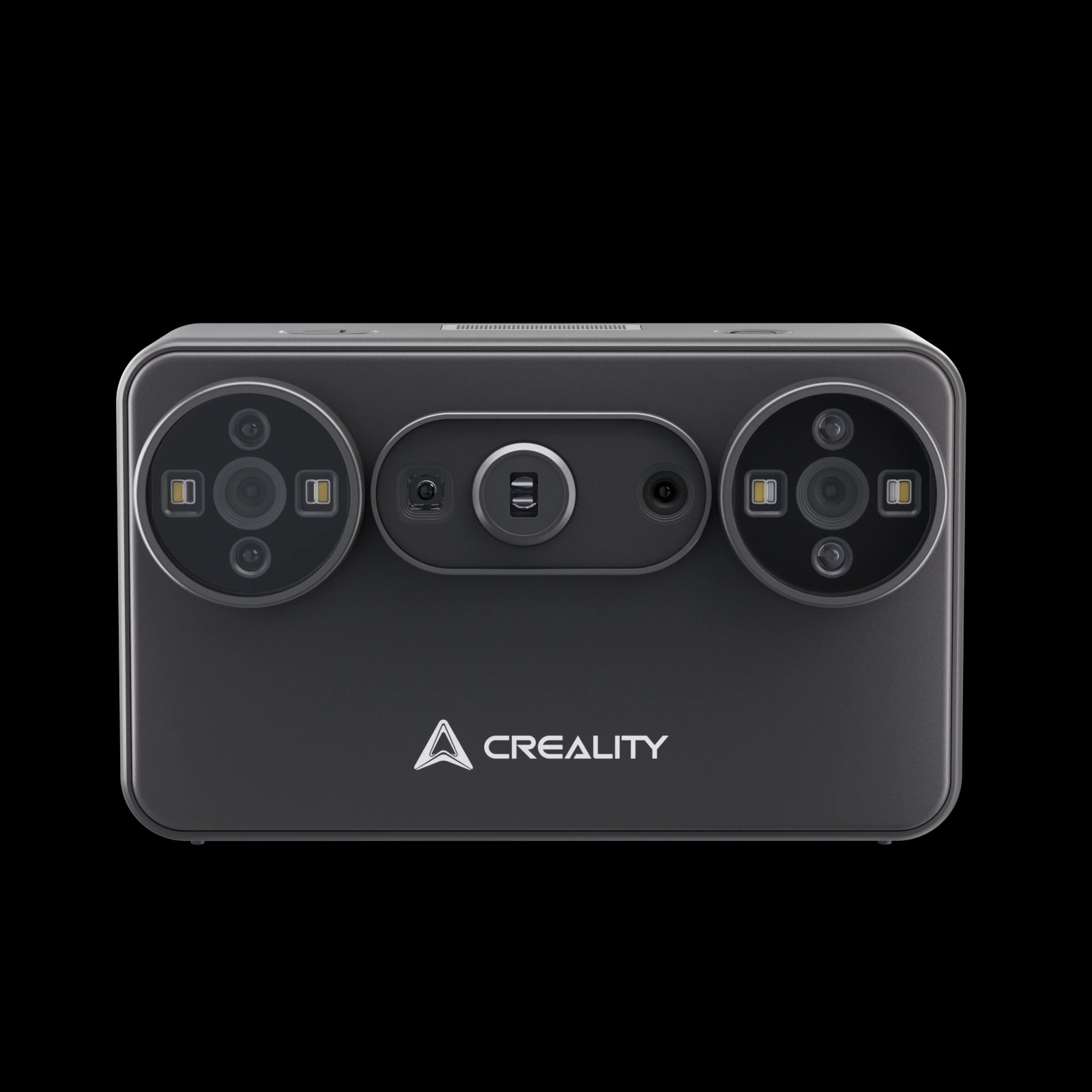
A printer turns a digital model into an object; a scanner can help move in the other direction. The Creality Pika 3D Scanner is a different kind of tool for people who want to capture the shape of a physical object and work from that digital starting point. That can make it relevant for documenting a small object, experimenting with a model based on an existing form or exploring a scan-to-edit workflow.
Scanning is not an automatic shortcut to a print-ready file. The object, surface, scan conditions and cleanup process affect the result, and a digital scan may need editing before printing. Think of the Creality Pika as an additional workflow tool rather than an alternative printer. Check the Pika 3D Scanner details and its listed software requirements before pairing it with a printer. Review the product page for supported operating systems, scanning range, included accessories and the software workflow before deciding whether it solves a real need.
It is an especially different fit from the two printers above: a first printer buyer may not need a scanner at all, while a maker working from physical references may value having one. Compare the Creality Pika 3D Scanner features and current options with the models you expect to capture.
How should you plan the project and total setup?
There is no single seasonal setup that fits every home. The main cost drivers are machine tier, print volume, multicolor capability, filament and any additional tools or accessories. Because configurations and availability change, use the store pages to check current details rather than relying on a remembered listing. You can compare the Ender-3 V3 SE options, the K2 Plus Combo configuration and the Pika scanner listing against your project requirements.
A practical planning sequence keeps the choice grounded:
- Write down two or three actual objects you want to make this season.
- Estimate their largest dimensions and whether color changes matter.
- Measure the shelf or table and allow working room around the machine.
- Check the product page for bundle contents, material compatibility and support terms.
- Choose one starter project and leave time for design adjustments and print iterations.
Also consider the less visible parts of the hobby: filament storage, a place for tools, safe handling of warm components and a surface that can stay clear. These details matter in a shared household, where a printer may be used in a living or spare room rather than a dedicated workshop. Revisit the Ender-3 V3 SE page or the K2 Plus Combo page once you have measured your space.
What should buyers check before choosing?
Creality Official Store lists selected products with shipping offers, a 14-day return and refund policy, warranty information and lifetime customer support. The exact terms can depend on the product and order, so read the relevant US store policies and the individual product page before purchase. This is useful context, but it does not replace checking what is covered, how returns work or whether shipping applies to the configuration you select. Check the Ender-3 V3 SE terms, K2 Plus Combo listing and Pika page for product-specific information.
Our quick checks are simple:
- Confirm the product is sold in the US store and note its exact bundle contents.
- Compare machine dimensions and project capacity with your planned workspace.
- Check compatible filament or scanning software requirements before adding supplies.
- Read the listed shipping, returns and warranty details for that specific product.
For a smaller first purchase, inspect the Ender-3 V3 SE page and decide whether its scope covers your projects. For larger multicolor ambitions, inspect the K2 Plus Combo listing. For object capture, compare the Creality Pika scanner details. Each is linked to its own US store page so the specifications can be checked against your needs. Review the Ender-3 V3 SE page for a compact printer option, the K2 Plus Combo page for multicolor details and the Pika page for scanning information.
Frequently asked questions
Which Creality model is a reasonable first printer?
The Ender-3 V3 SE is the simpler fit in this guide for smaller single-material projects. Confirm its current specifications, supported materials and included parts on the US product page before choosing. The product listing covers the details to review.
Is the K2 Plus Combo only for multicolor printing?
The combo is positioned for more capable and multicolor workflows, though the right use depends on the exact configuration and product details. Check the store listing for supported features and what the bundle includes. The K2 Plus Combo listing is the reference for its current package.
Do I need a scanner with a 3D printer?
No. A scanner is useful when capturing physical objects is part of your process. If you plan to print downloaded or self-designed models, a printer alone may meet your needs. Compare the Pika scanner page with the Ender-3 V3 SE page to see which workflow applies.
- Smaller projects: compare the Ender-3 V3 SE.
- Multicolor projects: review K2 Plus Combo details.
- Scan-based work: check the Creality Pika workflow.
Our recommendation
For a winter maker setup, choose by the objects you want to create, not by the most advanced feature on a product page. The Ender-3 V3 SE is the measured starting point for smaller projects, while the K2 Plus Combo makes more sense when multicolor work and a larger system are part of the plan. The Creality Pika belongs on the list only if scanning has a clear role in your workflow.
One limitation applies to all three choices: a printer or scanner still takes planning, setup and iteration, and the store’s current configuration details may change. Check the US product pages for fit, contents and current availability before settling on a seasonal project machine.