
When a Jackery product page carries an offer label, the useful question is not just whether the station is included. It is whether the configuration solves your power needs and whether the offer applies to that exact bundle.
Jackery sells portable power stations, solar generator bundles, panels and home battery systems. The offer selection can change with the store’s featured products, so this guide explains how to read the offer, compare the range and check the terms on the UK product page before choosing.
We based this guide on product and offer information on the Jackery store. Availability, included accessories and offer terms can change by listing.
This article contains affiliate links. If you buy through them, we may earn a commission at no extra cost to you.
Before you read on
- The Explorer 300D is a compact 288Wh station with five outputs and USB-C PD charging up to 140W.
- The Solar Generator 500 v2 combines a 512Wh, 500W station with solar panel bundles that vary by listing.
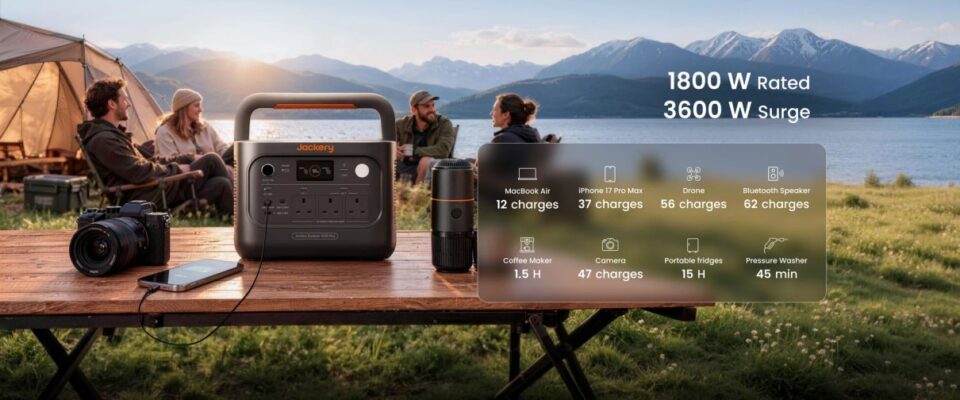
- The Solar Generator 1000 Plus v2 offers a 1,024Wh capacity, 1,800W rated output and an expandable setup.
- Check the selected model, included panel, stock status and checkout terms; a promotion on one listing does not establish eligibility for another.
What does a Jackery offer cover?
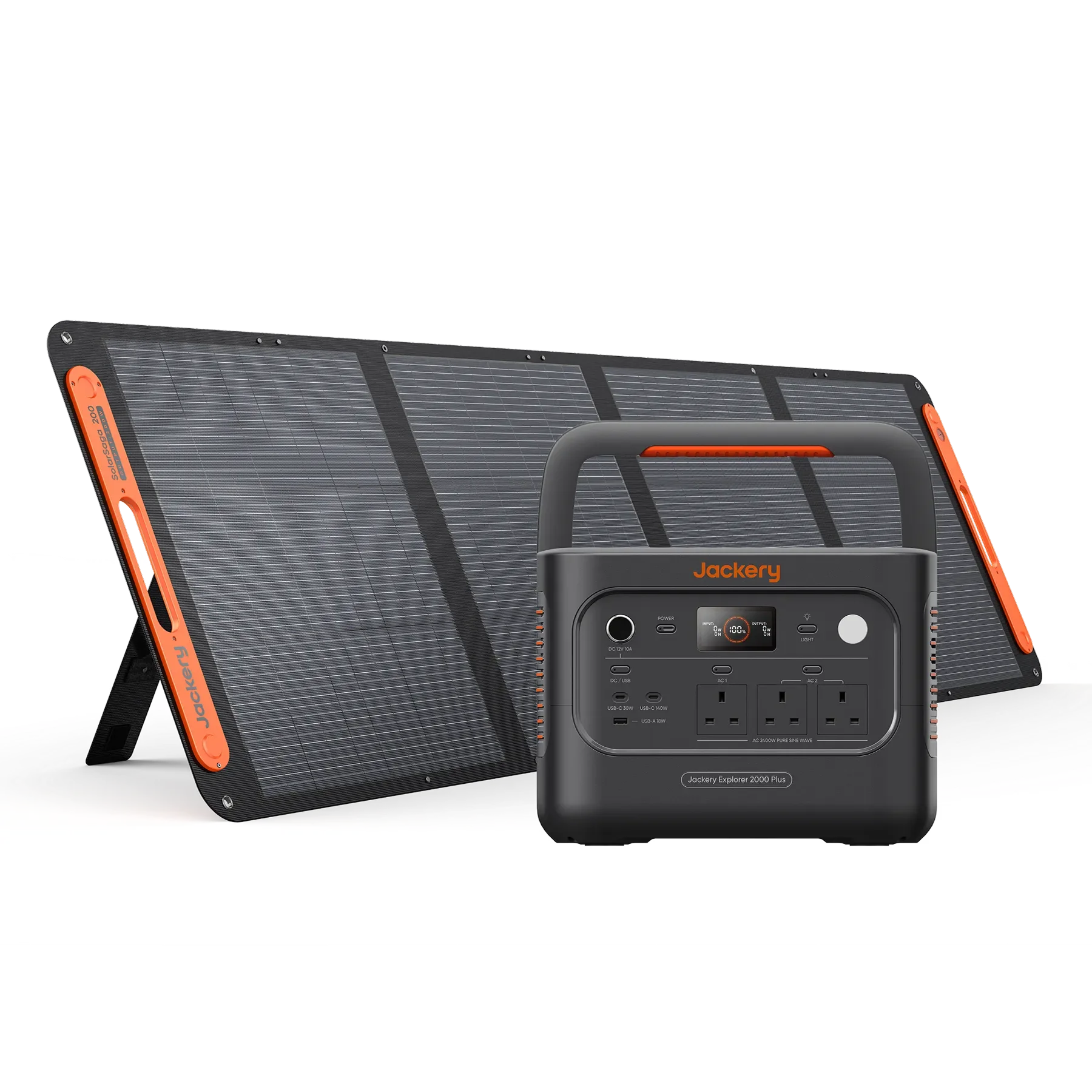
Jackery’s UK store sells portable stations, solar generator bundles, panels and home battery systems. Offer labels can apply to selected products or accessories, and a bundle pairs a station with the items named in that configuration. Do not assume every pictured accessory is included. The offer label is listing-specific; read the linked terms.
That distinction matters because station names are easy to confuse. A standalone power station and a solar generator bundle may use a similar Explorer model name but arrive with different charging equipment. For example, the Explorer 300D page describes the 288Wh capacity and its outputs, while a generator bundle includes solar hardware identified in that bundle’s options. Compare the contents before deciding which option represents better value for your use.
Offer pages may also show a gift, bundle component or price guarantee alongside selected products. These are not universal storewide benefits. Confirm the qualifying model, whether the item is included automatically, any stock qualification, and whether the relevant condition appears in the product page or checkout. Avoid relying on a banner alone if it does not specify the exact item.
- Open the exact product listing from the UK store.
- Choose the station and bundle configuration you intend to order.
- Read the offer conditions and check which accessories are named as included.
- Review delivery, stock and return details before completing checkout.
For occasional charging on a trip, the Explorer 300D is the compact end of the selection: its listed capacity is 288Wh, with five outputs and USB-C PD charging up to 140W. If that profile fits, inspect the Explorer 300D listing and verify whether the current offer is for the station alone or a bundle.
Which station makes sense for a bundle offer?
Start with what you need to run, for how long, and where you can recharge. The capacity and output ratings on a product page help narrow the field, but they do not by themselves tell you runtime: device draw, conversion losses and simultaneous use all affect it. It is sensible to list your devices and their wattage before treating a larger station as automatically better.
The Solar Generator 500 v2 is listed at 512Wh capacity and 500W rated output. That makes it a step up in capacity from the compact 300D, but the best configuration depends on whether you need a panel included and whether you can use solar charging in your setting. Its product page identifies the currently selectable bundle contents, so use the Solar Generator 500 v2 listing to compare station-only and panel combinations.
For longer use or a wider range of devices, the Solar Generator 1000 Plus v2 has a listed 1,024Wh capacity and 1,800W rated output. Jackery says the Plus v2 setup can expand with compatible battery packs. That can be useful when your needs justify a modular arrangement, but it adds components to compare and confirm for compatibility. Check whether the offer shown applies to the station, a generator set or an expansion configuration. The the Solar Generator 1000 Plus v2 listing page is where to confirm the chosen setup.
- Compact travel: compare the Explorer 300D’s portability and output needs against the devices you expect to charge.
- Mid-range use: check the Solar Generator 500 v2’s capacity and whether a panel is part of the chosen bundle.
- More sustained demand: compare the Solar Generator 1000 Plus v2 and its compatible expansion options.
- Home energy storage: treat SolarVault as a separate installed home system, not a portable station bundle.
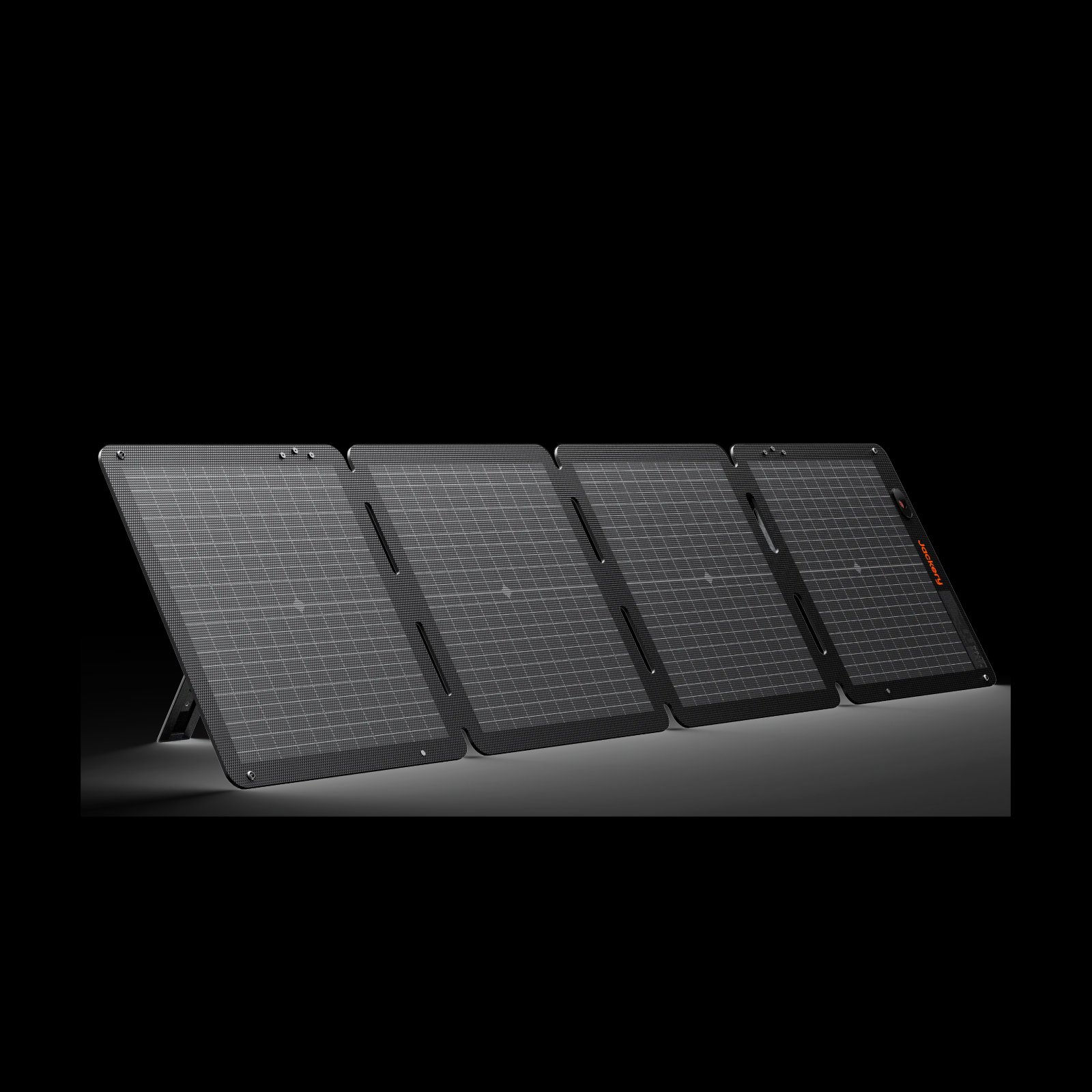
Consider panel storage and set-up as well as output. The Solar Generator 2000 Plus v2 combines a higher-capacity station with solar panels in the selected kit. That can reduce the need to source compatible pieces separately, but a larger kit also takes more room and may not suit a short, light trip. Check panel quantity and dimensions on the bundle listing, then decide whether the additional equipment fits your routine.
What should you verify before using an offer?
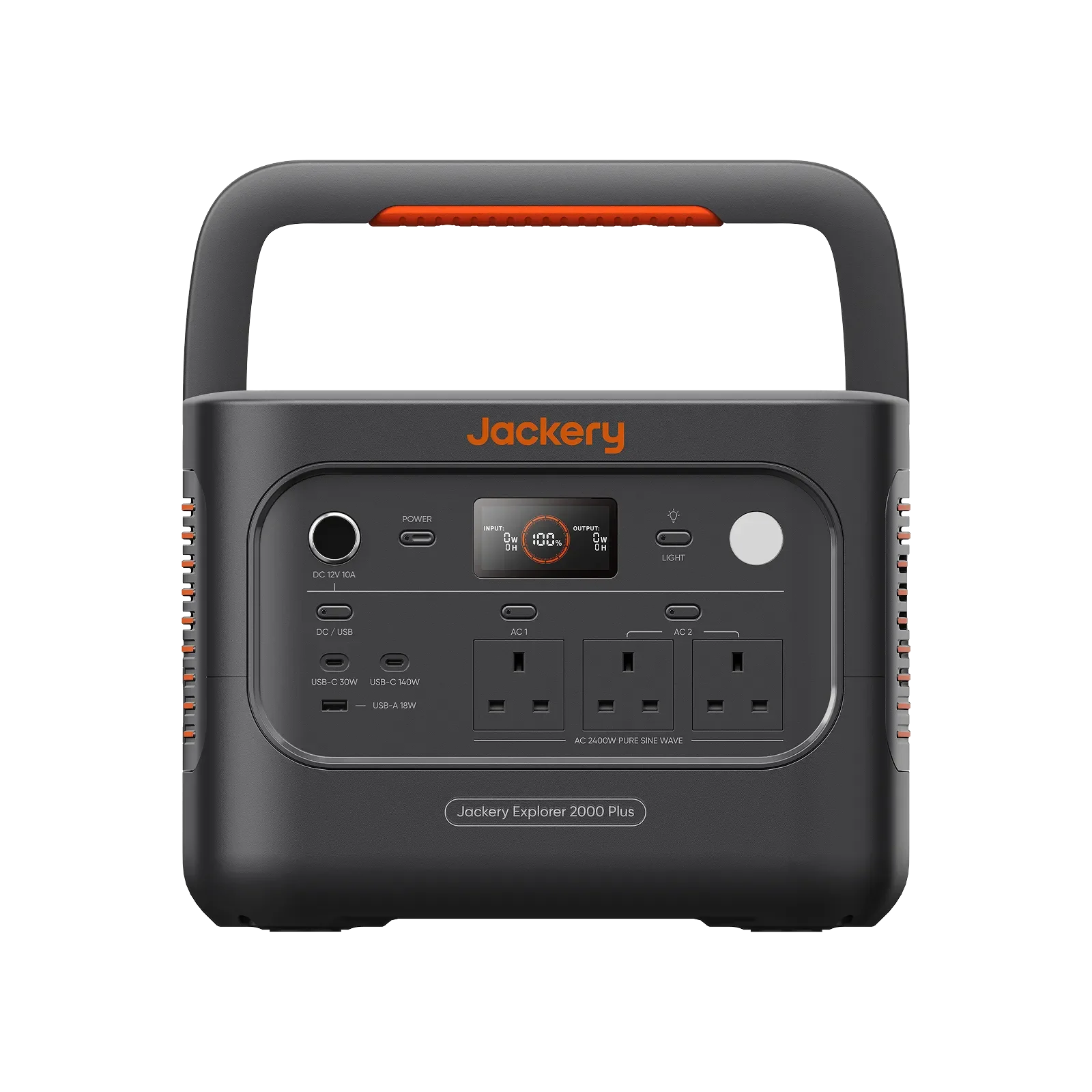
Use the product detail page as your checklist. Promotions can be limited to particular variants, bundle contents or stock. If a gift or accessory is mentioned, make sure it is part of the selected configuration or clearly included in the terms. A product image may show more than the bundle being sold.
- Model and variant: confirm the exact Explorer or SolarVault version, including the suffix.
- Included equipment: check panels, cables, battery packs and any gift separately.
- Compatibility: ensure any extra battery or accessory supports the selected station.
- Availability: check stock and any preorder or delivery note on that page.
- Terms: read offer conditions and return information before checkout.
Do not choose on headline capacity alone. For portable use, weight, dimensions, output ports and charging routes matter; for home backup, installation requirements and system compatibility matter more. Jackery’s SolarVault range is a fixed home battery category, so it should be assessed separately from a station intended to move between home, vehicle and campsite.
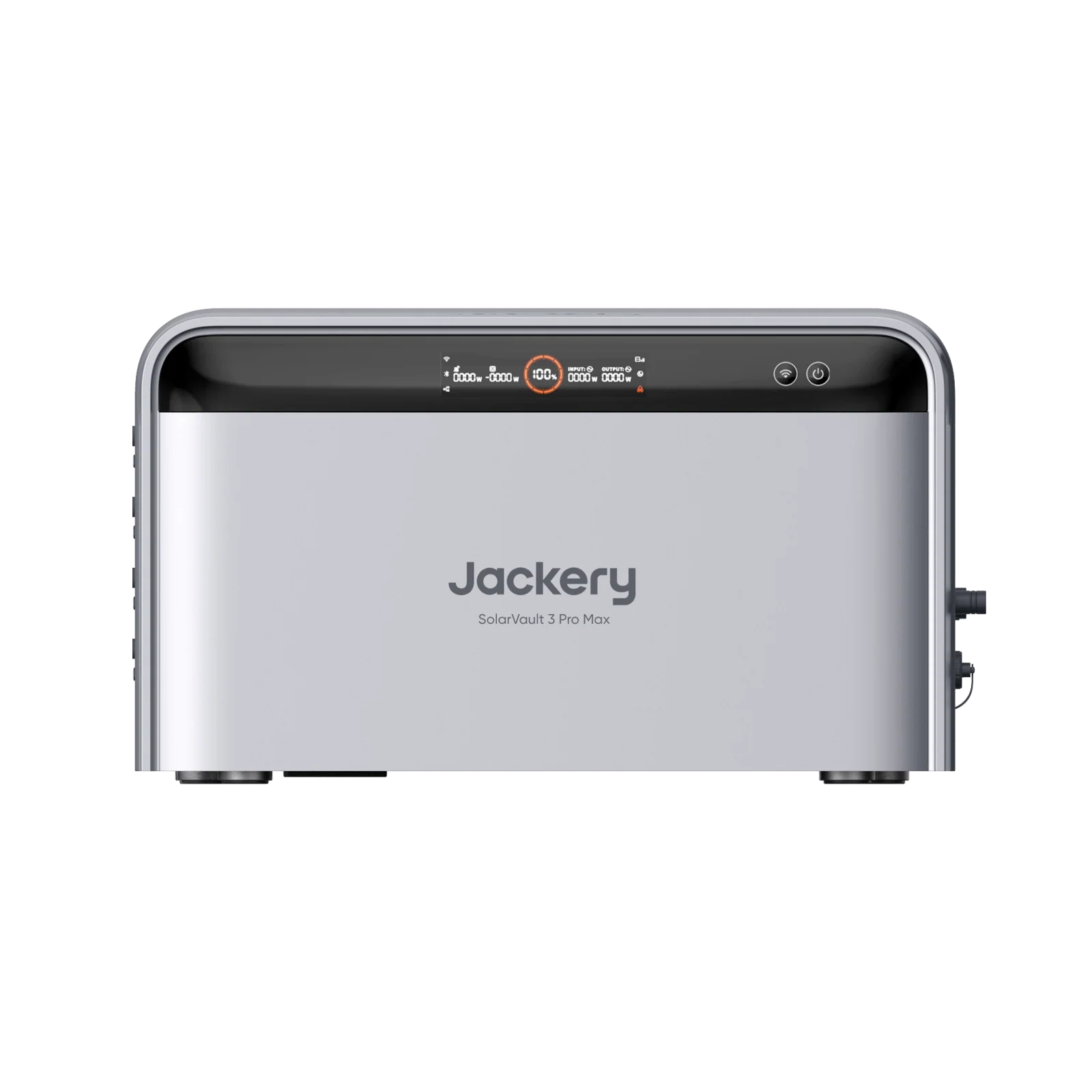
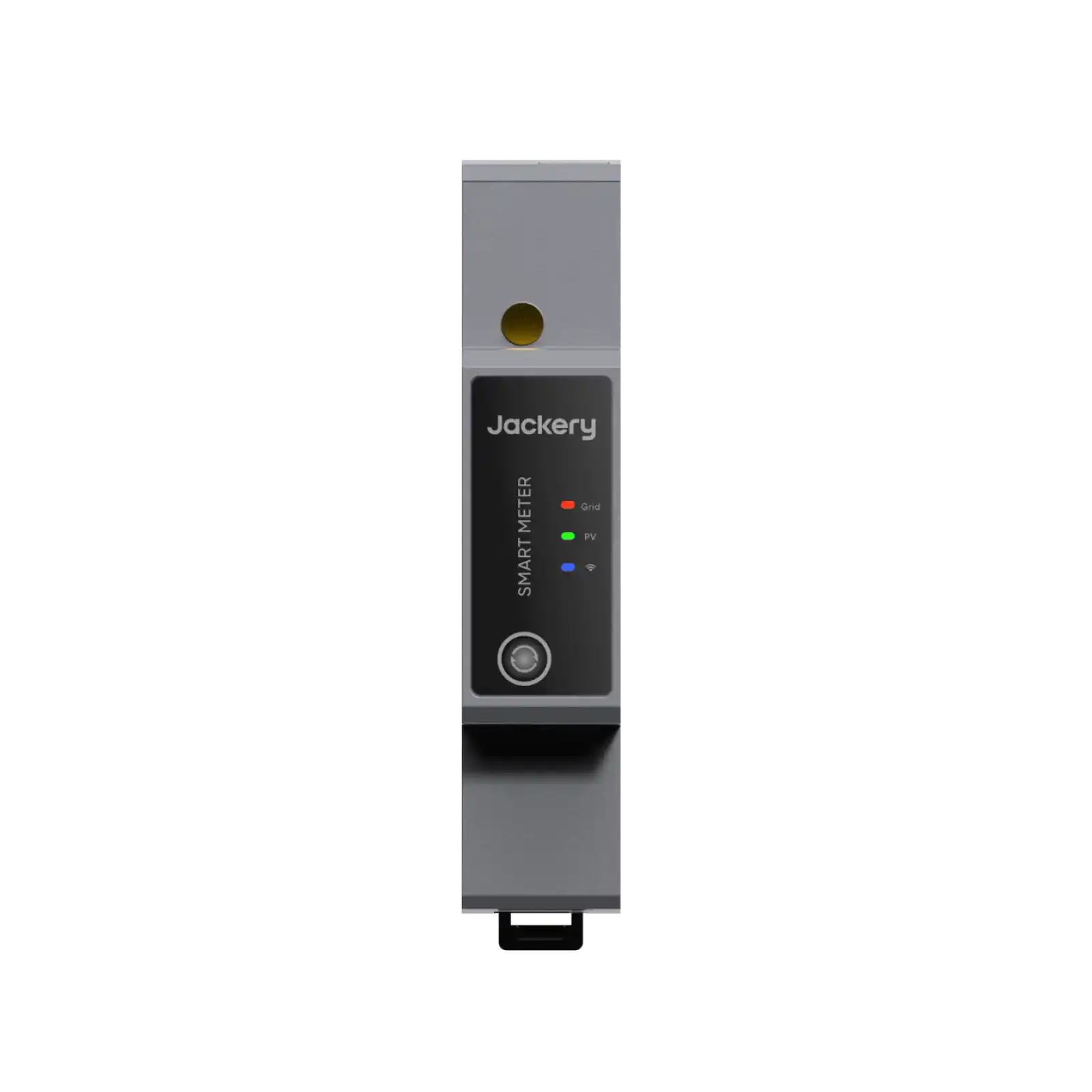
SolarVault listings may pair the battery with accessories such as a smart meter or battery pack. Confirm whether those appear in the offered package, and check the specific model’s installation and compatibility information. The store’s SolarVault accessories page can help identify related components, but the product listing and its offer terms should determine what is included in a particular purchase.
How do you compare the total setup?
A simple comparison prevents a tempting bundle from obscuring the practical differences. Write down the station, charging method and accessories required for your intended use, then see which offer supplies those items. If an offer adds equipment you would not use, its apparent bundle value may not help your decision.
- Estimate your normal device load and the duration you need to cover.
- Decide whether mains, car or solar recharging will be most practical.
- Compare the exact included components across the two or three models that fit.
- Check current listing details and terms again immediately before checkout.
For a solar setup, panel wattage is only one part of the decision: sunlight, placement and charging conditions affect input. A panel bundle can simplify matching equipment, but confirm the connection and supported input on the station page. For an expandable station, check the compatible battery model and whether the selected offer includes it or leaves it as an optional extra. The the Solar Generator 2000 Plus v2 bundle listing shows one larger solar bundle configuration.
Keep the comparison focused on the total setup you will actually use: station capacity and output, recharge method, portability, included accessories and warranty or return information. Current price is best checked directly on the UK store because both the selected configuration and its offer can change. The Explorer 1000 Plus v2 page can be compared with the Solar Generator 500 v2 page when a larger capacity or solar bundle is part of the decision.
Questions buyers ask about Jackery offers
Does every Jackery product qualify for a store offer?
No. An offer may be limited to named products, configurations or stock. Check the exact UK product page and its terms rather than assuming a banner applies to the whole range.
How can I tell whether a solar panel is included?
Read the selected product title, configuration options and included-items details. A station listing and a solar generator listing can describe related equipment while including different components.
Should I choose the largest station offered?
Only if its capacity, output and recharge options match your needs. A larger unit may add weight and cost, so compare expected device load and portability before choosing a bundle.
Our recommendation
Choose by use case first, then treat the offer as a way to compare the exact configurations that suit it. The Explorer 300D covers compact charging needs, the Solar Generator 500 v2 is a middle option, and the Solar Generator 1000 Plus v2 offers more capacity with expansion support. Confirm each model’s listing and bundle contents before you decide.
The limitation is that offer labels and stock can change, and no single bundle is best for every buyer. Check the current product details and terms on Jackery’s UK store before checkout.